Awesome Screenshot alternatives
Awesome Screenshot spans a browser extension and a Mac app, which is unusual and genuinely useful. The catch is what joins them: one cloud account, one subscription, and a free tier that stops at 100 screenshots.
We compare the tools that cover the same ground without tying both halves to a monthly bill — including one that also comes in two halves, priced differently.
Supplemented with
- Extension store listings
- Chrome Web Store listing and reviewsMac App Store listing
- Awesome Screenshot docs
- Pricing pageSupport troubleshooting index
The short answer
Sowiks
The same two halves without the subscription joining them. The Chrome extension is free, has no server and no account; the Mac app is $19.99 once and adds scrolling capture, OCR, recording and locked share links.
CleanShot X
The Mac answer, not the browser one. Studio Mode now edits recordings with smart zooms and keystroke display — $35 once, or $10 a month.
GoFullPage
Does one job. Full-page capture for 9 million users, a lean permission list, and no account. No recording at all.
Nimbus Capture
The closest like-for-like: an extension for Chrome, Firefox and Opera with screenshots and recording, and the same habit of putting the useful half behind Pro.
Why people look for an alternative
The free tier is counted, not limited. A hundred screenshots and twenty recordings, with recordings held to 720p and three days to recover anything deleted. Most tools cut a feature; this one cuts a quantity, so the wall arrives on an ordinary Tuesday rather than the first time you need something specific.
The cheaper paid tier does less than it looks. Basic, at $5 a month billed annually, lifts the screenshot limit and nothing else: recordings are still capped at twenty and still 720p. Unlimited recording and 4K start at Professional.
Recording inside the browser is fragile. Awesome Screenshot keeps 22 troubleshooting articles about recording and 17 about screenshots, and one of them is titled for the case where the extension freezes the browser every time you try to record. That is not a criticism from outside — it is their own support index.
Full-page capture meets fixed elements. Chat buttons and sticky headers get photographed at every seam and reappear down the stitched image. It is worth knowing how a long capture quietly breaks before trusting any tool with one.
The proof has not been refreshed. Every testimonial on the homepage carries a 2018 or 2019 date, and the homepage disagrees with itself about the numbers: the hero counts 3 million users and 24,000 store reviews, while the band above those same testimonials says over 2,000,000 users and 18,489 reviews. The Mac app has too few ratings for the App Store to show a score at all.
Wouldn't be able to do my job of presenting website design analyses without Awesome Screenshot! Great tool that's dead simple to use. The only time I have a problem with it is when a site has fixed elements (chat buttons, headers) that show up at random spots when I do a full page capture.
Side by side
| Tool | Price | Model | Platform | Scrolling | OCR | Recording | Share links | Link privacy | Best for |
|---|---|---|---|---|---|---|---|---|---|
| Sowiks | $0 free / $19.99 Solo | Free, or one-time | macOS 15.5+ | Yes (Solo) | Yes (Solo) | Video + GIF (Solo) | Yes (Solo) | Password + expiry | One-time price, private links |
| Awesome Screenshot | $0 free / $5–8 per month | Capped free tier, then subscription | Chrome, Edge, Firefox, macOS 11+ | Yes, inside the browser | Not listed | Video (720p free, 4K paid) | Yes | Password + revoke | Capturing web pages across browsers |
| CleanShot X | $35 one-time / $10 per month | One-time, or subscription | macOS 10.15+ | Yes, pausable | Yes | Video + GIF | Yes | Password + auto-delete on subscription | Deepest Mac toolkit |
| Shottr | Pay what you want | Name your price | macOS 10.15+ | Yes, with caveats | Yes, plus QR | None | S3, once activated | Local by default | Pixel measurement, speed |
| Lightshot | Free | Free | Windows, macOS, browser | No | No | None | Public prnt.sc | Guessable URLs | Quick throwaway captures |
| Monosnap | $0 / $4.49 mo / $14.49 mo | Free, subscription, lifetime | macOS, Windows, Chrome | Extension-led | Yes | Video + GIF | Yes | Short links need a login | FTP, S3 and cloud drives |
| Snagit | $39 per user, per year | Subscription only | Windows + macOS | Yes | Yes | Video + GIF | Screencast hosting | Free hosting capped at 2 GB | Documentation, both platforms |
| ShareX | Free | Free, open source | Windows only | Yes | Yes | Video + GIF | 80+ destinations | Depends on destination | The Windows power tool |
| macOS built-in | Free | Included | macOS | No | Live Text | Video | None | No links at all | Occasional captures |
What Awesome Screenshot does better
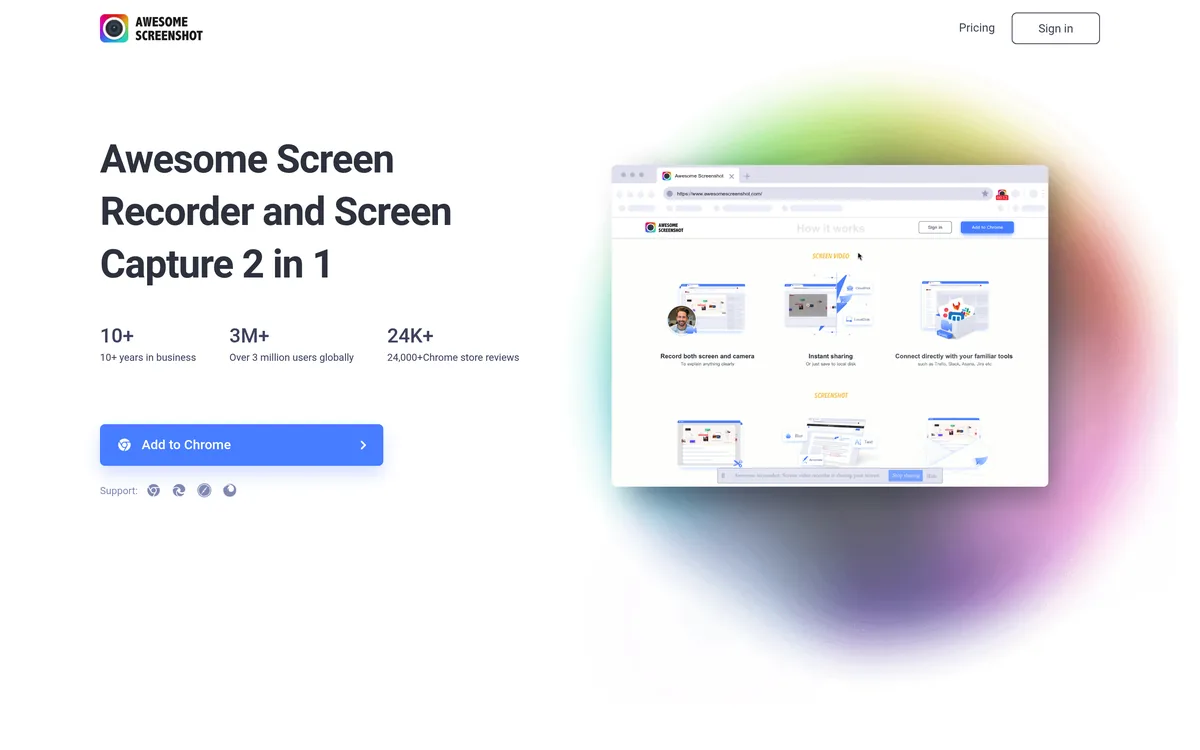
It goes where the others do not. Chrome, Edge, Firefox, a Windows listing, and a Mac app — one account across all of them. Every tool on this page that runs natively covers one platform, and every extension here covers fewer browsers.
It sends captures somewhere useful. Jira, Slack, Trello, Asana and GitHub are destinations rather than places you paste a link, and teammates can comment on a capture and be mentioned by name on it.
Its links can be locked. Share links take a password and can be revoked or re-issued with a new one, which is more than several free tools here manage. We say so plainly, because link privacy is the argument usually made against the cheap end of this market.
And the video editor is real: trimming, text, shapes, blur, and clickable links inside a recording, without a second application.
The alternatives in 2026
Sowiks for Mac
Free, or $19.99 one-time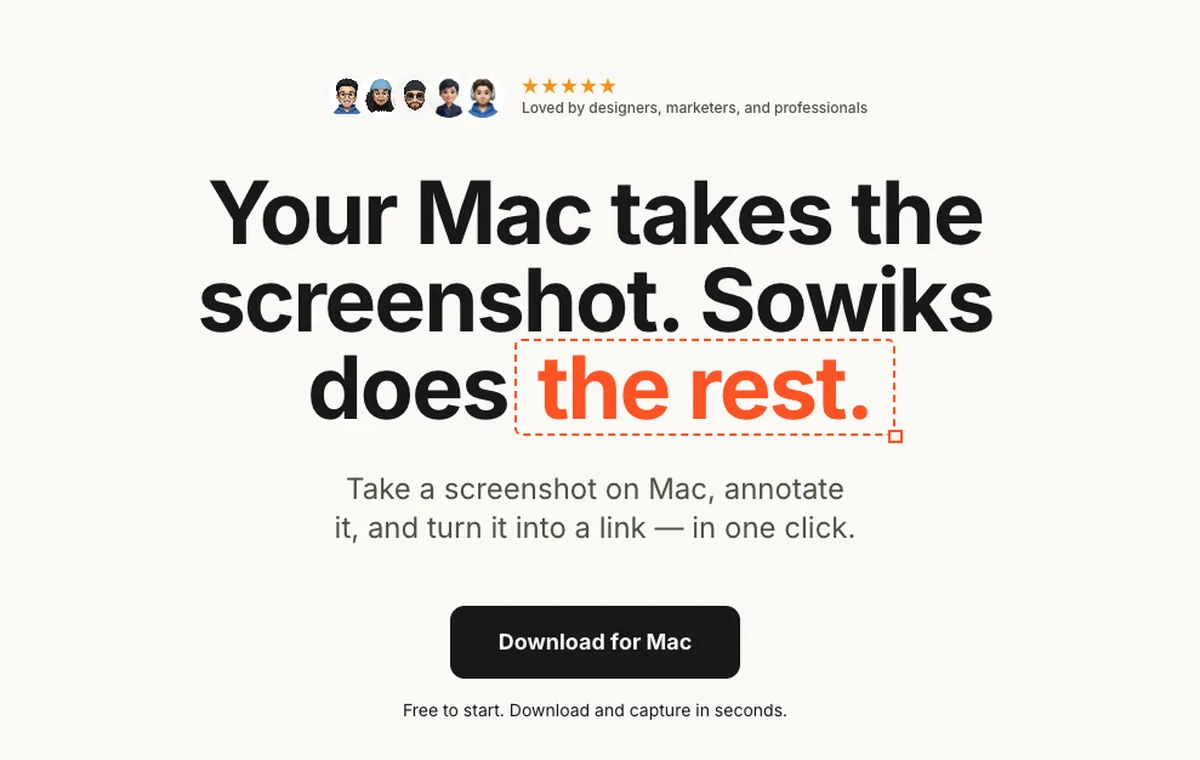
What it does
- ✓Captures any window, region or the whole screen — not only what is inside a browser tab.
- ✓Scrolling capture, OCR, and screen recording as video or GIF.
- ✓Share links that carry a password and an expiry, on a one-time licence rather than a monthly one.
- ✓13 annotation tools, blur, step numbers, backgrounds, and collections that put up to 10 captures behind one link.
- ✓Everything is unlocked for seven days from the first capture, with no account and no card.
Where it stops
- —macOS 15.5 or later, and no Windows or Linux build. If the reason you use an extension is that your team is mixed, this does not solve it.
- —After the trial the free tier narrows to window capture and the editor.
- —No Jira, Slack, Trello, Asana or GitHub destinations — you paste a link instead of picking a target.
Who it suits. People whose captures stopped being web pages: an app window, a dialog, a Finder error, a short repro that has to be a video.
Download Sowiks for MacSowiks for Chrome
FreeWhat it does
- ✓Select an area of the page, annotate it, and copy or save it without leaving the tab.
- ✓Pen, marker, arrows, shapes, highlight, spotlight, text, numbered counters, blur, pixelate and crop — everything stays editable, with fifty steps of undo.
- ✓Asks for no host permissions. It holds activeTab, which means it can see a tab in the moment you invoke it and at no other time.
- ✓Has no server. Captures are cropped, drawn on and exported inside the browser: nothing is uploaded, nothing is logged, and there is no account to create.
- ✓Ctrl+C copies the finished image, Ctrl+S saves a PNG. Settings can skip the editor entirely.
Where it stops
- —No full-page scrolling capture, no OCR, no recording, no share links. Those are the Mac app's job, deliberately.
- —Chrome and Chromium browsers only. No Firefox build.
- —Because there is no cloud, there is nothing to open on another machine later.
Who it suits. Anyone who installed a screenshot extension to mark up a page and send it, and got an account, a quota and a subscription instead.
Add Sowiks to ChromeCleanShot X
$35 one-time, or $10 per month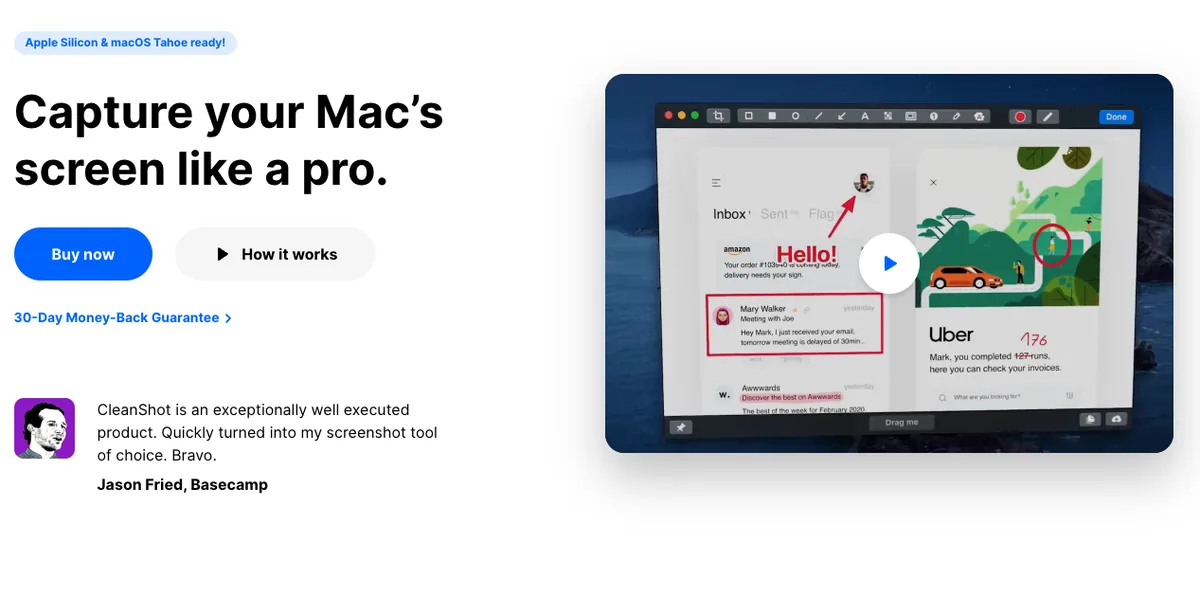
What it does
- ✓Studio Mode, added in 2026, is a Mac-native video editor built into the app: trim mistakes out of a recording, adjust the cursor's size and its click effects, and smooth its movement so a demo is easier to follow.
- ✓Smart zooms generate camera movements that follow the cursor automatically, with adjustable motion blur.
- ✓Keystrokes can be displayed on screen while recording, and the camera feed can be re-positioned after the recording is finished.
- ✓Backgrounds, margins and shadows apply to video as well as to stills, and exports come out in landscape, square or vertical.
- ✓Scrolling capture that can be paused mid-way, OCR, and a cloud with one-click links, custom domains and ISO 27001 certification.
Where it stops
- —macOS only. There is no extension, no Windows build, and nothing to install in a browser.
- —The $35 licence covers one year of updates; staying current costs $19 a year after that.
- —The Pro tier is $10 per user a month billed annually — $360 over three years, against $216 for Awesome Screenshot Professional.
Who it suits. Someone leaving a browser extension because the recordings matter more than the screenshots, and who works on a Mac anyway.
GoFullPage
Free, with a paid editorWhat it does
- ✓Captures the whole page from one click or Alt+Shift+P, scrolling and stitching it without being told to.
- ✓Handles the parts that break stitching elsewhere: iframes, embedded media, inner scroll boxes, and sticky headers, which it captures once rather than at every seam.
- ✓Exports PNG, JPEG or PDF, with paper sizes for the PDF.
- ✓More than 9 million users, no ads, and a permission list short enough to read.
- ✓The paid editor adds cropping, annotation and emoji before the download.
Where it stops
- —Screenshots only. No screen recording of any kind, which is half of what Awesome Screenshot does.
- —No cloud and no share links — you get a file, then you send the file.
- —Nothing outside the browser tab: no window capture, no full-screen capture.
Who it suits. People who only ever used the full-page button, and would rather have that one button work than manage a plan.
The rest of the field
These are not the closest replacements, but each one is the right answer to a question the tools above answer badly.
Nimbus Capture
The closest like-for-like swap, and the one with the widest browser coverage: Chrome, Firefox and Opera, where Awesome Screenshot skips Opera. Capture modes get their own shortcuts — visible area, selected region, selection-and-scroll, whole page — and filenames build themselves from the page's domain, URL, title and timestamp, which no other tool here offers. The catch is familiar: watermarking, Dropbox upload, converting a recording to MP4 or GIF, editing that recording, and sending it to YouTube or Google Drive all sit behind Pro.
Free, open source under the GPLv3, and descended from ZScreen in 2007 — older than Awesome Screenshot and still shipping. Version 20.0.2 added a native ARM64 build and rebuilt the editor on Avalonia UI, alongside 18 annotation tools, 232 image effects and a background beautifier. Its 80-plus upload destinations are the real difference: where Awesome Screenshot sends captures to its own cloud and bills you for the space, ShareX sends them to Imgur, FTP, Amazon S3 or a server you own. It has never run on macOS.
The one to understand before installing, not after. Captures upload to prnt.sc addresses six characters long, and the terms say it plainly: no image uploaded to the site is ever completely hidden from public view. WIRED generated 11,000 of those addresses at random and found over 500 live screenshots — 63% harmless, and a fifth carrying something the person who took them would not have published, down to bank details. Awesome Screenshot's links, whatever else is wrong with the plan, can carry a password and be revoked.
The other extension-plus-desktop pair on this page, with the same shape and a different catch. Awesome Screenshot's free tier stops at a number — 100 screenshots. Monosnap's free tier stops at a licence: it is granted for non-commercial use only, which is a quieter limit and a harder one to notice you have crossed at work.
What switching costs you
The browsers narrow. Nothing else here runs on Chrome, Edge and Firefox at once, and only ShareX has a serious answer on Windows. If the reason the extension is installed is that the team is split across platforms, read that limit first.
The destinations go. Pushing a capture straight into a Jira ticket or a Slack channel is a real workflow, and replacing it with a link and a paste is a small daily tax.
The team layer goes with it. Comments attached to a capture and @mentions on it have no equivalent in any free tool on this page.
And the account goes, which is the point but is still a change: with Sowiks for Chrome there is no history to open on another machine, because nothing was uploaded in the first place.
Pick by what you do
Support and QA
The failure mode is a recording that freezes the browser mid-capture — Awesome Screenshot keeps a support article for exactly that. A capture tool that is not part of the browser cannot take the browser down with it.
Designers
Full-page capture is the whole job, and GoFullPage does it for nothing while handling sticky headers better than most. Add a desktop app only when the artboard stops being a web page.
Cross-platform teams
This is the one thing extensions genuinely win. Nimbus Capture covers Chrome, Firefox and Opera; ShareX covers Windows properly. Sowiks and CleanShot X are Mac only.
Anyone counting captures
The free tier ends at 100 screenshots and 20 recordings at 720p. If that number is the reason you are reading this, the comparison is $216 over three years against $19.99 once.
Pricing breakdown
Awesome Screenshot's free tier is genuinely free and genuinely finite. What matters is what the meter costs once it runs out.
| Plan | Year 1 | Year 2 | Year 3 |
|---|---|---|---|
| LightshotFree on every platform | $0 | $0 | $0 |
| ShareXFree and open source — Windows only | $0 | $0 | $0 |
| macOS built-inIncluded with the system | $0 | $0 | $0 |
| Sowiks — free after the trialWindow capture and the full editor | $0 | $0 | $0 |
| Monosnap — free tierLicensed for non-commercial use only | $0 | $0 | $0 |
| Awesome Screenshot — free tierCapped at 100 screenshots and 20 recordings, 720p | $0 | $0 | $0 |
| Shottr — name your price$0 is supported; the app asks occasionally | $0+ | $0+ | $0+ |
| Sowiks Solo$19.99 once; updates after the first year are an optional renewal | $19.99 | $19.99 | $19.99 |
| CleanShot Basic — one-time$35, then $19 a year to stay current | $35 | $54 | $73 |
| Monosnap — lifetime$99.99 once, non-commercial only | $99.99 | $99.99 | $99.99 |
| Snagit Individual$39 per user, per year — no one-time option since 2025 | $39 | $78 | $117 |
| Monosnap — non-commercial$44.99 a year | $44.99 | $89.98 | $134.97 |
| Awesome Screenshot Professional$6 a month billed annually | $72 | $144 | $216 |
| Monosnap — commercial$85.99 a year | $85.99 | $171.98 | $257.97 |
| CleanShot Pro — subscription$10 per user a month, billed annually | $120 | $240 | $360 |
Professional reaches $216 over three years. That is the tier that lifts both limits, at $6 a month billed annually. Basic is cheaper and leaves recording exactly where the free tier left it.
The one-time comparison is $19.99. Sowiks Solo buys scrolling capture, OCR, recording, cloud and locked links once, and the Chrome extension alongside it costs nothing at all.
CleanShot X is the expensive Mac answer. $35 once covers a year of updates, then $19 a year; the Pro subscription runs $10 per user a month and reaches $360 over three years, the highest figure in the table.
Free stays free at the edges. GoFullPage, ShareX and Sowiks for Chrome all cost nothing indefinitely, each by giving up a different part of what Awesome Screenshot bundles.
Questions
Is Awesome Screenshot safe?
How much does Awesome Screenshot cost?
Is there a free alternative to Awesome Screenshot?
Does Awesome Screenshot work on Mac?
How many people actually use Awesome Screenshot?
Why does full-page capture come out wrong?
Keep comparing
CleanShot X alternatives
Five options compared on price, link privacy and what actually breaks when you switch.
Read the comparison →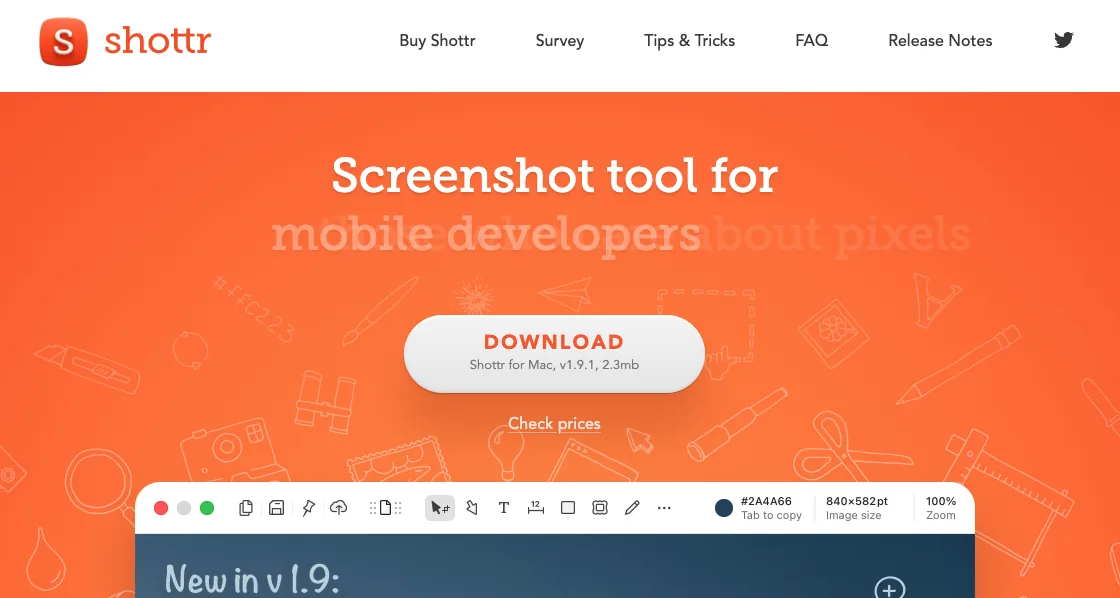
Shottr alternatives
What to use when Shottr's missing screen recording or unreliable scrolling capture becomes the problem.
Read the comparison →
Monosnap alternatives
Monosnap's free tier is licensed for non-commercial use only. What that costs, and what to use at work instead.
Read the comparison →
Snagit alternatives
Snagit stopped selling a one-time licence in 2025. What $39 a year adds up to, and what gets bought once instead.
Read the comparison →
ShareX for Mac
ShareX has never run on macOS. What replaces it after a switch, and the one part that does not come back.
Read the comparison →
Lightshot alternatives
Why prnt.sc links are guessable, and what replaces Lightshot on Mac and on Windows.
Read the comparison →Two halves, neither of them metered
The Chrome extension is free, keeps every capture inside your browser, and asks for no account. The Mac app is $19.99 once for everything the extension deliberately leaves out.