Monosnap alternatives for Mac
The capture modes are free. The editor is free. Screencast recording is free. The licence covering all of it is not: Monosnap's own App Store listing restricts the free version to non-commercial purposes, which puts every office running it outside the terms.
This page compares four options against the three things that push people off Monosnap: that licence, a subscription that mostly buys upload destinations, and storage caps that arrive sooner than expected.
Supplemented with
- Trustpilot Reviews
- no listing
- Product Hunt Reviews
- Monosnap
- App Store
- Mac App Store listingApp Store reviews
The short answer
Sowiks
The one to pick when the free tier has to be usable at work. Seven days unlocked, then window capture and the editor stay free with no licence question; $19.99 once adds the rest.
Monosnap
Still the right answer for mixed Windows and Mac teams, and for anyone who needs captures landing in FTP, sFTP, WebDAV or an S3 bucket.
CleanShot X
The widest Mac toolkit. $35 covers one Mac and one year of updates, then $19 a year, or $10 a month for cloud and team features.
Shottr
Name your price, including $0. Fast, tiny, and the only one here with a pixel ruler. No recording at all.
Why people look for an alternative
The free tier is not licensed for work. Monosnap's Mac App Store listing states it twice: the free version is for non-commercial purposes only. Nothing in the app enforces it and nothing warns about it, which is why most people using free Monosnap in an office have no idea. Moving to the commercial tier costs $14.49 a month or $85.99 a year — a jump from nothing that arrives all at once.
Paying mostly buys destinations, not capture. The tier split in the listing is unusual: capture, hotkeys, the 8× magnifier, the editor, blur and screencast recording are all in the free tier. What the paid tiers add is where files go — Dropbox, Google Drive, Box, Evernote, Yandex.Disk, FTP, sFTP, WebDAV and Amazon S3 — plus more storage. For a team that needs those destinations that is money well spent. For everyone else it is a subscription for an upload path.
The caps arrive earlier than expected. Free accounts get 2 GB of Monosnap storage and refuse any single file over 100 MB; paid tiers raise that to 10 GB and 2 GB. A screen recording reaches 100 MB quickly. You will find claims that the free cloud storage is unlimited; the vendor's own listing is the number to plan around. Whether free recording is capped at five minutes is not documented anywhere we could verify, so assume nothing until you have tested it.
Reliability reports, and an unexplained pivot. The failure mode that recurs is the one the paid tier is bought for: FTP and sFTP connections refusing correct credentials, and the Chrome extension leaving the editor in a broken state. Recent App Store reviews add crashes on the drag handle and support requests that went unanswered. Separately, the release notes record that the app "moved to the new app domain monosnap.ai and website to reinvent our service" without saying what the service becomes.
Monosnap is not free for commercial use. I don't mind non-free software being listed but I would appreciate knowing that's the case before I get too enamored with it.
A sysadmin arriving at the same line in the listing that this page opens on, and objecting to how far into the process it appears. The licence is not hidden — it is just never mentioned until someone goes looking.
Side by side
| Tool | Price | Model | Platform | Scrolling | OCR | Recording | Share links | Link privacy | Best for |
|---|---|---|---|---|---|---|---|---|---|
| Sowiks | $0 free / $19.99 Solo | Free, or one-time | macOS 15.5+ | Yes (Solo) | Yes (Solo) | Video + GIF (Solo) | Yes (Solo) | Password + expiry | One-time price, private links |
| Monosnap | $0 / $4.49 mo / $14.49 mo | Free, subscription, lifetime | macOS, Windows, Chrome | Extension-led | Yes | Video + GIF | Yes | Short links need a login | FTP, S3 and cloud drives |
| CleanShot X | $35 one-time / $10 per month | One-time, or subscription | macOS 10.15+ | Yes, pausable | Yes | Video + GIF | Yes | Password + auto-delete on subscription | Deepest Mac toolkit |
| Shottr | Pay what you want | Name your price | macOS 10.15+ | Yes, with caveats | Yes, plus QR | None | S3, once activated | Local by default | Pixel measurement, speed |
| Awesome Screenshot | $0 free / $5–8 per month | Capped free tier, then subscription | Chrome, Edge, Firefox, macOS 11+ | Yes, inside the browser | Not listed | Video (720p free, 4K paid) | Yes | Password + revoke | Capturing web pages across browsers |
| Lightshot | Free | Free | Windows, macOS, browser | No | No | None | Public prnt.sc | Guessable URLs | Quick throwaway captures |
| Snagit | $39 per user, per year | Subscription only | Windows + macOS | Yes | Yes | Video + GIF | Screencast hosting | Free hosting capped at 2 GB | Documentation, both platforms |
| ShareX | Free | Free, open source | Windows only | Yes | Yes | Video + GIF | 80+ destinations | Depends on destination | The Windows power tool |
| macOS built-in | Free | Included | macOS | No | Live Text | Video | None | No links at all | Occasional captures |
What Monosnap still does better
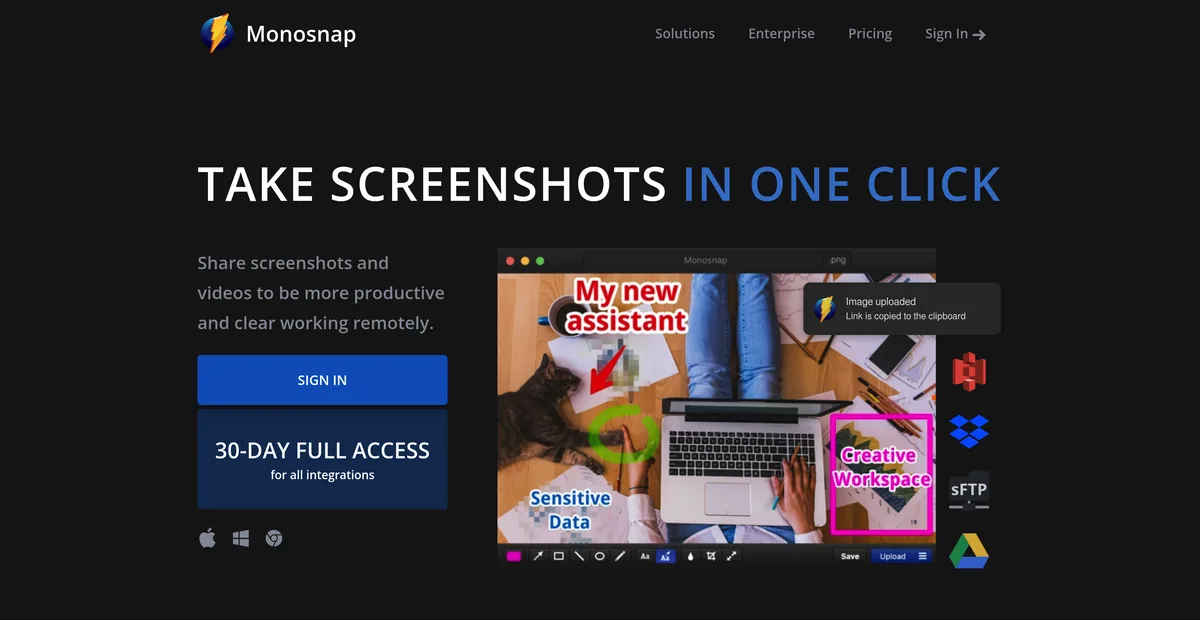
It goes where the files already live. FTP, sFTP, WebDAV and Amazon S3, plus Dropbox, Google Drive, Box, Evernote and Yandex.Disk. No other tool on this page uploads anywhere except its own cloud. In an organisation with rules about where screenshots may be stored, that list is not a convenience, it is the requirement.
It runs on Windows, and in Chrome. A team handing work between platforms can standardise on one tool and one set of habits. Sowiks, CleanShot X and Shottr are all Mac only, which ends that conversation before it starts.
It has been doing this for over a decade. Monosnap is where a lot of people landed when Evernote bought Skitch and let it decay — and at the time it was the better app, not merely the surviving one: faster to open, faster to respond. Longevity is worth something in a category where tools get abandoned.
And the free tier is generous in features if not in licence. The 8× magnifier, delayed captures, custom hotkeys, the editor and screencast recording all work without paying anything — which is exactly why so many people never looked at the terms.
The Monosnap alternatives in 2026
Sowiks
Free, or $19.99 one-time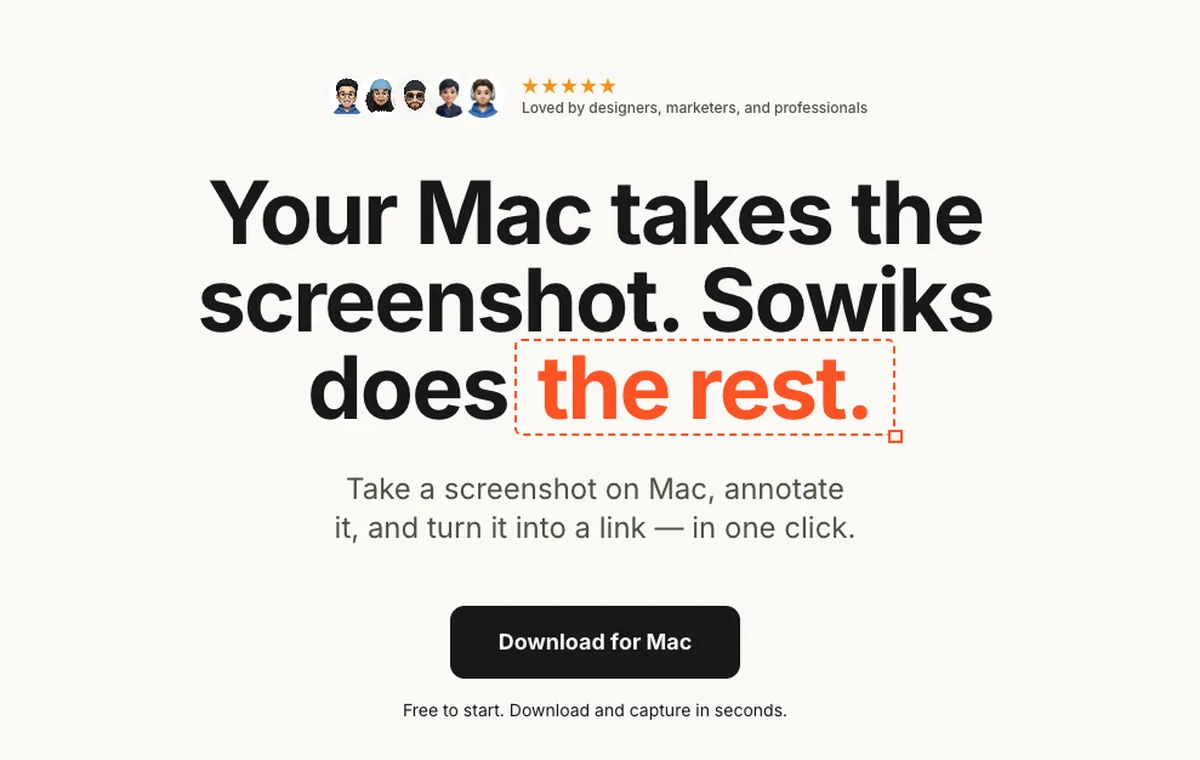
What it does
- ✓Everything is unlocked for seven days from the first capture — no card, no account, no email, and a countdown in the menu bar.
- ✓After the trial, window capture and the full editor with all 13 annotation tools stay free forever, with no restriction on commercial use.
- ✓Solo is $19.99 once and adds every capture mode, OCR, screen recording as video or GIF, 1 GB of cloud, and permanent unbranded links.
- ✓Share links carry an optional password and an expiry time, and up to 10 shots can be collected behind one link.
- ✓Redaction in three modes, step numbers, a color picker with a hex readout, overlays, crop and resize, an edge-aware background fill, and a clip editor for trimming video and GIF.
Where it stops
- —No Windows build and no browser extension. Mac only, macOS 15.5 or later.
- —No FTP, sFTP, WebDAV or S3 destinations, and no Dropbox, Google Drive, Box or Evernote integration.
- —If a trial ends unpaid, cloud files stop being served after three days and are erased two weeks later. Buying Solo before then restores them.
Who it suits. Mac-only work where the free tier has to be legal at work, and where a one-time upgrade is preferred to a subscription that renews for as long as the job lasts.
Download Sowiks for MacCleanShot X
$35 one-time, or $10 per month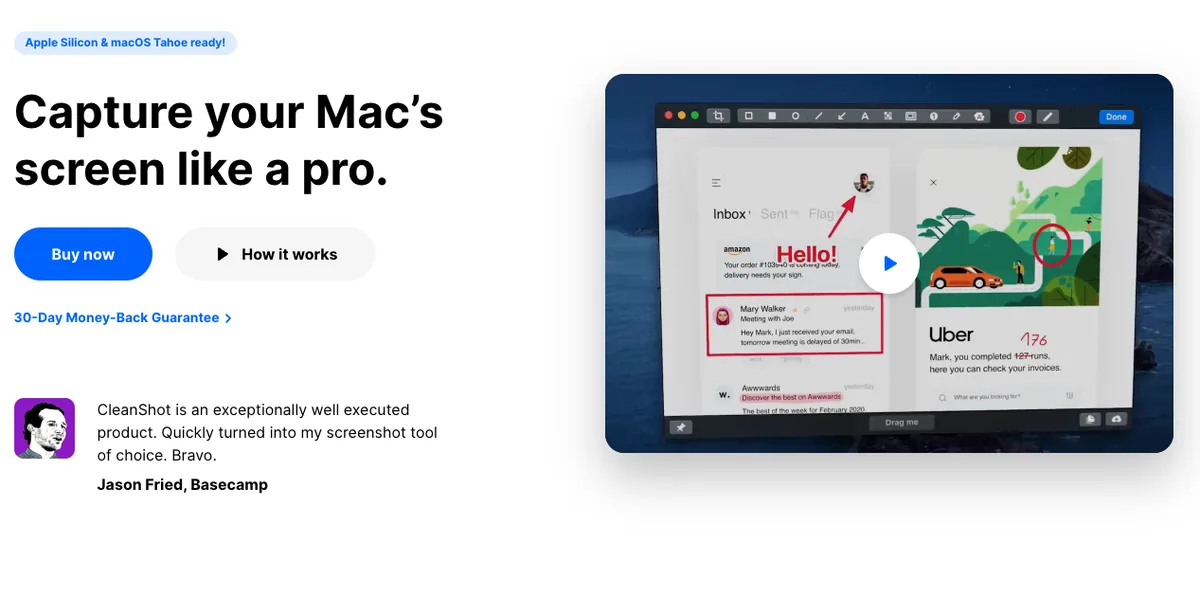
What it does
- ✓Recording with keystroke display, click highlighting, webcam overlay and GIF export.
- ✓Scrolling capture that can be paused mid-way to keep only the part that matters.
- ✓The deepest editor here: curved arrows, a highlighter that snaps to the shape of the text under it, spotlight dimming.
- ✓CleanShot Cloud with one-click links, plus password protection and auto-deletion on the subscription tier.
- ✓Pinned screenshots, capture history, and hiding desktop icons during capture.
Where it stops
- —The $35 licence covers one Mac and one year of updates. Staying current costs $19 a year after that.
- —The subscription runs $10 per user a month billed annually, aimed at people who need unlimited cloud and team features.
- —Over fifty features, and most workflows settle into three or four. Breadth is only worth paying for if the breadth gets used.
Who it suits. Anyone who wants the widest toolkit on Mac and treats the renewal or the subscription as a cost of doing business.
Shottr
Pay what you want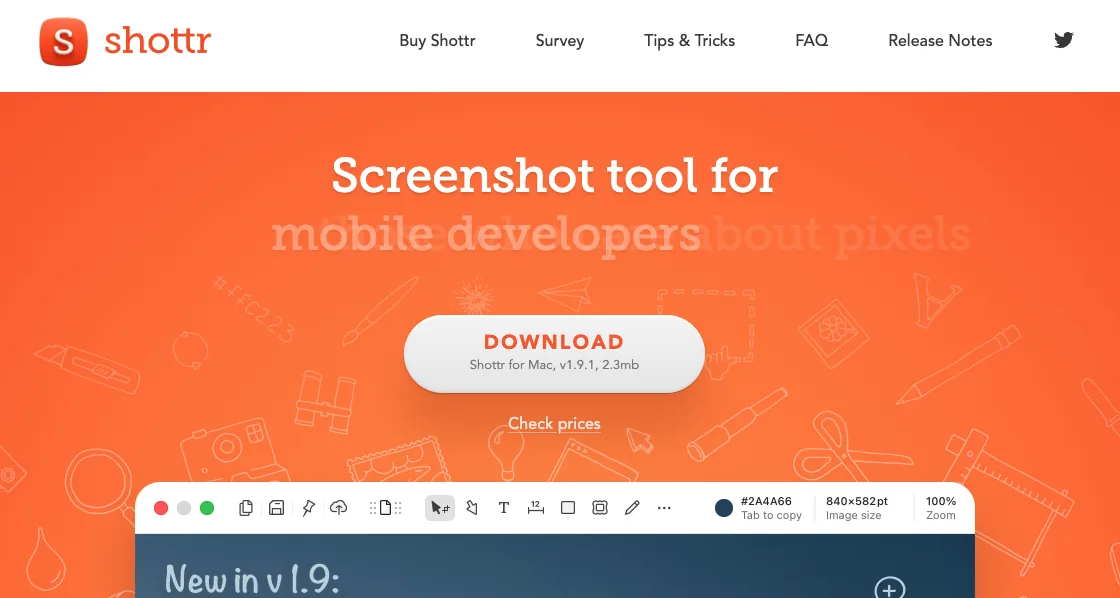
What it does
- ✓A pixel ruler and grid overlay for measuring spacing between interface elements. Nothing else here has an equivalent.
- ✓Area, window, full screen and scrolling capture, plus OCR and QR code reading.
- ✓A 2.3 MB download and capture in about 17 milliseconds — Shottr's own figures, and the timing holds up on Apple silicon.
- ✓Captures stay on the machine unless uploading is switched on.
- ✓Entering $0 is a documented, supported option.
Where it stops
- —No screen recording at all. No video, no GIF.
- —Scrolling capture duplicates segments and drops content on pages that load progressively through JavaScript. Static pages are fine.
- —No Windows build. And the pricing does not resolve: name your price on the site, $8 and $25 tiers elsewhere.
Who it suits. Designers and developers who measure interfaces daily and do not need recording from the same app.
macOS built-in
FreeWhat it does
- ✓Capture shortcuts and screen recording ship with the system.
- ✓Live Text pulls text out of images.
- ✓Markup in Preview handles basic arrows and shapes.
Where it stops
- —No scrolling capture.
- —No one-step annotation. The file saves first, then gets opened somewhere else.
- —No share links, no passwords, no expiry, no cloud.
Who it suits. Anyone taking a screenshot now and then who does not want another menu bar icon.
The rest of the field
These are not the closest replacements, but each one is the right answer to a question the tools above answer badly.
Free everywhere with no licence asterisk, which is the one thing Monosnap's free tier cannot offer — but its links land on public prnt.sc addresses six characters long and close to sequential, with no password and no expiry. Its macOS build is also the weaker one: it cannot change the save location or copy the link automatically.
The other subscription here, at $39 per user per year since perpetual licences ended in January 2025 — but it is a documentation tool rather than an upload layer, with Step Capture and Smart Redact and no equivalent of Monosnap's destination grid. Owners of the old perpetual licences have been asked to re-enter keys they never deactivated, then told they hit a reactivation limit — a one-time purchase behaving like a leased one.
The only tool that beats Monosnap at its own game: more than eighty destinations plus a custom endpoint, free and open source. It is Windows-only, so it is not an option on a Mac, but it is what a Windows colleague should be told about.
What switching costs you
The destinations go first, and they have no replacement here. If screenshots currently land in an S3 bucket or on a company server over sFTP, none of the alternatives on this page can do that. They upload to their own cloud or they stay local. That is the honest reason to keep paying Monosnap.
Windows goes with it. Monosnap covers macOS, Windows and Chrome; the three alternatives here are Mac only. For a team that is not all on Macs, this page ends at that line.
The browser extension goes too, and full-page capture appears to depend on it rather than on the desktop app. Browser-first workflows lose more than they expect.
What is gained is narrower and simpler: a licence with no commercial asterisk, and a price that stops. Whether that trade is worth it depends almost entirely on whether the destination list was ever being used.
Pick by what you do
Designers
Shottr is the specialist if measuring spacing is the daily job — nothing else here has a pixel ruler. For polished walkthroughs with recording attached, CleanShot X bundles the most.
Support teams
Monosnap stays strong when replies have to land in the team's own storage. For Mac-only support that wants unbranded links with a password, Sowiks Solo is the cheaper structure over any timeframe.
Developers
If captures feed a pipeline — a bucket, an internal server, a ticket attachment — Monosnap's FTP, sFTP, WebDAV and S3 destinations are the direct match. Nothing else on this page uploads anywhere but its own cloud.
Technical writers
Step numbers, redaction, scrolling capture, combining shots behind one link, and publishing into a paired WordPress site all sit in Sowiks Solo for $19.99 once.
Pricing breakdown
Monosnap's commercial and non-commercial tiers are listed separately below, because they are different licences at different prices. The free row is in the table for completeness, but it cannot legally carry work use.
| Plan | Year 1 | Year 2 | Year 3 |
|---|---|---|---|
| LightshotFree on every platform | $0 | $0 | $0 |
| ShareXFree and open source — Windows only | $0 | $0 | $0 |
| macOS built-inIncluded with the system | $0 | $0 | $0 |
| Sowiks — free after the trialWindow capture and the full editor | $0 | $0 | $0 |
| Monosnap — free tierLicensed for non-commercial use only | $0 | $0 | $0 |
| Awesome Screenshot — free tierCapped at 100 screenshots and 20 recordings, 720p | $0 | $0 | $0 |
| Shottr — name your price$0 is supported; the app asks occasionally | $0+ | $0+ | $0+ |
| Sowiks Solo$19.99 once; updates after the first year are an optional renewal | $19.99 | $19.99 | $19.99 |
| CleanShot Basic — one-time$35, then $19 a year to stay current | $35 | $54 | $73 |
| Monosnap — lifetime$99.99 once, non-commercial only | $99.99 | $99.99 | $99.99 |
| Snagit Individual$39 per user, per year — no one-time option since 2025 | $39 | $78 | $117 |
| Monosnap — non-commercial$44.99 a year | $44.99 | $89.98 | $134.97 |
| Awesome Screenshot Professional$6 a month billed annually | $72 | $144 | $216 |
| Monosnap — commercial$85.99 a year | $85.99 | $171.98 | $257.97 |
| CleanShot Pro — subscription$10 per user a month, billed annually | $120 | $240 | $360 |
Licensed work use starts at $85.99 a year. That is Monosnap's cheapest commercial path, and it repeats. Over three years it reaches $257.97, or $521.64 if billed monthly. Neither number is unreasonable for a team that uses the integrations. Both are hard to justify for someone who just wanted to annotate a screenshot at work.
The cheapest upgrade on this page is $19.99. Sowiks Solo adds every capture mode, OCR, recording and cloud links for one payment that never repeats, and its free tier carries no commercial restriction. Over three years that is $19.99 against $257.97.
CleanShot X costs more than $35. The licence covers one Mac and twelve months of updates, then $19 a year to stay current. Skipping the renewal keeps the app running but stops the fixes, and macOS does not stop changing.
Several rows read $0, and only some of them mean it. Monosnap's own free tier is in that group, and it is the one with the licence asterisk. Shottr accepts $0 as a supported choice, Lightshot is free everywhere, and Sowiks after its trial keeps window capture and the full editor free with no restriction on commercial use. ShareX is free outright, and unavailable on a Mac.
Questions
Can Monosnap's free version be used at work?
How much does Monosnap actually cost?
Why did monosnap.com start redirecting to monosnap.ai?
Does Monosnap do scrolling or full-page capture?
What is the closest free alternative to Monosnap on Mac?
Does anything here replace Monosnap's FTP and S3 uploads?
Keep comparing
CleanShot X alternatives
Five options compared on price, link privacy and what actually breaks when you switch.
Read the comparison →Shottr alternatives
What to use when Shottr's missing screen recording or unreliable scrolling capture becomes the problem.
Read the comparison →
Snagit alternatives
Snagit stopped selling a one-time licence in 2025. What $39 a year adds up to, and what gets bought once instead.
Read the comparison →
ShareX for Mac
ShareX has never run on macOS. What replaces it after a switch, and the one part that does not come back.
Read the comparison →
Awesome Screenshot alternatives
A browser extension and a Mac app on one subscription, and a free tier that stops at 100 screenshots. What replaces each half.
Read the comparison →
Lightshot alternatives
Why prnt.sc links are guessable, and what replaces Lightshot on Mac and on Windows.
Read the comparison →A free tier that works at work
Seven days with everything unlocked, no card and no account. After that, window capture and the full editor stay free with no commercial restriction, and Solo is $19.99 once.
Download Sowiks for Mac