Lightshot alternatives
Lightshot is free, fast, and installed on a very large number of computers. It also uploads screenshots to a public address that anyone can stumble into, and gives you no way to blur anything first.
This page covers what to use instead, on Mac and on Windows.
Supplemented with
- r/privacyr/techsupport
- Trustpilot Reviews
- prnt.sc
- Product Hunt Reviews
- no listing
- Documents
- Vendor pricing pagesSecurity research
The short answer
Sowiks
Mac only. Seven days unlocked, then window capture and the editor stay free; $19.99 once adds cloud links that carry an expiry and a password, plus blur and recording.
ScreenSnap Pro
The cross-platform swap. $39 once, runs on macOS and Windows, so a mixed team can move together.
CleanShot X
Mac only, and the most complete. Link passwords and auto-deletion come with the $8-a-month tier.
Shottr
Mac only, name your price. Keeps everything local by default, which is the opposite of how Lightshot behaves.
macOS built-in
Free and already installed, if the sharing link was never the point.
Why people leave Lightshot
There is no blur. The editor has a pen, a line, an arrow, a rectangle, a marker and text. That is the whole set. A password, a client name or an email address in the frame has to be covered with a filled shape or cropped out, and the upload button sits right next to the tools that cannot hide it.
Long pages need stitching. No scrolling capture. A full article or a long chat means several screenshots and a third tool to join them.
No recording of any kind. No video, no GIF. Anything that has to be demonstrated rather than shown needs a second app.
The editing is one-shot. Line thickness, fonts and marker size are fixed, and once something is drawn it cannot be moved or resized. Getting an arrow wrong means undo and redraw.
Development looks stalled. The last desktop version dates to 2019 and the homepage footer still reads 2009-2022. Crashes on 4K displays get reported and stay reported.
The prnt.sc problem
Uploading is the fastest thing Lightshot does. One click sends a screenshot to prnt.sc and copies a short link back. The link is public and requires no account to open.
Those addresses run in a predictable sequence. Editing characters in one lands on somebody else's screenshot, and this can be automated. The mechanism is documented, it has been demonstrated repeatedly, and nothing about it has changed.
Removing something already uploaded is not self-serve either. The documented options are emailing support or pressing an Abuse button under the image in the public gallery.
None of this affects capturing locally. It only matters the moment the upload button is used, which is the button the product is built around.
I just found out that lightshot uploads screenshots to prnt.sc and everyone can look up random screenshots. I never use lightshot's ctrl+d option, though I always save my screenshots to my computer.
Almost nobody learns this from the app. They learn it from a thread like this one, usually years after installing it — which is the reason this page leads with the link behaviour rather than the feature list.
Side by side
| Tool | Price | Model | Platform | Scrolling | OCR | Recording | Share links | Link privacy | Best for |
|---|---|---|---|---|---|---|---|---|---|
| Sowiks | $0 free / $19.99 Solo | Free, or one-time | macOS 15.5+ | Yes (Solo) | Yes (Solo) | Video + GIF (Solo) | Yes (Solo) | Password + expiry | One-time price, private links |
| Lightshot | Free | Free | Windows, macOS, browser | No | No | None | Public prnt.sc | Guessable URLs | Quick throwaway captures |
| CleanShot X | $35 one-time / $10 per month | One-time, or subscription | macOS 10.15+ | Yes, pausable | Yes | Video + GIF | Yes | Password + auto-delete on subscription | Deepest Mac toolkit |
| Shottr | Pay what you want | Name your price | macOS 10.15+ | Yes, with caveats | Yes, plus QR | None | S3, once activated | Local by default | Pixel measurement, speed |
| Awesome Screenshot | $0 free / $5–8 per month | Capped free tier, then subscription | Chrome, Edge, Firefox, macOS 11+ | Yes, inside the browser | Not listed | Video (720p free, 4K paid) | Yes | Password + revoke | Capturing web pages across browsers |
| Monosnap | $0 / $4.49 mo / $14.49 mo | Free, subscription, lifetime | macOS, Windows, Chrome | Extension-led | Yes | Video + GIF | Yes | Short links need a login | FTP, S3 and cloud drives |
| Snagit | $39 per user, per year | Subscription only | Windows + macOS | Yes | Yes | Video + GIF | Screencast hosting | Free hosting capped at 2 GB | Documentation, both platforms |
| ShareX | Free | Free, open source | Windows only | Yes | Yes | Video + GIF | 80+ destinations | Depends on destination | The Windows power tool |
| macOS built-in | Free | Included | macOS | No | Live Text | Video | None | No links at all | Occasional captures |
What Lightshot still does better
It goes everywhere. Windows, macOS, Linux through Wine, and extensions for Chrome, Firefox, Opera and Internet Explorer. Nothing else on this page comes close to that spread, and for a mixed team that has mattered more than any feature.
It costs nothing and it is tiny. Around 15 to 20 MB of memory on a Windows 11 machine, with effectively no CPU use, and the capture overlay appears the instant Print Screen is pressed even on a 4K display.
The selection is forgiving. Unlike the standard screenshot tools, the region can be nudged and resized after it is drawn, with pixel dimensions shown while you adjust. It is the one Lightshot habit people miss after switching, and the hardest to notice until it is gone.
And sharing really is one click. That is the whole problem with it, and also the reason it stayed installed.
The Lightshot alternatives in 2026
Sowiks
Free, or $19.99 one-time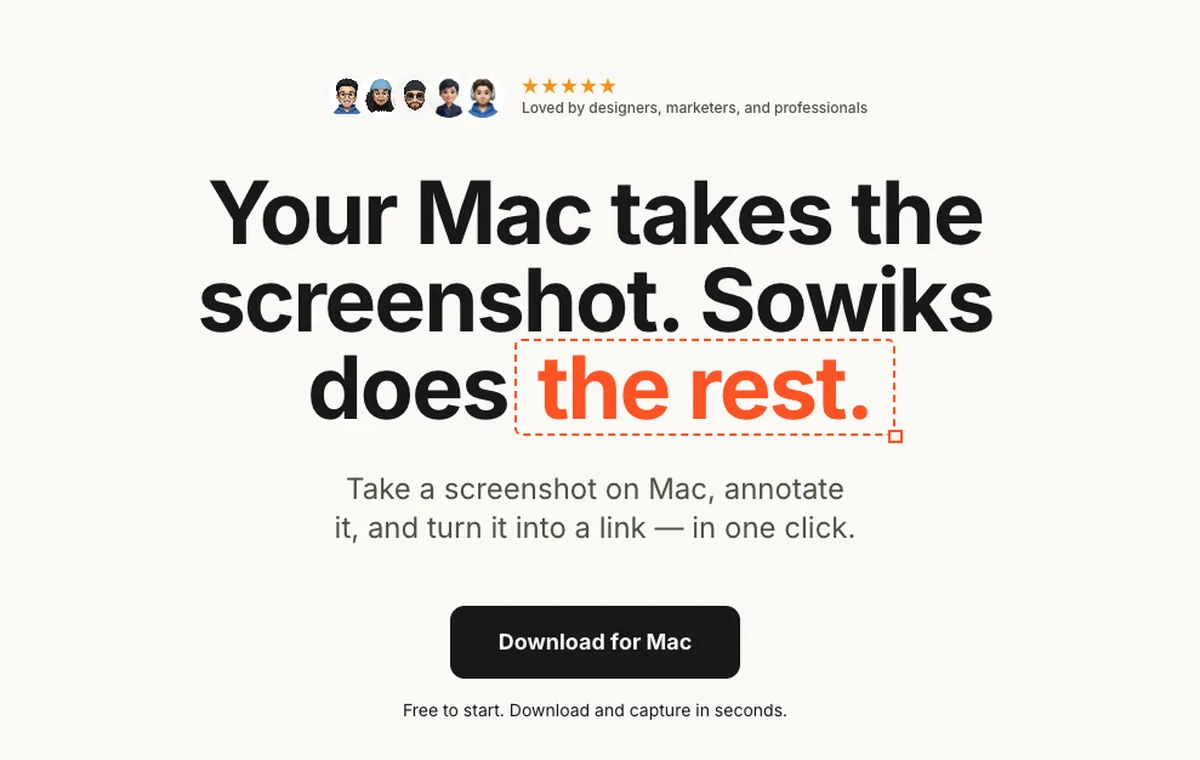
What it does
- ✓Share links carry an expiry time and an optional password, so a link stops working when it should.
- ✓Blur covers anything that should not leave the machine, before the upload happens.
- ✓Everything is unlocked for seven days, starting from the first capture, with no account.
- ✓Solo adds 1 GB of cloud storage, permanent links, and screen recording as video or GIF.
- ✓Scrolling capture, 13 annotation tools, step numbers, backgrounds, and combining up to 10 shots behind one link.
Where it stops
- —Mac only. If Lightshot is installed on Windows, this is not the replacement.
- —After the trial the free tier narrows to window capture and the editor. The other capture modes, OCR, cloud links and recording are Solo.
- —No browser extension.
Who it suits. Mac users who liked Lightshot's capture-and-link speed but want control over who can open the link.
Download Sowiks for MacScreenSnap Pro
$39 one-time
What it does
- ✓Runs on macOS and Windows, the only paid tool here that does.
- ✓15 annotation tools including blur, which Lightshot has no version of.
- ✓Screen recording with webcam, system and microphone audio, GIF or video export.
- ✓Cloud upload with instant links, OCR, and website capture.
- ✓Backgrounds are the headline feature, with more than 500 gradients.
Where it stops
- —$39 is the most expensive one-time purchase on this page.
- —Its link privacy terms are not published, so it is unclear how a shared link is protected.
- —Its proof points are self-reported: 500K+ screenshots and a 4.8 rating, both on its own site.
Who it suits. Teams split across Mac and Windows who need everyone on the same tool.
CleanShot X
$35 one-time, or $10 per month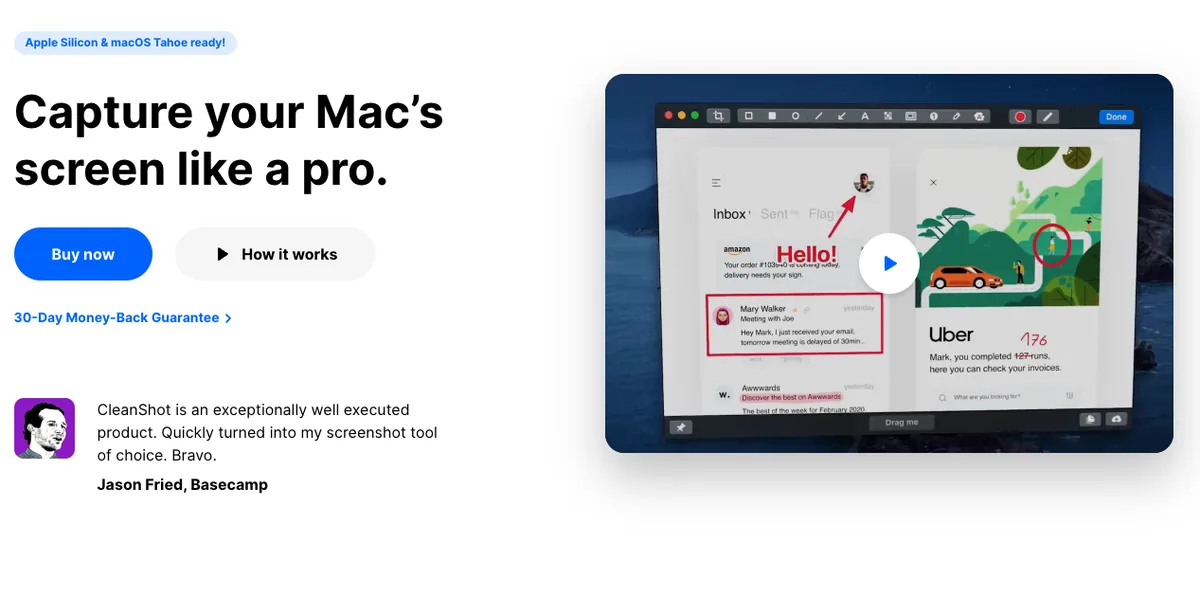
What it does
- ✓Blur, pixelate or black out sensitive areas, with adjustable strength.
- ✓Scrolling capture that can be paused mid-way.
- ✓Recording with keystroke display, click highlighting and webcam overlay.
- ✓CleanShot Cloud links, with password protection and auto-deletion on the subscription.
- ✓Pinned screenshots, capture history, and hiding desktop icons during capture.
Where it stops
- —Mac only.
- —The $35 license covers one Mac and one year of updates; $19 a year after that to stay current.
- —Link passwords and auto-deletion sit behind the $8 monthly tier, not the one-time license.
Who it suits. Mac users who want the widest toolkit and will pay a subscription for controlled sharing.
Shottr
Pay what you want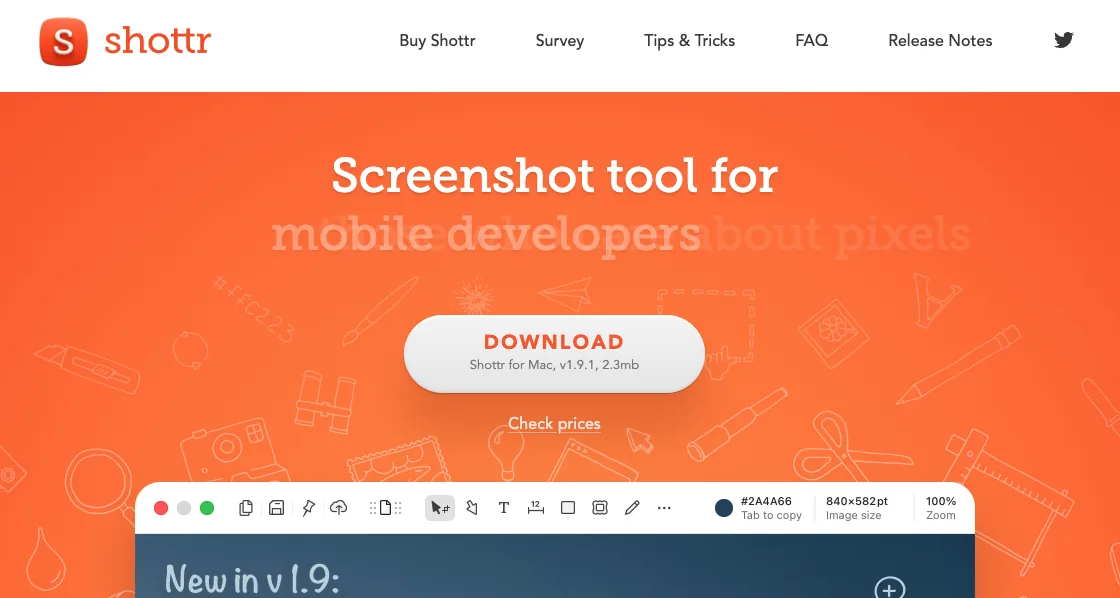
What it does
- ✓Keeps captures local unless uploading is explicitly switched on.
- ✓Pixelation and object removal for redacting before anything is shared.
- ✓Scrolling capture, OCR and QR reading.
- ✓A pixel ruler for measuring spacing between interface elements.
- ✓2.3 MB download, 17 millisecond capture, and $0 is an accepted price.
Where it stops
- —Mac only, and no screen recording at all.
- —Scrolling capture drops content on pages that load progressively through JavaScript.
- —Sharing is an afterthought: uploading exists but has to be activated.
Who it suits. Anyone who wants to stop uploading screenshots to a public server and go back to keeping them local.
macOS built-in
FreeWhat it does
- ✓Capture shortcuts and screen recording ship with the system.
- ✓Live Text pulls text out of images.
- ✓Markup in Preview handles basic arrows and shapes.
Where it stops
- —No scrolling capture.
- —No one-step annotation.
- —No share links.
Who it suits. People who used Lightshot for the capture, not the link, and are on a Mac.
The rest of the field
These are not the closest replacements, but each one is the right answer to a question the tools above answer badly.
The nearest thing to Lightshot's model with access control attached: short links exist, but they need a login rather than sitting on a public path. Free accounts get 2 GB of storage and a 100 MB per-file cap, and the free tier is licensed for non-commercial use only.
The closest thing to what Lightshot users usually want: the same one-click capture that ends in a shareable URL, except the URL takes a password and can be revoked or reissued later. Nothing is guessable and nothing is public by default. What you pay for that is a counter — the free tier stops at a hundred screenshots, where Lightshot has never counted anything. Safe links, in other words, are the thing being metered.
Everything Lightshot deliberately is not: heavy, thorough, and $39 per user per year since TechSmith ended perpetual licences in January 2025. It shares through TechSmith's own Screencast hosting, where the free allowance stops at 2 GB of storage and 2 GB of bandwidth a month.
On Windows this is the upgrade Lightshot users usually find: free, open source, and able to publish to more than eighty destinations, so the link never has to be a public one. There is no macOS version and there never has been.
If you are on Windows
Most Lightshot installs are on Windows, and most of this page is not for them. Sowiks, CleanShot X and Shottr are all Mac only. Saying otherwise would waste your afternoon.
The cross-platform option here is ScreenSnap Pro at $39, which covers macOS and Windows with the same license. Outside this page, the Windows tools worth knowing are ShareX, which is free, open source and heavily automatable, Greenshot, which is free and simpler, and Snagit, which is paid and aimed at documentation work. The built-in Snipping Tool has also picked up delay timers, better annotation and basic recording.
If the reason for leaving is the public link rather than the missing features, the smallest possible change is to keep Lightshot and stop using its upload button.
Pricing breakdown
Leaving a free tool means deciding what the fix is worth. Cumulative cost over three years.
| Plan | Year 1 | Year 2 | Year 3 |
|---|---|---|---|
| LightshotFree on every platform | $0 | $0 | $0 |
| ShareXFree and open source — Windows only | $0 | $0 | $0 |
| macOS built-inIncluded with the system | $0 | $0 | $0 |
| Sowiks — free after the trialWindow capture and the full editor | $0 | $0 | $0 |
| Monosnap — free tierLicensed for non-commercial use only | $0 | $0 | $0 |
| Awesome Screenshot — free tierCapped at 100 screenshots and 20 recordings, 720p | $0 | $0 | $0 |
| Shottr — name your price$0 is supported; the app asks occasionally | $0+ | $0+ | $0+ |
| Sowiks Solo$19.99 once; updates after the first year are an optional renewal | $19.99 | $19.99 | $19.99 |
| CleanShot Basic — one-time$35, then $19 a year to stay current | $35 | $54 | $73 |
| Monosnap — lifetime$99.99 once, non-commercial only | $99.99 | $99.99 | $99.99 |
| Snagit Individual$39 per user, per year — no one-time option since 2025 | $39 | $78 | $117 |
| Monosnap — non-commercial$44.99 a year | $44.99 | $89.98 | $134.97 |
| Awesome Screenshot Professional$6 a month billed annually | $72 | $144 | $216 |
| Monosnap — commercial$85.99 a year | $85.99 | $171.98 | $257.97 |
| CleanShot Pro — subscription$10 per user a month, billed annually | $120 | $240 | $360 |
Staying free is a real option. On a Mac, Shottr and the built-in tool both cost nothing and neither uploads anything by default. Losing the one-click link is the trade.
$19.99 buys the link back, with a lock on it. Sowiks Solo is one payment for cloud links that carry an expiry and a password, plus blur and recording. Every capture mode is open for the first seven days, and window capture and the editor stay free after that.
Cross-platform costs $39. ScreenSnap Pro is the priciest one-time buy here, and the only one that keeps a Mac and Windows team on the same tool.
The subscription is the far end. CleanShot X at $10 a month reaches $360 over three years. Its password protected links live on that tier, not on the $35 license.
Questions
Is Lightshot safe to use?
How do I delete a screenshot I already uploaded to prnt.sc?
Can Lightshot blur sensitive information?
Does Lightshot take scrolling screenshots?
Is Lightshot still being updated?
What is the closest free replacement for Lightshot?
Keep comparing
CleanShot X alternatives
Five options compared on price, link privacy and what actually breaks when you switch.
Read the comparison →Shottr alternatives
What to use when Shottr's missing screen recording or unreliable scrolling capture becomes the problem.
Read the comparison →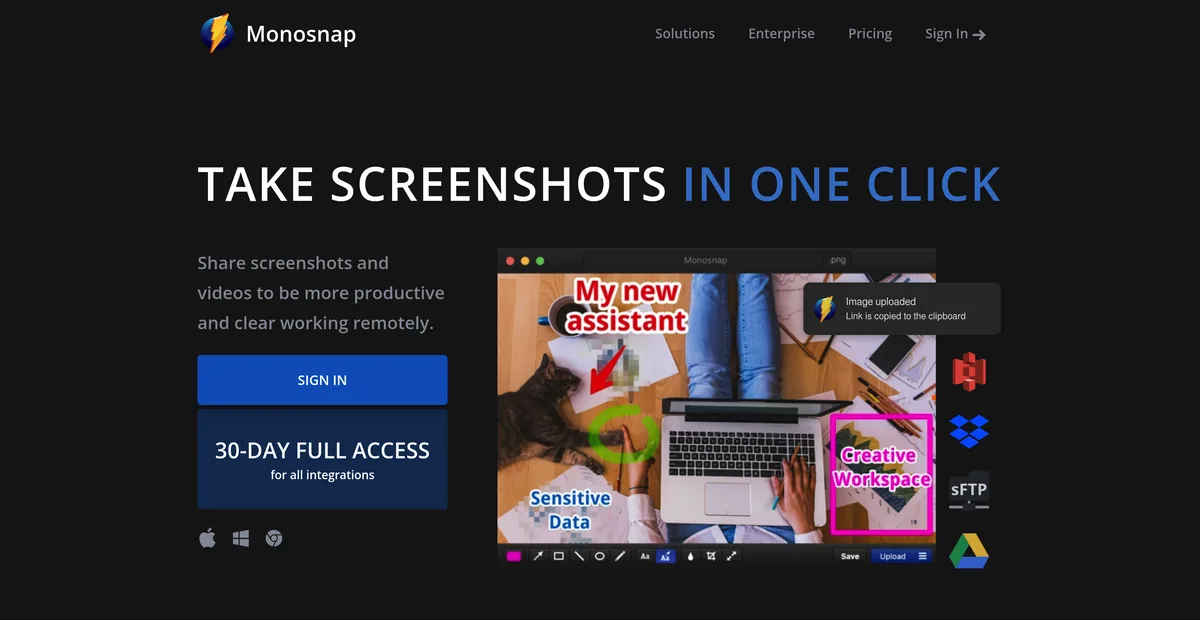
Monosnap alternatives
Monosnap's free tier is licensed for non-commercial use only. What that costs, and what to use at work instead.
Read the comparison →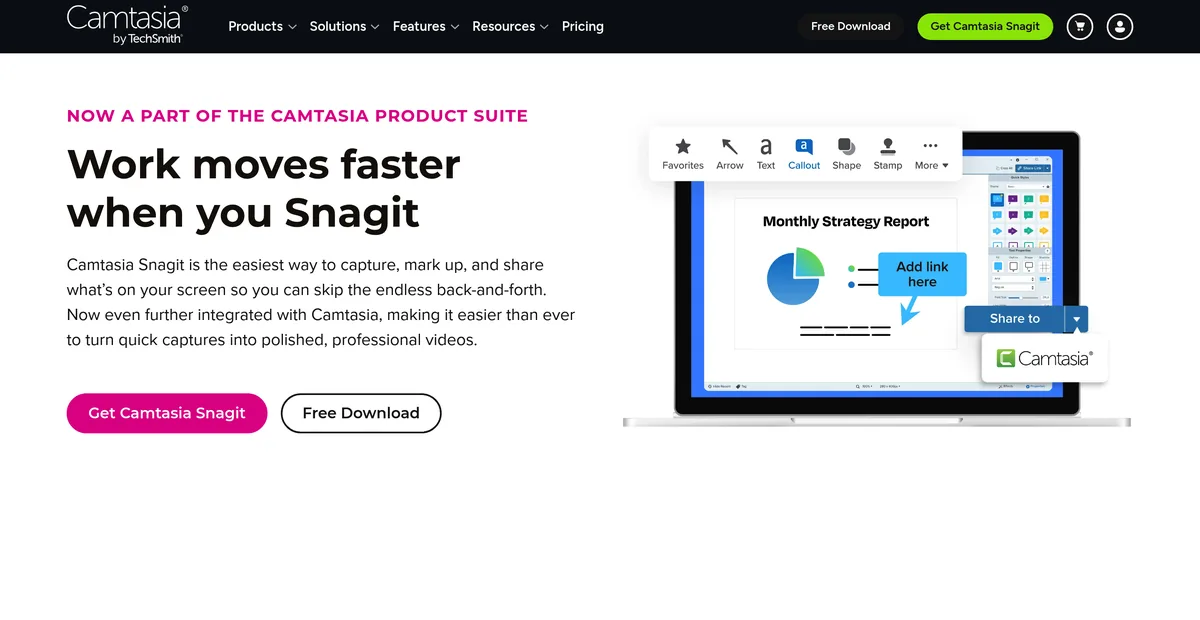
Snagit alternatives
Snagit stopped selling a one-time licence in 2025. What $39 a year adds up to, and what gets bought once instead.
Read the comparison →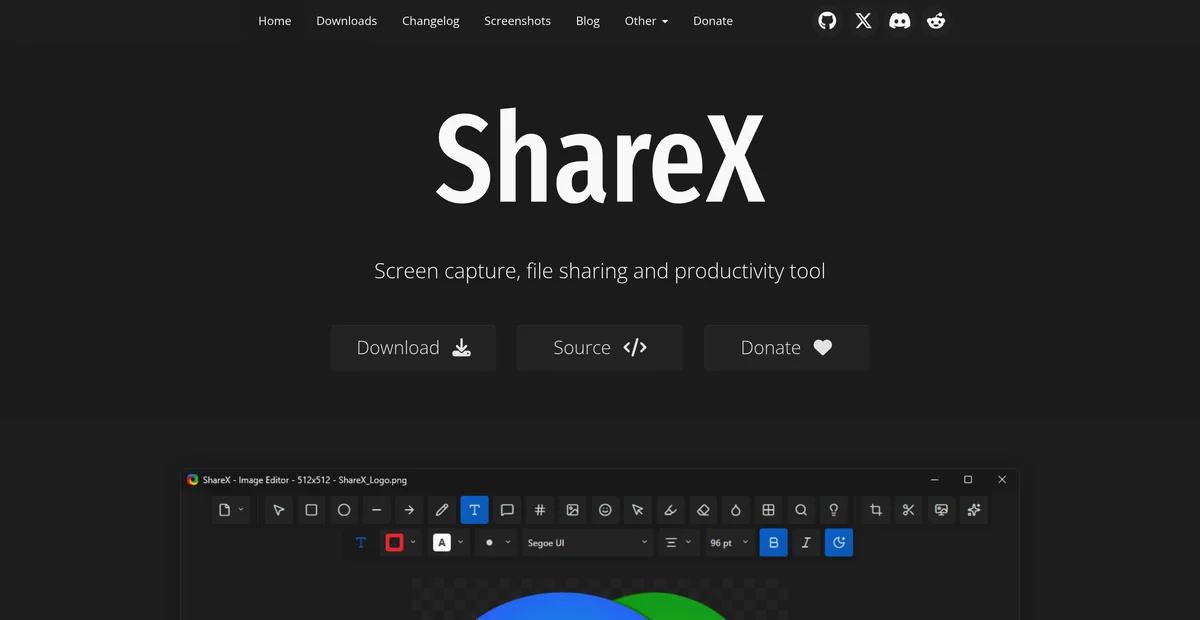
ShareX for Mac
ShareX has never run on macOS. What replaces it after a switch, and the one part that does not come back.
Read the comparison →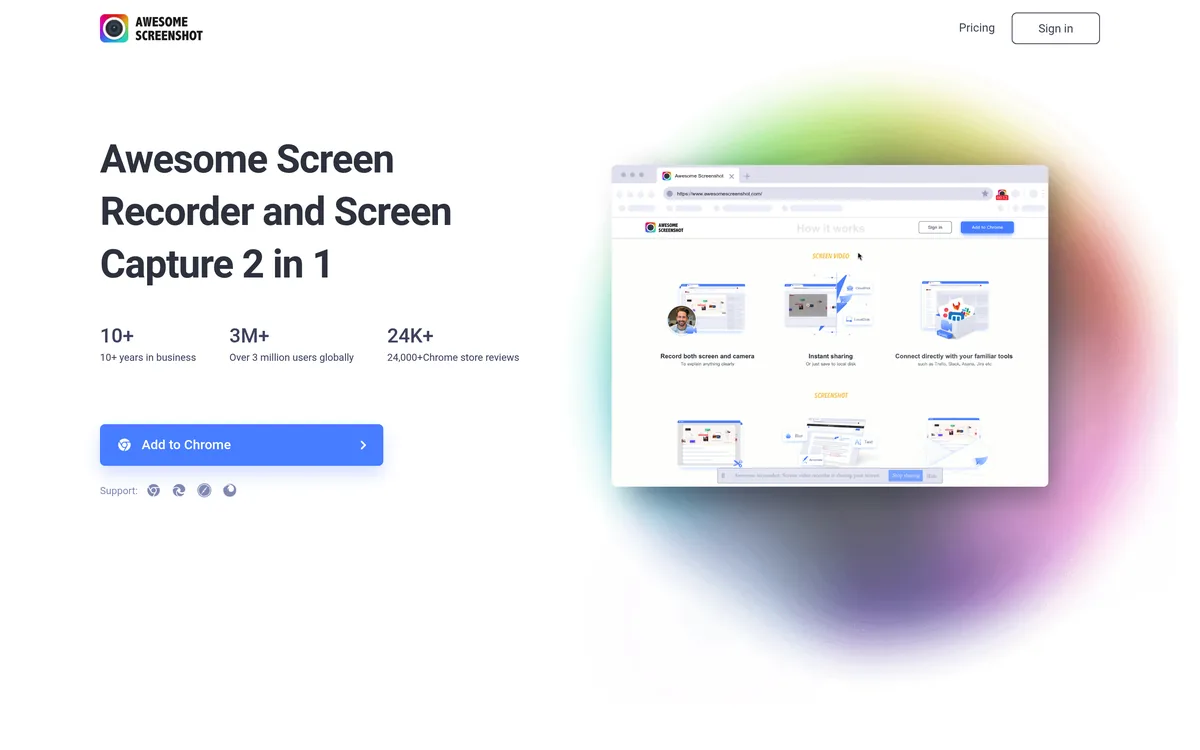
Awesome Screenshot alternatives
A browser extension and a Mac app on one subscription, and a free tier that stops at 100 screenshots. What replaces each half.
Read the comparison →Keep the link. Lose the exposure.
Seven days with everything unlocked, no card and no account. Solo is $19.99 once, and every link you share can carry an expiry date and a password.
Download Sowiks for Mac