Snagit alternatives for Mac
For twenty years Snagit was the answer to "which screenshot tool do I buy once and stop thinking about". On 1 January 2025 TechSmith stopped selling it that way. There is now one option on the store page: $39 per user, per year, forever.
That is a fair price for what Snagit does, and for documentation teams it is still the best tool on this page. This compares four Mac options for everyone whose work never needed that much of it.
Supplemented with
- Trustpilot Reviews
- Snagit
- Product Hunt Reviews
- no listing
- Vendor docs
- TechSmith store and supportReseller price lists
The short answer
Sowiks
The one-time answer. $19.99 buys every capture mode, OCR, recording and cloud links once, and the free tier below it never expires.
Snagit
Still unmatched for producing documentation, and still the only tool here that behaves identically on Windows and Mac. Now $39 per user, every year.
CleanShot X
The widest Mac toolkit. $35 buys the app and a year of updates; staying current is $19 a year after that.
Shottr
Free if you want it to be. Fast, tiny, a pixel ruler nothing else has — and no recording whatsoever.
Why people look for an alternative
It is rented now, not owned. Perpetual licences ended on 1 January 2025 and Snagit 2025 shipped that February as subscription only. Anyone who already bought one keeps it — the versions purchased stay installed and keep working — but there are no more major releases without a subscription. TechSmith supports Snagit 2024 through the end of 2026, or into October 2027 with maintenance. After that the tool that was bought once is simply an old tool.
$39 a year compounds, and per seat. One person pays $117 over three years. A team of five pays $585. Volume barely helps: published per-seat rates run about €39 net at one to nine seats and still about €35 at a hundred, so there is no size at which the annual model stops applying.
The sharing has a ceiling. Snagit shares through TechSmith's Screencast hosting, and the free allowance stops at 2 GB of storage and 2 GB of bandwidth a month. Fine for the occasional link. Not fine for a support queue that runs on them.
It is a large application for a small job. Heavy resource use and occasional crashes come up often enough to be a pattern, though nobody has published a measurement — so treat it as a pattern, not a number. Snagit also wants a TechSmith account before the trial will run, which is a strange first step for a tool whose job is to be faster than pressing ⌘⇧4.
I was informed that I can no longer reactivate my purchase key because I had exceeded my reactivation limit. But I never deactivated it in the first place! I am not interested in a subscription plan. Has anyone else been locked out of their Snagit one-time license?
Read the replies too. Other users point out this is likely an activation counter that support resets, and the poster confirms they filed a ticket and that TechSmith has resolved things well before. It is here because it is the specific worry a perpetual licence now carries, not because it is evidence of anything worse.
Side by side
| Tool | Price | Model | Platform | Scrolling | OCR | Recording | Share links | Link privacy | Best for |
|---|---|---|---|---|---|---|---|---|---|
| Sowiks | $0 free / $19.99 Solo | Free, or one-time | macOS 15.5+ | Yes (Solo) | Yes (Solo) | Video + GIF (Solo) | Yes (Solo) | Password + expiry | One-time price, private links |
| Snagit | $39 per user, per year | Subscription only | Windows + macOS | Yes | Yes | Video + GIF | Screencast hosting | Free hosting capped at 2 GB | Documentation, both platforms |
| CleanShot X | $35 one-time / $10 per month | One-time, or subscription | macOS 10.15+ | Yes, pausable | Yes | Video + GIF | Yes | Password + auto-delete on subscription | Deepest Mac toolkit |
| Shottr | Pay what you want | Name your price | macOS 10.15+ | Yes, with caveats | Yes, plus QR | None | S3, once activated | Local by default | Pixel measurement, speed |
| Awesome Screenshot | $0 free / $5–8 per month | Capped free tier, then subscription | Chrome, Edge, Firefox, macOS 11+ | Yes, inside the browser | Not listed | Video (720p free, 4K paid) | Yes | Password + revoke | Capturing web pages across browsers |
| Lightshot | Free | Free | Windows, macOS, browser | No | No | None | Public prnt.sc | Guessable URLs | Quick throwaway captures |
| Monosnap | $0 / $4.49 mo / $14.49 mo | Free, subscription, lifetime | macOS, Windows, Chrome | Extension-led | Yes | Video + GIF | Yes | Short links need a login | FTP, S3 and cloud drives |
| ShareX | Free | Free, open source | Windows only | Yes | Yes | Video + GIF | 80+ destinations | Depends on destination | The Windows power tool |
| macOS built-in | Free | Included | macOS | No | Live Text | Video | None | No links at all | Occasional captures |
What Snagit still does better
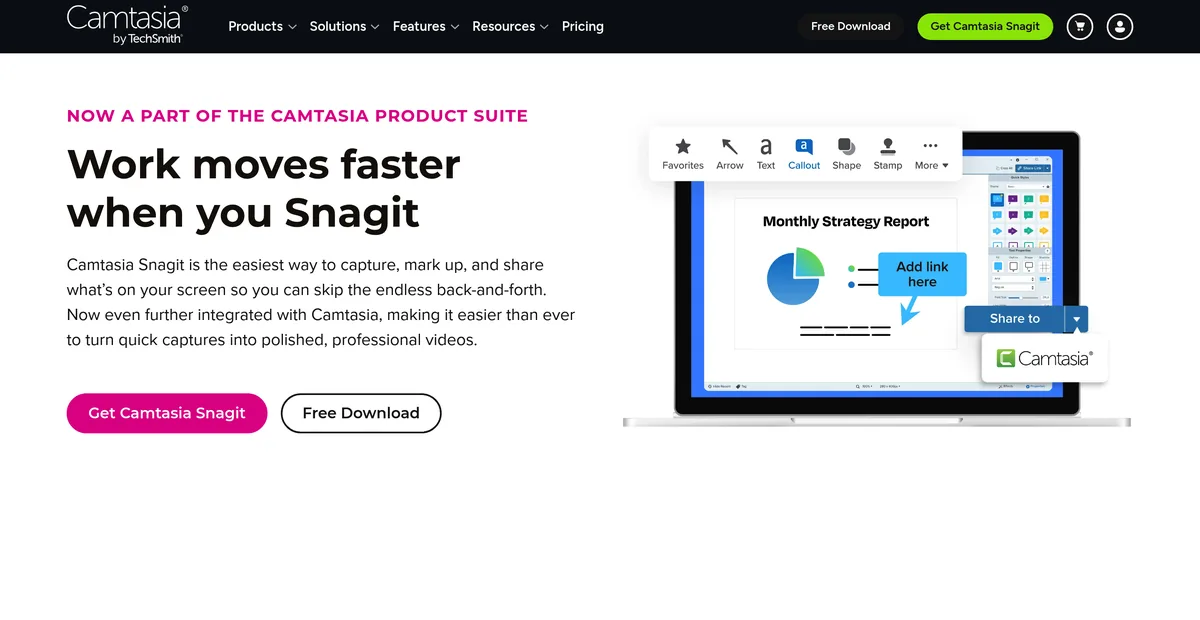
Step Capture writes the walkthrough for you. Click through a process and Snagit produces the numbered sequence of screenshots at the end of it. Anyone who has assembled a twelve-step guide by hand knows what that is worth, and nothing else on this page does it.
Smart Redact finds the sensitive data rather than waiting to be told. Every tool here can blur a rectangle; Snagit detects what should be blurred. For anyone screenshotting dashboards full of customer records, that is a different category of feature.
The editor is a production tool, not a markup layer. Templates, canvas work and a searchable library of captures mean a team can turn out documentation that looks deliberate and consistent across hundreds of images. Sowiks annotates a screenshot. Snagit builds a manual.
And it is the same program on Windows and on macOS. For a team split across both, that ends the discussion — every Mac-only tool below is disqualified before its features are read.
The Snagit alternatives in 2026
Sowiks
Free, or $19.99 one-time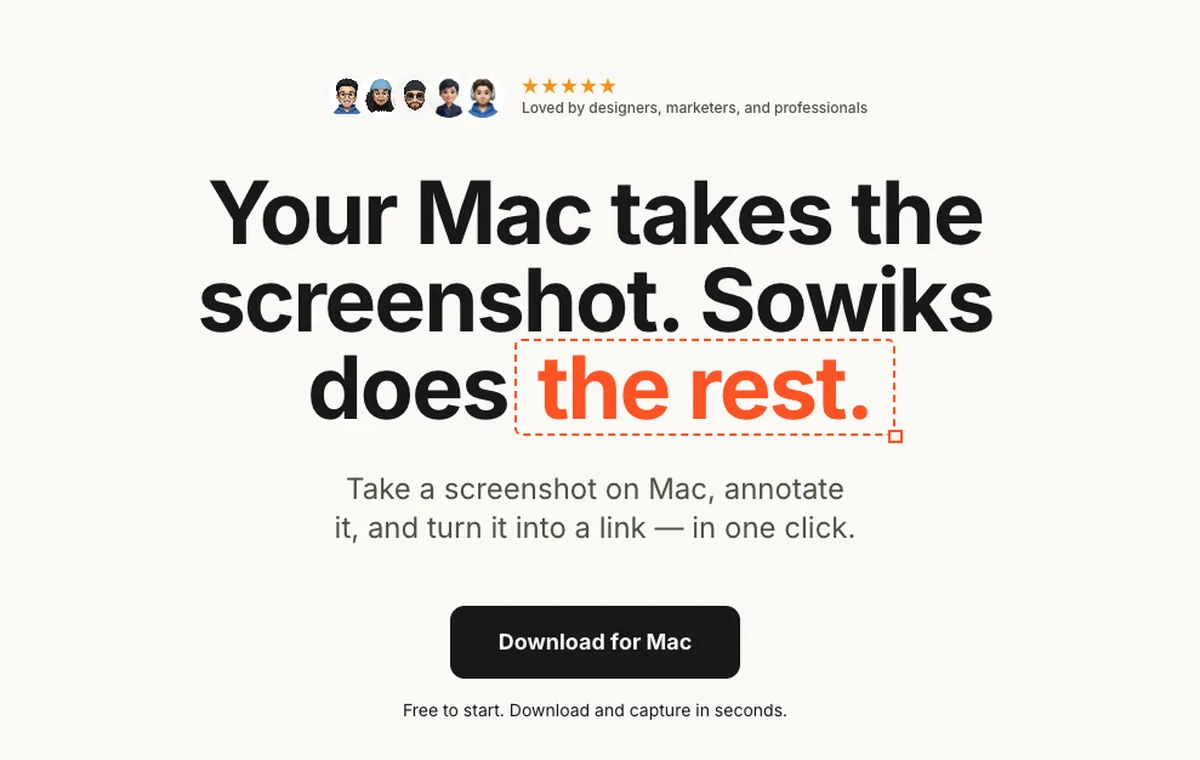
What it does
- ✓Solo is $19.99 once — every capture mode, OCR, video and GIF recording, 1 GB of cloud and permanent unbranded links.
- ✓Twelve months of updates are included, and renewing after that is optional.
- ✓Seven days unlocked from the first capture, with no card, no account and no email — then window capture and the full editor stay free forever.
- ✓Step numbers, redaction in three modes, a colour picker with a hex readout, overlays, crop and resize, and an edge-aware background fill.
- ✓Share links carry an optional password and an expiry, and up to 10 shots can sit behind a single link.
Where it stops
- —No Windows build. Any workflow that has to behave the same on both platforms rules it out immediately.
- —No Step Capture equivalent — nothing builds a numbered walkthrough on its own — and no automatic detection of sensitive data.
- —No templates and no library. It annotates and shares screenshots; it does not lay out a manual.
Who it suits. Mac work where the loop is capture, mark up, send a link — and where paying once for that loop is preferable to paying for it again every January.
Download Sowiks for MacCleanShot X
$35 one-time, or $10 per month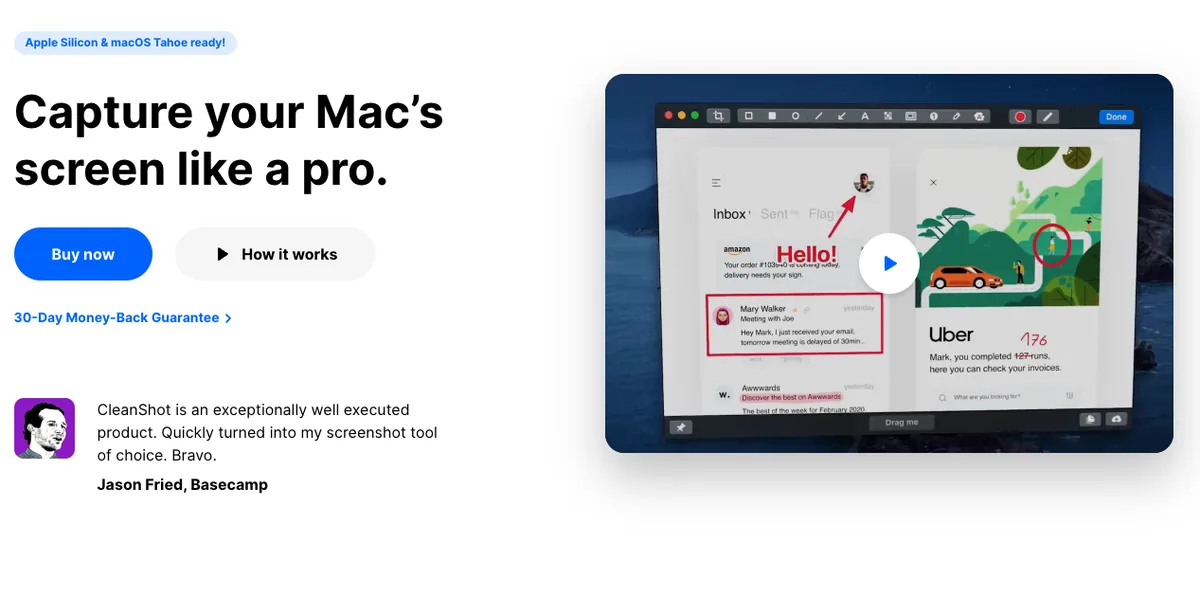
What it does
- ✓Recording with keystroke display, click highlighting, webcam overlay and GIF export.
- ✓Scrolling capture that can be paused mid-way to keep only the part that matters.
- ✓The annotation set that comes nearest to Snagit's: curved arrows, a highlighter that follows the text under it, spotlight dimming.
- ✓CleanShot Cloud with one-click links, plus password protection and auto-deletion on the subscription tier.
- ✓Pinned screenshots, capture history, and hiding desktop icons during capture.
Where it stops
- —The $35 licence covers one Mac and one year of updates. Staying current costs $19 a year after that.
- —The subscription runs $10 per user a month billed annually, for people who need unlimited cloud and team features.
- —Over fifty features on top of Snagit's own long list — two large applications for a job that is usually small.
Who it suits. Mac users who want the broadest toolkit and treat a renewal as an operating cost rather than a broken promise.
Shottr
Pay what you want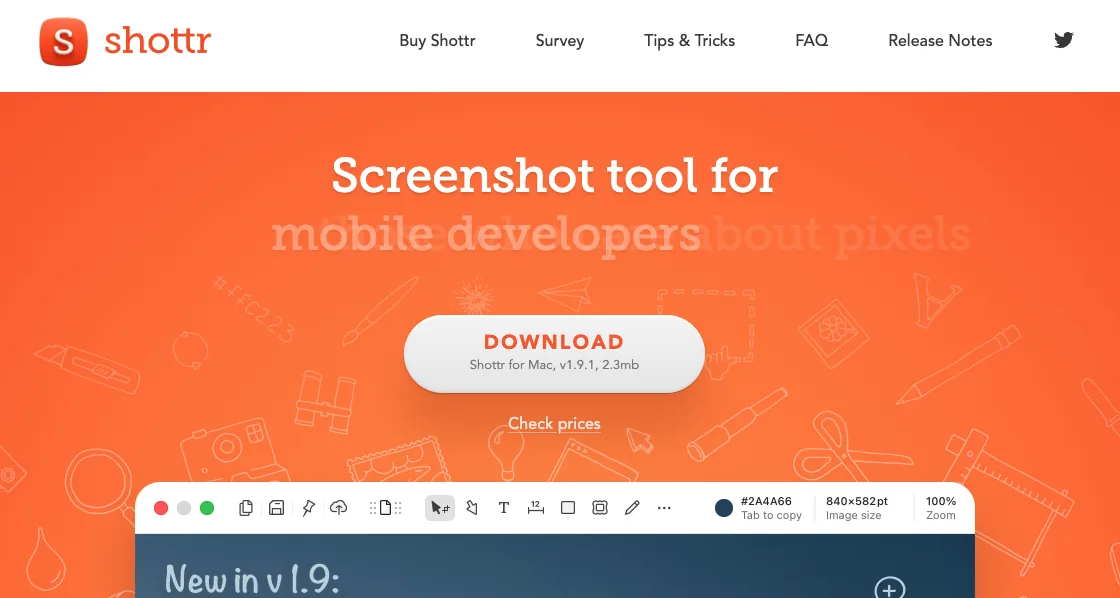
What it does
- ✓A pixel ruler and grid overlay for measuring spacing between interface elements. Nothing else here has an equivalent.
- ✓Area, window, full screen and scrolling capture, plus OCR and QR code reading.
- ✓A 2.3 MB download against Snagit's several hundred, and capture in about 17 milliseconds.
- ✓Captures stay on the machine unless uploading is switched on.
- ✓Entering $0 is a documented, supported option.
Where it stops
- —No screen recording at all. For anyone using Snagit's video, this is not a replacement.
- —Scrolling capture stumbles where Snagit's does not: duplicate segments and missing content on JavaScript-driven pages.
- —No Windows build, and unlike Snagit's the pricing is ambiguous: $0 works, but $8 and $25 tiers turn up too.
Who it suits. Developers and designers who measure interfaces daily and already handle video somewhere else.
macOS built-in
FreeWhat it does
- ✓Capture shortcuts and screen recording ship with the system.
- ✓Live Text pulls text out of images.
- ✓Markup in Preview handles basic arrows and shapes.
Where it stops
- —No scrolling capture.
- —No one-step annotation. The file saves first, then gets opened somewhere else.
- —No share links, no passwords, no expiry, no cloud.
Who it suits. Anyone taking a screenshot now and then who does not want another menu bar icon.
The rest of the field
These are not the closest replacements, but each one is the right answer to a question the tools above answer badly.
At the far opposite end: free, about 3 MB installed, and no documentation features whatsoever. It also uploads to public prnt.sc addresses with no password, no expiry and no access control, which rules it out for anything with a customer's data on screen.
Cheaper than Snagit and also cross-platform, but its free tier is licensed for non-commercial use only and its commercial tier runs $14.49 a month. Where it beats Snagit is destinations — FTP, sFTP, WebDAV and S3 — and where it loses is the editor.
Free, open source, and the closest thing to Snagit's breadth for nothing: eighteen annotation tools, OCR, QR codes, scrolling capture and eighty-plus upload destinations. Its scrolling capture automates the scroll, which is faster in a browser and fails inside games, where Snagit's manual mode still works. Windows only, so it replaces Snagit for half a mixed team and none of a Mac one.
What switching costs you
Windows goes first. Snagit is one program on two operating systems, and every alternative on this page is Mac only. A team that hands work between platforms should stop reading here; the annual bill is buying something real.
Step Capture and Smart Redact go with it. There is no partial replacement for either. Sowiks has redaction in three modes and step numbers as an annotation tool, but nothing that watches a click-through and assembles the sequence, and nothing that identifies sensitive data on its own.
The templates and the library go too. Producing a hundred screenshots that look like one document is what Snagit's editor is for, and it is the part nothing cheaper imitates. A technical writer leaving Snagit is not swapping a utility, they are dismantling a toolchain.
What comes back is a bill that stops. If the work was never documentation — if it was bug reports, design feedback, a link pasted into Slack forty times a day — then most of what is lost was never being used.
Pick by what you do
Technical writers
Stay on Snagit. Step Capture, Smart Redact and the template system are the job, and nothing on this page reproduces them. Paying $117 over three years to keep a production toolchain is not the same decision as paying it for a capture utility.
Support teams
The daily loop is capture, mark up, send a link — not build a manual. Sowiks Solo covers it for $19.99 once, with a password and an expiry on the link. Snagit's advantages mostly go unused here.
Designers
CleanShot X for presentation polish and recording; Shottr if measuring spacing is the actual work. Snagit's documentation machinery is overhead for both.
Mixed Windows and Mac teams
Snagit, still. It is the only tool here that exists on both platforms, and a team standardising on one tool has no other option in this comparison.
Pricing breakdown
Snagit's cost compounds and the one-time tools' does not. Over one year the gap is $24. Over three it is $102 for one person, and $570 for a team of five.
| Plan | Year 1 | Year 2 | Year 3 |
|---|---|---|---|
| LightshotFree on every platform | $0 | $0 | $0 |
| ShareXFree and open source — Windows only | $0 | $0 | $0 |
| macOS built-inIncluded with the system | $0 | $0 | $0 |
| Sowiks — free after the trialWindow capture and the full editor | $0 | $0 | $0 |
| Monosnap — free tierLicensed for non-commercial use only | $0 | $0 | $0 |
| Awesome Screenshot — free tierCapped at 100 screenshots and 20 recordings, 720p | $0 | $0 | $0 |
| Shottr — name your price$0 is supported; the app asks occasionally | $0+ | $0+ | $0+ |
| Sowiks Solo$19.99 once; updates after the first year are an optional renewal | $19.99 | $19.99 | $19.99 |
| CleanShot Basic — one-time$35, then $19 a year to stay current | $35 | $54 | $73 |
| Monosnap — lifetime$99.99 once, non-commercial only | $99.99 | $99.99 | $99.99 |
| Snagit Individual$39 per user, per year — no one-time option since 2025 | $39 | $78 | $117 |
| Monosnap — non-commercial$44.99 a year | $44.99 | $89.98 | $134.97 |
| Awesome Screenshot Professional$6 a month billed annually | $72 | $144 | $216 |
| Monosnap — commercial$85.99 a year | $85.99 | $171.98 | $257.97 |
| CleanShot Pro — subscription$10 per user a month, billed annually | $120 | $240 | $360 |
Stopping payment means different things. Stop paying Snagit and the subscription ends. Stop renewing CleanShot X or Sowiks and nothing is taken away — the app keeps running on the version installed, just without further fixes. The difference that matters is not how often you pay, it is what happens when you stop.
Maintenance holders got a reprieve, not an exemption. Customers with active maintenance receive a discounted Legacy License key, and TechSmith has committed to that pricing through 2030 — a saving it describes as over 60% against a new subscription. It is a five-year arrangement, not a permanent one.
Team pricing scales the same way. Per-seat rates drop by roughly ten percent between one seat and a hundred. Volume changes the multiplier, not the model.
Questions
Can Snagit still be bought outright?
I already own a perpetual Snagit licence. What happens to it?
How long is the Snagit trial?
What does Snagit cost for a team?
Is Snagit's cloud sharing unlimited?
What is the closest Snagit replacement on Mac?
Keep comparing
CleanShot X alternatives
Five options compared on price, link privacy and what actually breaks when you switch.
Read the comparison →Shottr alternatives
What to use when Shottr's missing screen recording or unreliable scrolling capture becomes the problem.
Read the comparison →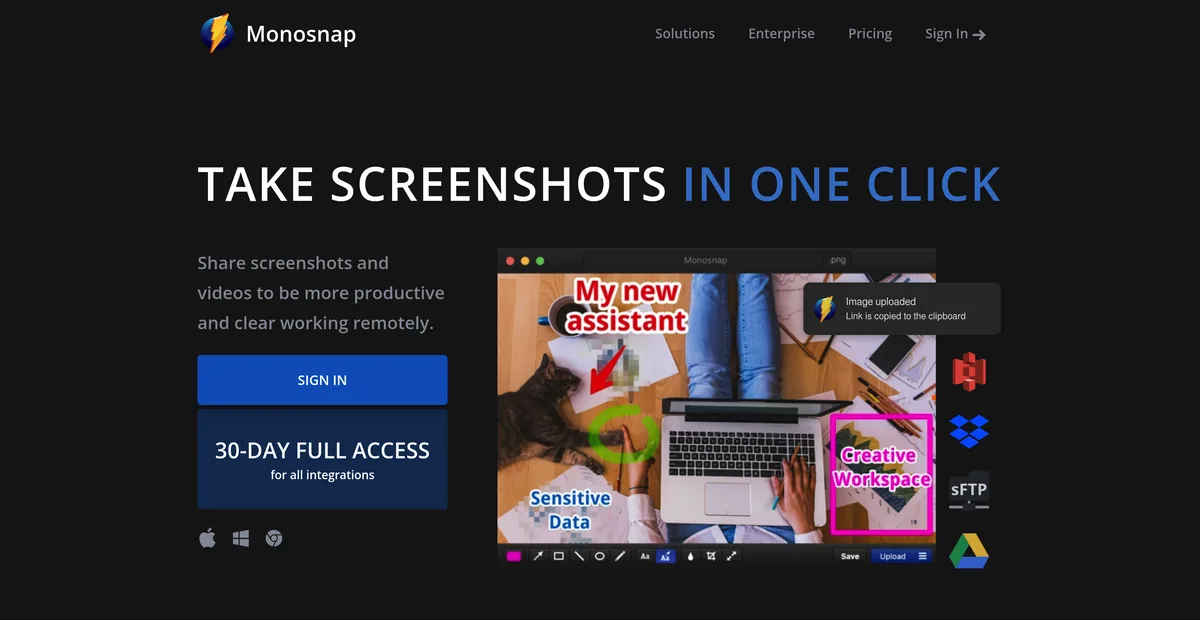
Monosnap alternatives
Monosnap's free tier is licensed for non-commercial use only. What that costs, and what to use at work instead.
Read the comparison →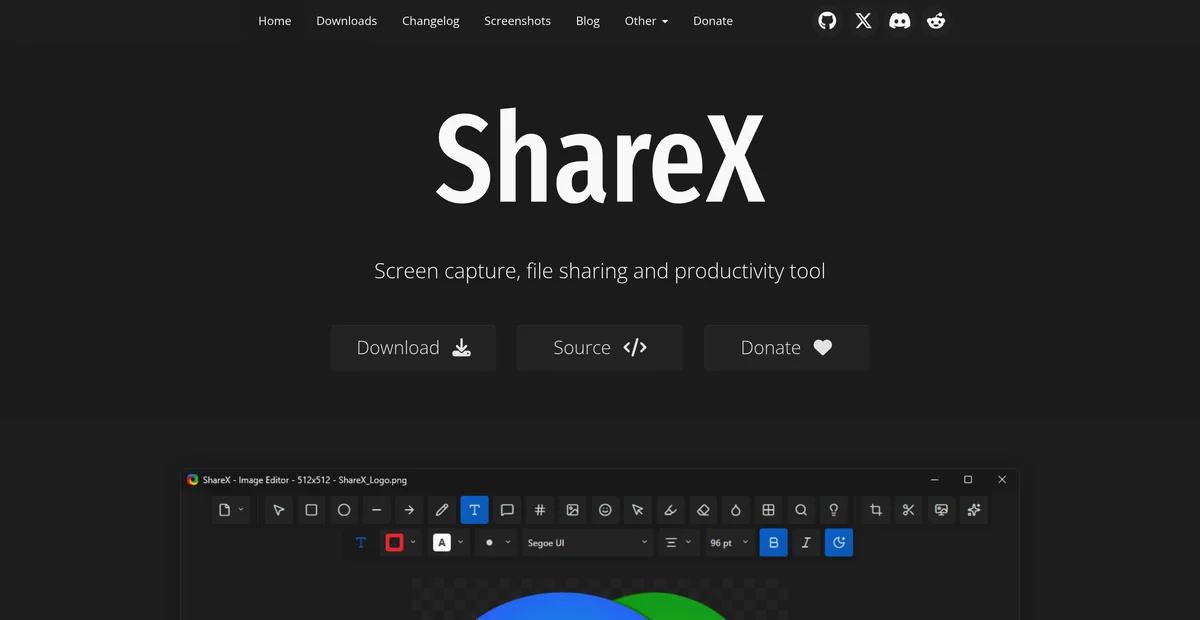
ShareX for Mac
ShareX has never run on macOS. What replaces it after a switch, and the one part that does not come back.
Read the comparison →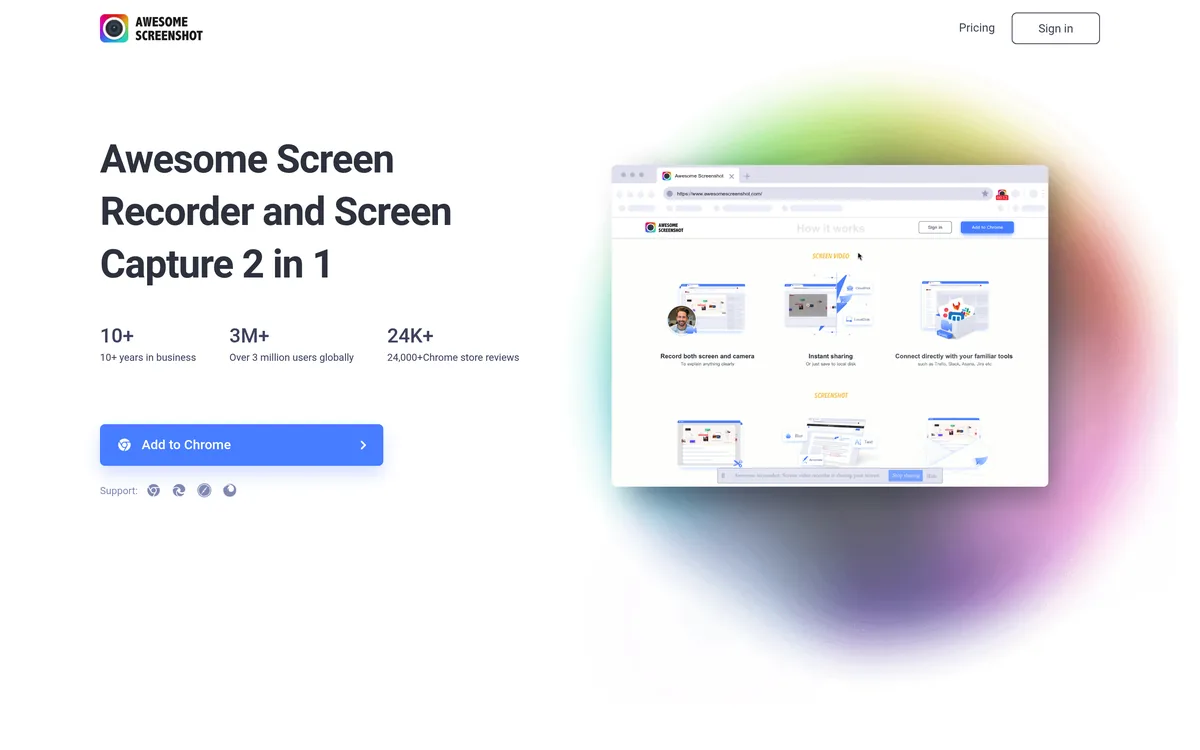
Awesome Screenshot alternatives
A browser extension and a Mac app on one subscription, and a free tier that stops at 100 screenshots. What replaces each half.
Read the comparison →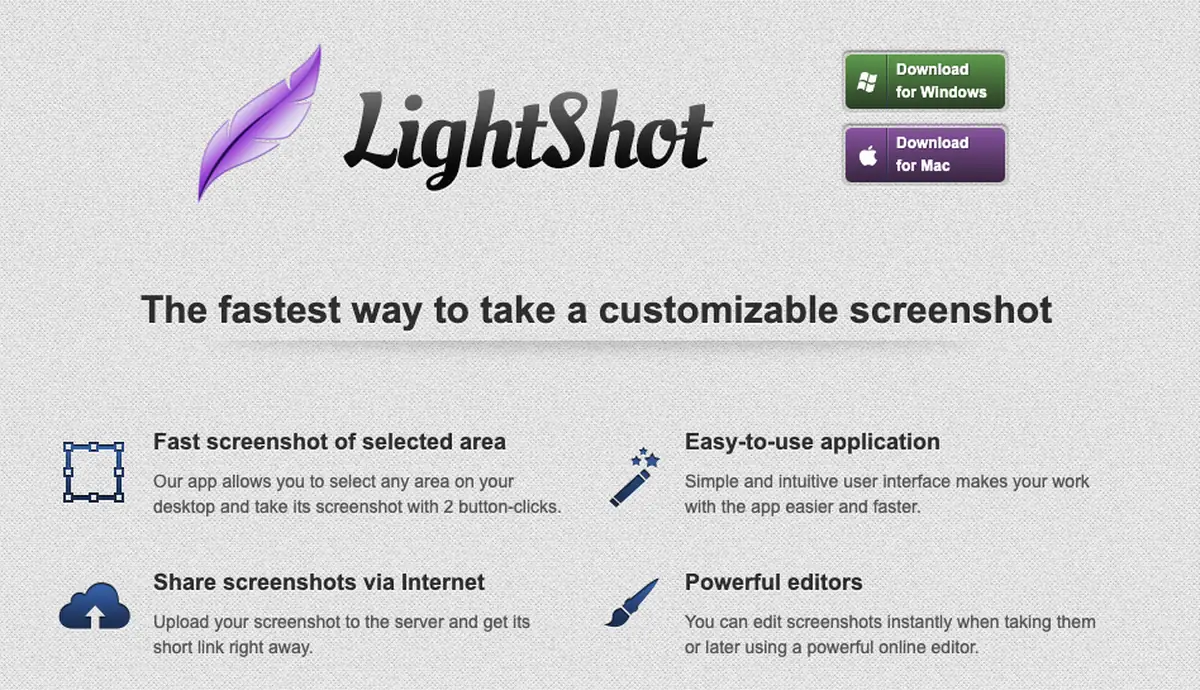
Lightshot alternatives
Why prnt.sc links are guessable, and what replaces Lightshot on Mac and on Windows.
Read the comparison →Pay once, or pay every January
Seven days with everything unlocked, no card and no account. Solo is $19.99 once with twelve months of updates, renewing is optional, and the free tier underneath it never expires.
Download Sowiks for Mac