Everything after the capture
Taking the screenshot is the easy part. What we write about is the rest: scrolling pages that refuse to be captured in one image, annotation that survives a second pass, and links you can hand over without wondering who else can open them.

More reading
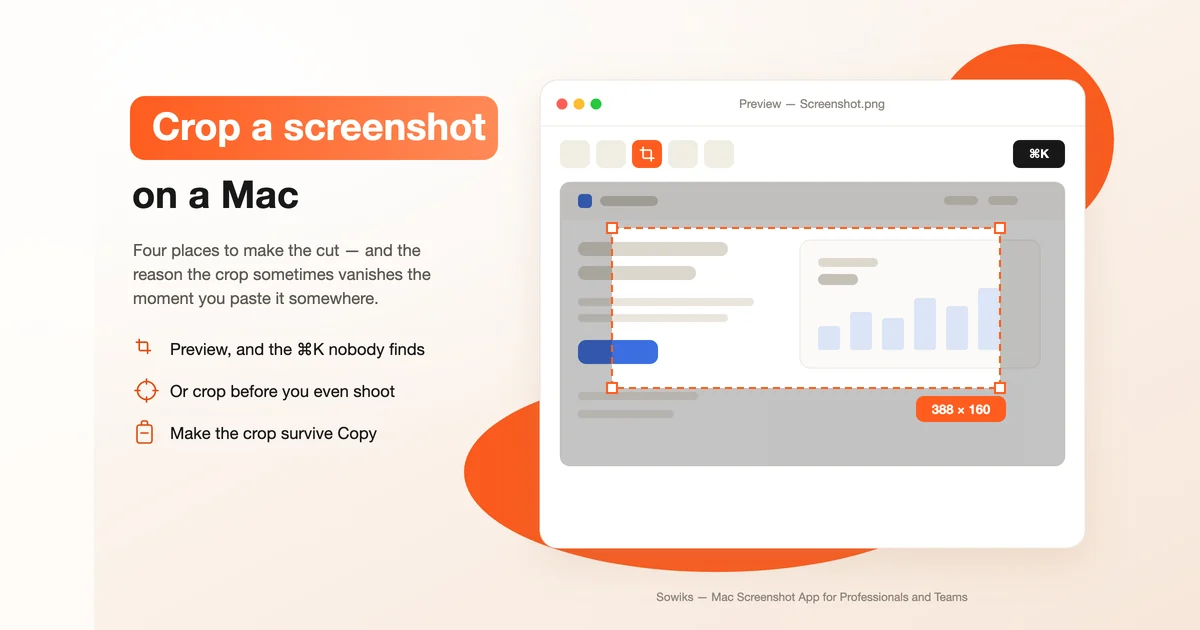
How to Crop a Screenshot on a Mac in 2026
Preview and the ⌘K nobody finds, the thumbnail editor, cropping at capture time, exact pixel dimensions and batch tools — plus why a plain Copy hands back the uncropped original.
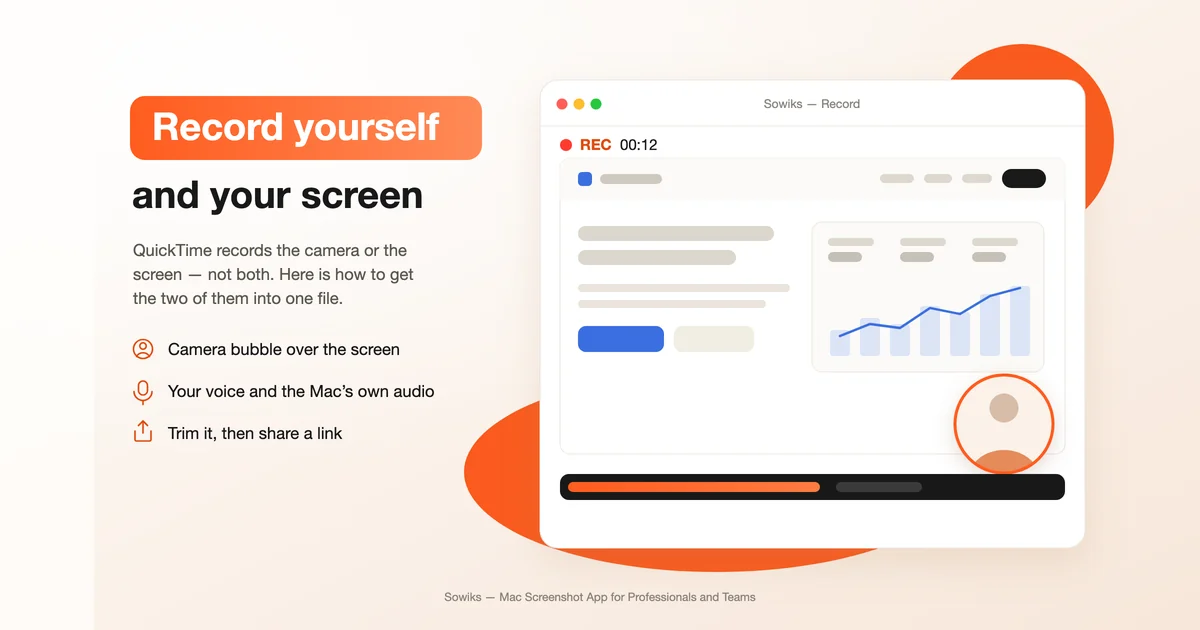
How to Record Yourself on a Mac
QuickTime, Photo Booth and iMovie each record you a different way — plus the setup that saves a take, and what to do when the built-in tools refuse to put your face and your screen in the same file.
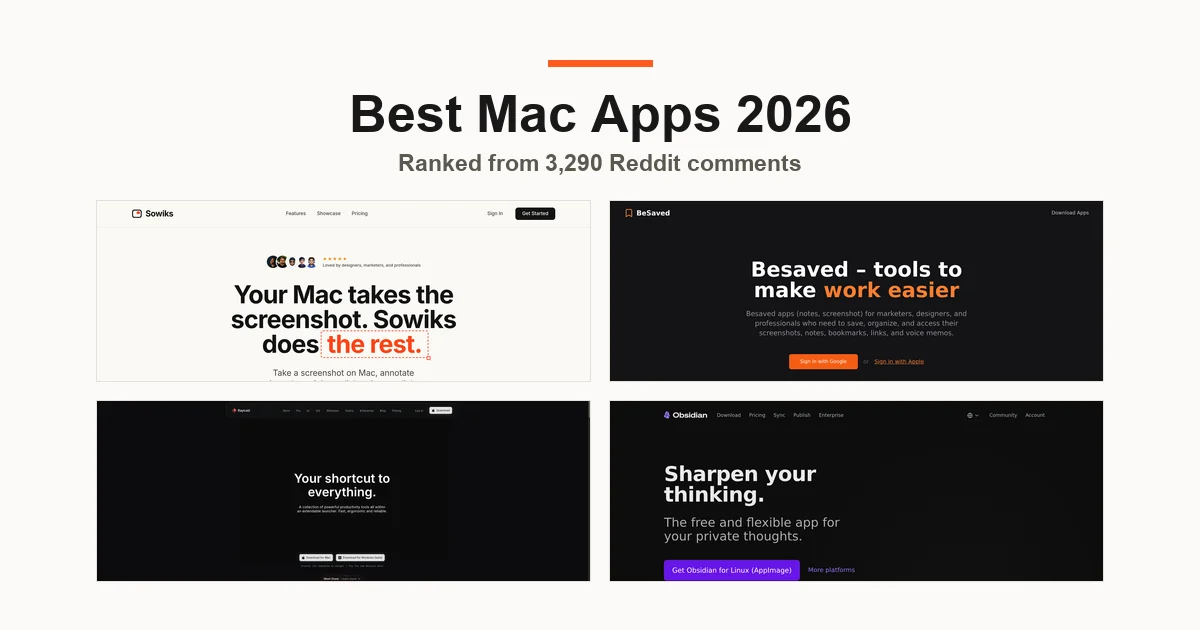
Best Mac Apps 2026: 20 Tools Worth Installing on a New MacBook
Ranked from 3,290 comments across fifteen r/macapps threads, then checked against 59 YouTube reviews and European Mac coverage — with real pricing, free alternatives and what each tool actually fixes.
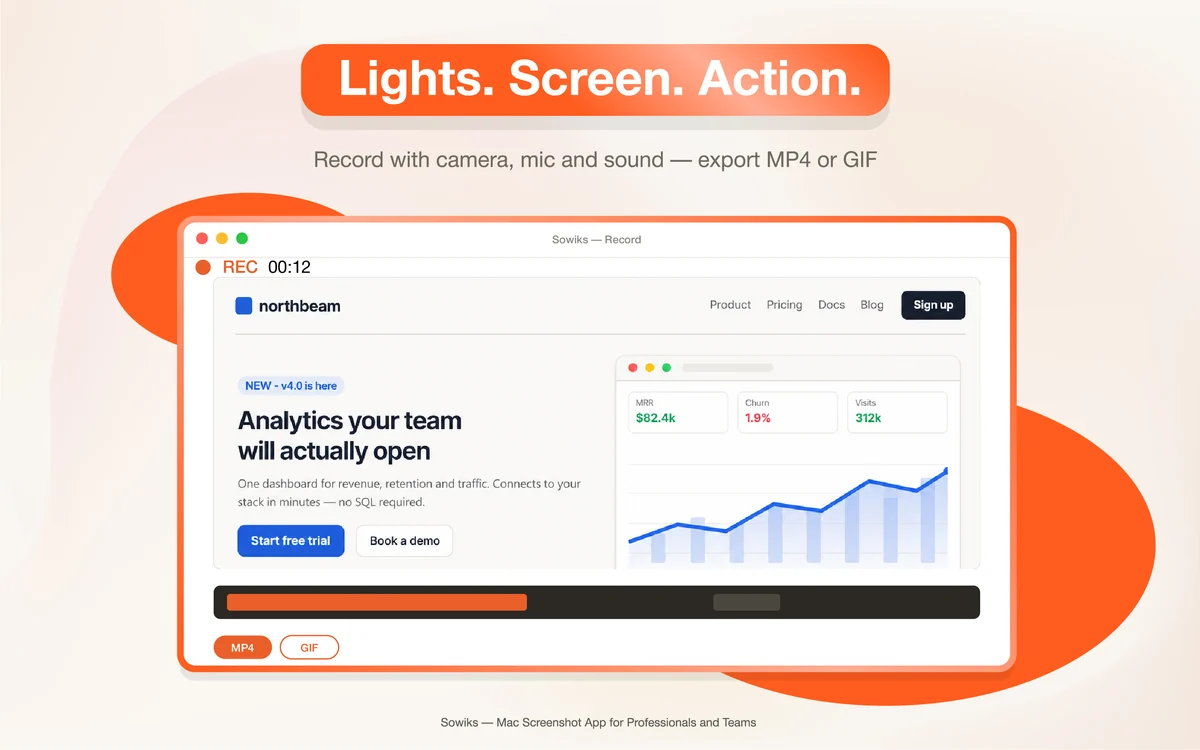
How to Screen Record on Mac: Complete Guide
Both built-in recorders, how to capture your voice or the Mac's own system audio, the three ways to stop a recording — and fixes for stutter, huge .mov files and missing sound.
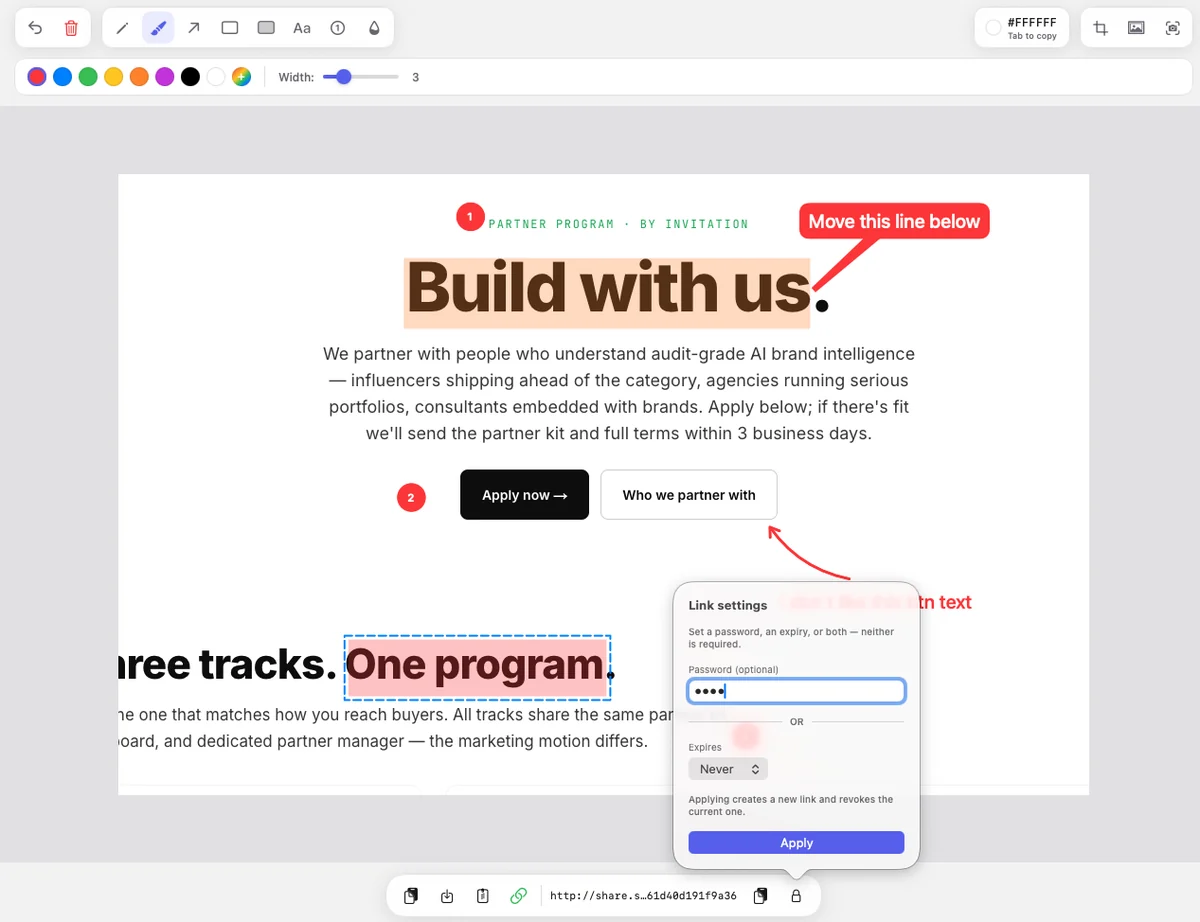
How to Take a Screenshot on Mac in 2026: A Complete MacBook Guide
Every built-in shortcut, window and menu capture, where the files go, the editing tools, what changed in macOS 27 — and the third-party apps worth adding when the built-in utility runs out.
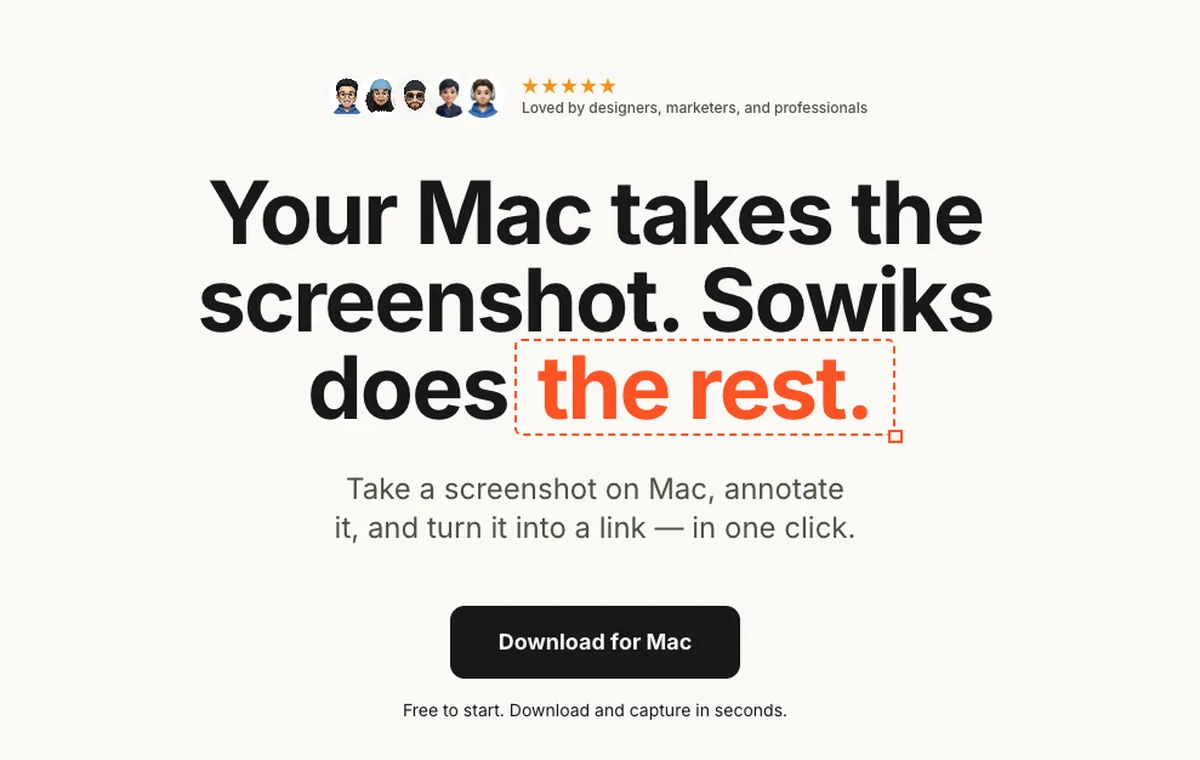
How to Take a Scrolling Screenshot on Mac
macOS has no native full-page capture. What Safari, Chrome and Firefox can do on their own, the apps that stitch a long capture outside the browser, and the flaws you only notice after sending the image.
Try the app the writing is about
Everything is unlocked for seven days from your first capture. Window capture and the editor stay free after that; Solo is $19.99 once.
Download Sowiks for Mac