Shottr alternatives for Mac
Shottr is a fast, lightweight screenshot tool for Mac that makes capturing, annotating, and working with screenshots remarkably easy. People rarely leave it because they dislike it. They leave because a screenshot is no longer enough.
We compare four alternatives to Shottr based on three features it lacks: screen recording, easy link sharing, and support for Windows.
Supplemented with
- Trustpilot Reviews
- no listing
- Product Hunt Reviews
- Shottr
- Vendor docs
- Pricing pagesPublished benchmarks
The short answer
Sowiks
Closest match with recording added. Seven days unlocked, then window capture and the editor stay free; $19.99 once adds the rest, including cloud, password-protected links and video or GIF.
CleanShot X
The heavyweight. Deepest editor, most developed cloud, team features — on a renewal clock or $10 a month.
ScreenSnap Pro
Cross-platform and background-heavy. $39 once, runs on macOS and Windows, and sells itself on 500+ gradient backdrops.
macOS built-in
Already installed and records video. No scrolling capture, no links, and editing happens in another app.
Why people look for an alternative
There is no screen recording at all. This is the main point every Shottr comparison ends with: a support reply that needs a short video cannot be a still image. macOS can record by default, so if that works for you, start with how to screen record on a Mac using the built-in tools, or see which apps pair capture with recording in our comparison of Mac screenshot apps.
Scrolling capture is not always reliable. On pages that load elements progressively through JavaScript it duplicates segments and drops others. Static pages are fine. Dashboards and infinite feeds are not. The ways a long capture quietly breaks are worth knowing before you trust any tool with one.
Sharing is not a main focus. Uploading is possible but must be turned on, and by default everything stays on your device. This is good for privacy but not helpful for people who need to share links in chats all day.
Mac only. No Windows build exists. For a team split across platforms, that ends the discussion, no matter how good the app is.
The pricing is confusing. The site says you can pay what you want and even enter $0. But elsewhere, there are annoying reminders, a 30-day trial, and set prices of $8 and $25. These three different versions make some buyers give up.
Shottr ftw, it's clean, lightweight and simple and does its intended job beautifully. It's earned a permanent place on my menu bar.
Side by side
| Tool | Price | Model | Platform | Scrolling | OCR | Recording | Share links | Link privacy | Best for |
|---|---|---|---|---|---|---|---|---|---|
| Sowiks | $0 free / $19.99 Solo | Free, or one-time | macOS 15.5+ | Yes (Solo) | Yes (Solo) | Video + GIF (Solo) | Yes (Solo) | Password + expiry | One-time price, private links |
| Shottr | Pay what you want | Name your price | macOS 10.15+ | Yes, with caveats | Yes, plus QR | None | S3, once activated | Local by default | Pixel measurement, speed |
| CleanShot X | $35 one-time / $10 per month | One-time, or subscription | macOS 10.15+ | Yes, pausable | Yes | Video + GIF | Yes | Password + auto-delete on subscription | Deepest Mac toolkit |
| Awesome Screenshot | $0 free / $5–8 per month | Capped free tier, then subscription | Chrome, Edge, Firefox, macOS 11+ | Yes, inside the browser | Not listed | Video (720p free, 4K paid) | Yes | Password + revoke | Capturing web pages across browsers |
| Lightshot | Free | Free | Windows, macOS, browser | No | No | None | Public prnt.sc | Guessable URLs | Quick throwaway captures |
| Monosnap | $0 / $4.49 mo / $14.49 mo | Free, subscription, lifetime | macOS, Windows, Chrome | Extension-led | Yes | Video + GIF | Yes | Short links need a login | FTP, S3 and cloud drives |
| Snagit | $39 per user, per year | Subscription only | Windows + macOS | Yes | Yes | Video + GIF | Screencast hosting | Free hosting capped at 2 GB | Documentation, both platforms |
| ShareX | Free | Free, open source | Windows only | Yes | Yes | Video + GIF | 80+ destinations | Depends on destination | The Windows power tool |
| macOS built-in | Free | Included | macOS | No | Live Text | Video | None | No links at all | Occasional captures |
What Shottr still does better
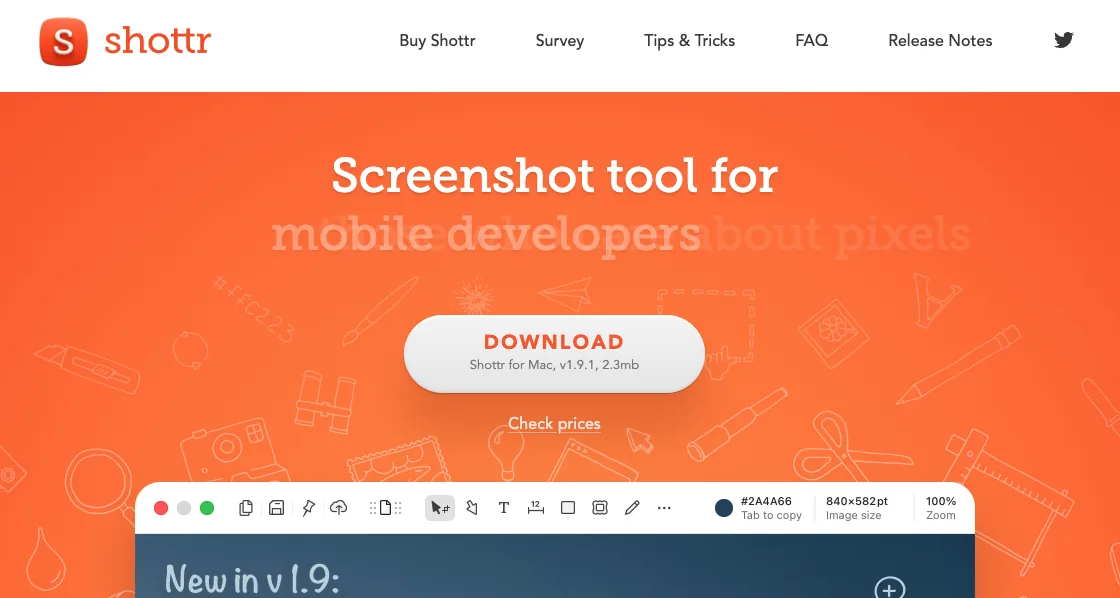
It measures. The pixel ruler and grid overlay let you check space between parts of the screen without opening a design program, and no other app here has this. For anyone checking layouts, this one feature is enough reason to keep Shottr.
It is genuinely small and genuinely fast. A 2.3 MB download and a 17-millisecond capture are unusual numbers to publish, and they hold up under measurement on Apple silicon. Most apps this size do less.
It keeps things local. Captures stay on the machine unless you explicitly switch on uploading. Among tools that offer cloud links at all, that default is rare.
And you pay what you want. Choosing $0 is a supported option. No other tool here offers that.
The Shottr alternatives in 2026
Sowiks
Free, or $19.99 one-time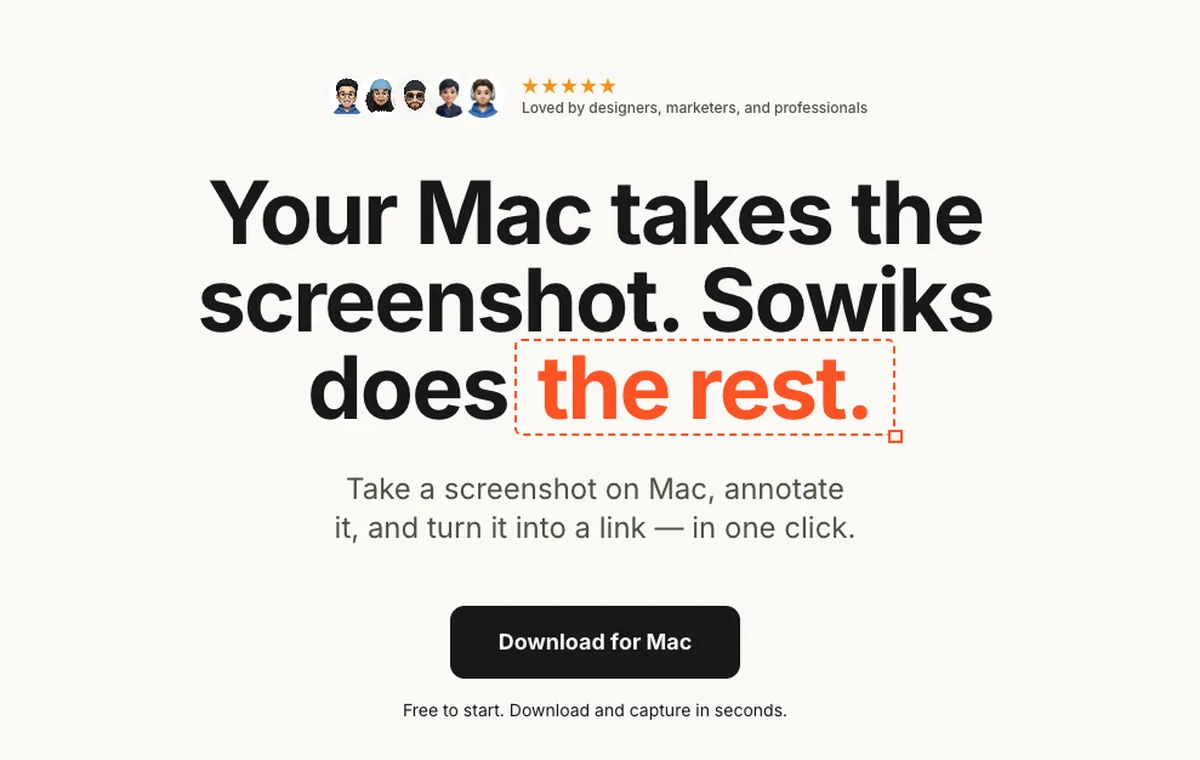
What it does
- ✓Everything is unlocked for seven days, starting from the first capture, with no account.
- ✓Solo adds screen recording as video or GIF, which is the single thing Shottr has no answer for.
- ✓Cloud storage with permanent share links, each one able to carry an expiry time and a password.
- ✓Scrolling capture, 13 annotation tools, blur, step numbers, color picker, overlays, resize, and backgrounds.
- ✓Combine up to 10 screenshots into one gallery behind a single link or a ZIP.
Where it stops
- —No pixel ruler or measurement overlay. Anyone who picked Shottr for measuring will feel this immediately.
- —After the trial, the free tier narrows to window capture and the editor. The other capture modes, OCR, cloud, links and recording are Solo.
- —No team administration or shared workspaces. Mac only.
Who it suits. People who liked how Shottr worked but hit the wall where a screenshot was not enough and a short recording was.
Download Sowiks for MacCleanShot X
$35 one-time, or $10 per month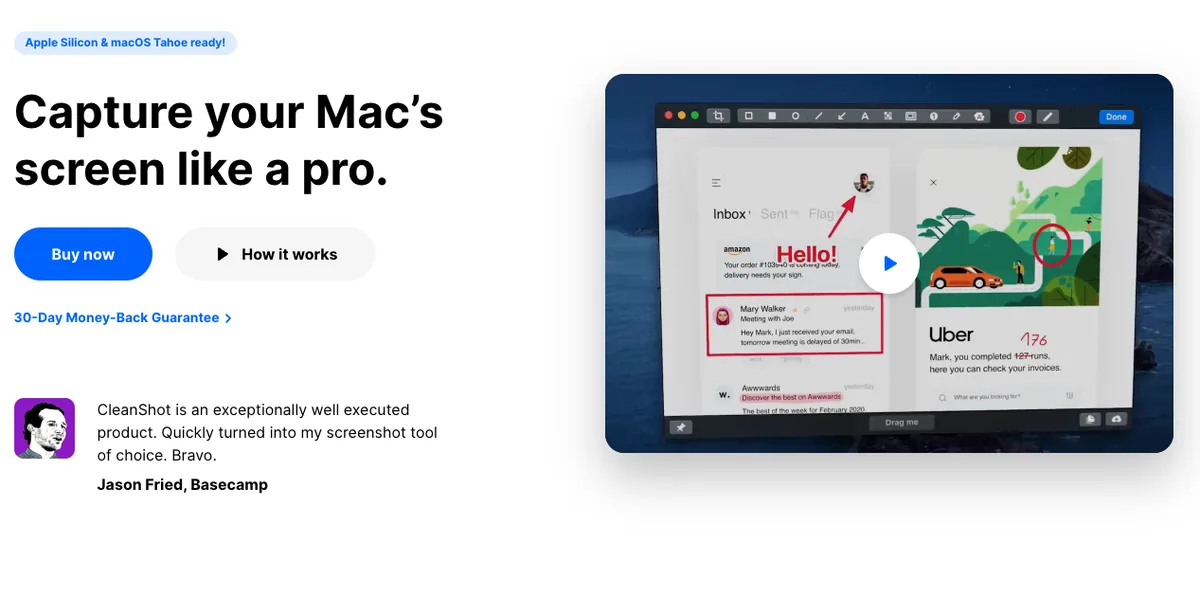
What it does
- ✓Recording with keystroke display, click highlighting, webcam overlay, and GIF export.
- ✓Scrolling capture that can be paused mid-way to keep only the part that matters.
- ✓A far deeper editor than Shottr's: curved arrows, a highlighter that snaps to the shape of the text, spotlight dimming.
- ✓CleanShot Cloud with one-click links, and password protection plus auto-deletion on the subscription tier.
- ✓Pinned screenshots, capture history, and hiding desktop icons during capture.
Where it stops
- —The $35 license covers one Mac and one year of updates. Staying current costs $19 a year after that.
- —The subscription runs $10 per user a month billed annually, aimed at people who need unlimited cloud and team features.
- —Over fifty features against Shottr's handful, and most people settle into three or four either way.
Who it suits. Anyone who wants the widest toolkit on Mac and treats the renewal or the subscription as a cost of doing business.
ScreenSnap Pro
$39 one-time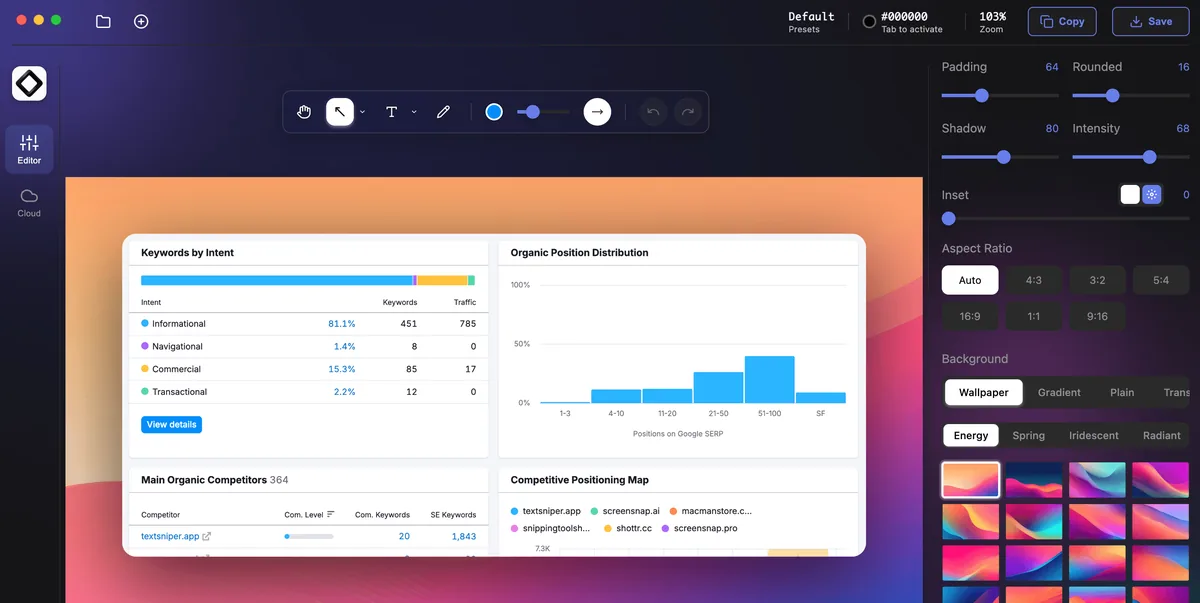
What it does
- ✓Runs on macOS and Windows, which no other tool on this page does.
- ✓Screen recording with webcam, system and microphone audio, and GIF or video export.
- ✓15 annotation tools including arrows, shapes, blur, text and emoji.
- ✓Backgrounds are the headline feature, with more than 500 gradients.
- ✓Cloud upload with instant links, OCR text extraction, and website capture.
Where it stops
- —At $39 it is the most expensive one-time purchase here.
- —Its published proof points are self-reported: 500K+ screenshots created and a 4.8 average rating, both on its own site.
- —Almost nothing has been written about it by anyone other than its vendor, which is its own kind of signal.
Who it suits. People who work across macOS and Windows, or who publish screenshots where the backdrop matters as much as the content.
macOS built-in
FreeWhat it does
- ✓Capture shortcuts and screen recording ship with the system.
- ✓Live Text pulls text out of images.
- ✓Markup in Preview handles basic arrows and shapes.
Where it stops
- —No scrolling capture.
- —No one-step annotation. The file saves first, then gets opened somewhere else.
- —No share links.
Who it suits. Anyone taking a screenshot now and then who does not want another menu bar icon.
The rest of the field
These are not the closest replacements, but each one is the right answer to a question the tools above answer badly.
Also free and also tiny — roughly 3 MB installed, 15 to 20 MB of memory — but it uploads to public prnt.sc addresses six characters long and close to sequential, with no password, no expiry and no access control. WIRED examined 11,000 randomly generated ones and found personal data, and r/privacy has been posting about it since 2018. Shottr keeping captures local by default is the entire difference.
Where Shottr can push to S3 once you switch it on, Monosnap makes destinations the product: FTP, sFTP, WebDAV, S3, Dropbox, Google Drive, Box and Evernote, on paid tiers. Its free tier is licensed for non-commercial use only, which Shottr's is not.
The opposite trade to Shottr in every respect: heavy instead of light, $39 every year instead of whatever you decide, and built to produce documentation rather than measure a layout. Its manual scrolling capture is the one thing people say works where automatic scrolling fails — including inside games, which no other tool here handles.
The answer to the one thing Shottr will not do, arriving from an unexpected direction: it records, and it does it inside Chrome, Edge or Firefox rather than as an app on the Mac. It also runs on Windows, which settles the other half of the problem for a split team. The trade is that Shottr keeps captures on your machine by default while this keeps them in an account, and the free tier is counted rather than limited — a hundred screenshots and twenty recordings, held to 720p.
The Windows equivalent of Shottr's appeal — free, fast, no strings — except it does considerably more, with eighteen annotation tools, OCR, QR codes and eighty-plus upload destinations. It has never run on macOS.
What switching costs you
The pixel ruler has no replacement. Not in Sowiks, not in CleanShot X, not in ScreenSnap Pro. Anyone who measures spacing daily should treat any of these as a second tool rather than a replacement.
The footprint changes. Shottr is 2.3 MB. Everything else here is a larger app with more surface area, more settings, and more that can get in the way of a two-second capture.
The price stops being optional. Shottr accepts $0. The nearest paid alternative is $19.99 once, and the most expensive path on this page reaches $360 over three years.
Pick by what you do
Designers
Nothing here replaces Shottr's pixel ruler. If measurement is the reason Shottr is installed, keep it installed and add a second tool for the parts it does not cover.
Support teams
The gap is usually recording a short repro. Sowiks Solo adds video and GIF at a one-time price, with links that carry a password.
Developers
Scrolling capture on dashboards and logs is where Shottr is not reliable. CleanShot X lets you pause the capture while scrolling, which works better on pages that load content as you scroll.
Cross-platform teams
Shottr, CleanShot X, and Sowiks work only on Mac. ScreenSnap Pro is the only option here that also works on Windows.
Pricing breakdown
Leaving Shottr means you start paying something. How much depends less on the sticker price than on whether the price repeats.
| Plan | Year 1 | Year 2 | Year 3 |
|---|---|---|---|
| LightshotFree on every platform | $0 | $0 | $0 |
| ShareXFree and open source — Windows only | $0 | $0 | $0 |
| macOS built-inIncluded with the system | $0 | $0 | $0 |
| Sowiks — free after the trialWindow capture and the full editor | $0 | $0 | $0 |
| Monosnap — free tierLicensed for non-commercial use only | $0 | $0 | $0 |
| Awesome Screenshot — free tierCapped at 100 screenshots and 20 recordings, 720p | $0 | $0 | $0 |
| Shottr — name your price$0 is supported; the app asks occasionally | $0+ | $0+ | $0+ |
| Sowiks Solo$19.99 once; updates after the first year are an optional renewal | $19.99 | $19.99 | $19.99 |
| CleanShot Basic — one-time$35, then $19 a year to stay current | $35 | $54 | $73 |
| Monosnap — lifetime$99.99 once, non-commercial only | $99.99 | $99.99 | $99.99 |
| Snagit Individual$39 per user, per year — no one-time option since 2025 | $39 | $78 | $117 |
| Monosnap — non-commercial$44.99 a year | $44.99 | $89.98 | $134.97 |
| Awesome Screenshot Professional$6 a month billed annually | $72 | $144 | $216 |
| Monosnap — commercial$85.99 a year | $85.99 | $171.98 | $257.97 |
| CleanShot Pro — subscription$10 per user a month, billed annually | $120 | $240 | $360 |
The cheapest upgrade is $19.99. Sowiks Solo adds recording, cloud links and password protection for one payment that never repeats. Every capture mode is open for the first seven days, and window capture and the editor stay free after that.
CleanShot X costs more than $35. The license covers one Mac and twelve months of updates, then $19 a year to stay current. Skipping the renewal keeps the app running but stops the fixes, and macOS does not stop changing.
ScreenSnap Pro is the priciest one-time buy. $39 covers macOS and Windows, which is the reason to pay it. For a Mac-only workflow that premium buys backgrounds.
The subscription is the outlier. $360 over three years buys unlimited cloud and team features. For anyone using neither, it is the most expensive way to annotate a screenshot.
Questions
Does Shottr have screen recording?
Is Shottr free?
Why does Shottr's scrolling capture sometimes fail?
What is the closest alternative to Shottr?
Is there a Shottr for Windows?
How fast is Shottr really?
Keep comparing
CleanShot X alternatives
Five options compared on price, link privacy and what actually breaks when you switch.
Read the comparison →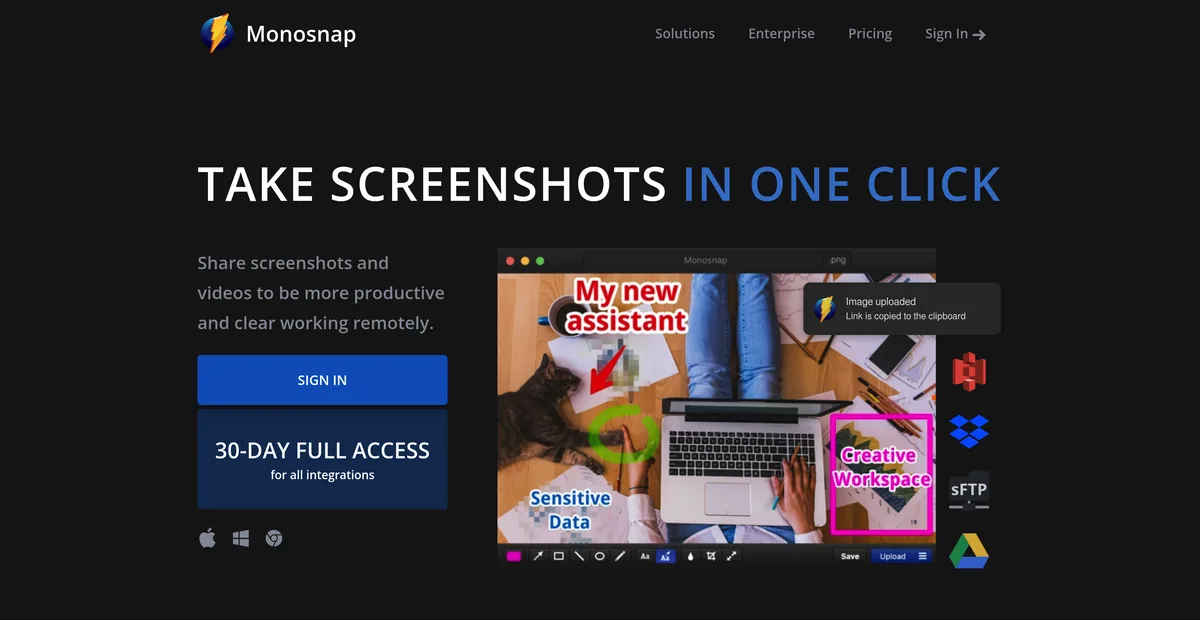
Monosnap alternatives
Monosnap's free tier is licensed for non-commercial use only. What that costs, and what to use at work instead.
Read the comparison →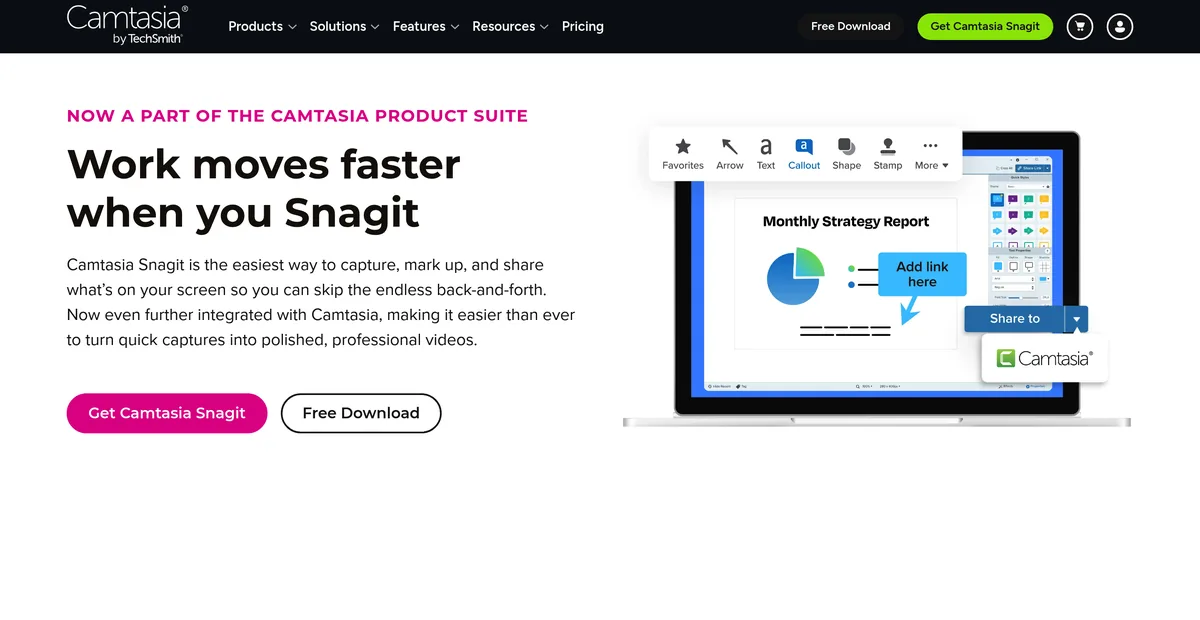
Snagit alternatives
Snagit stopped selling a one-time licence in 2025. What $39 a year adds up to, and what gets bought once instead.
Read the comparison →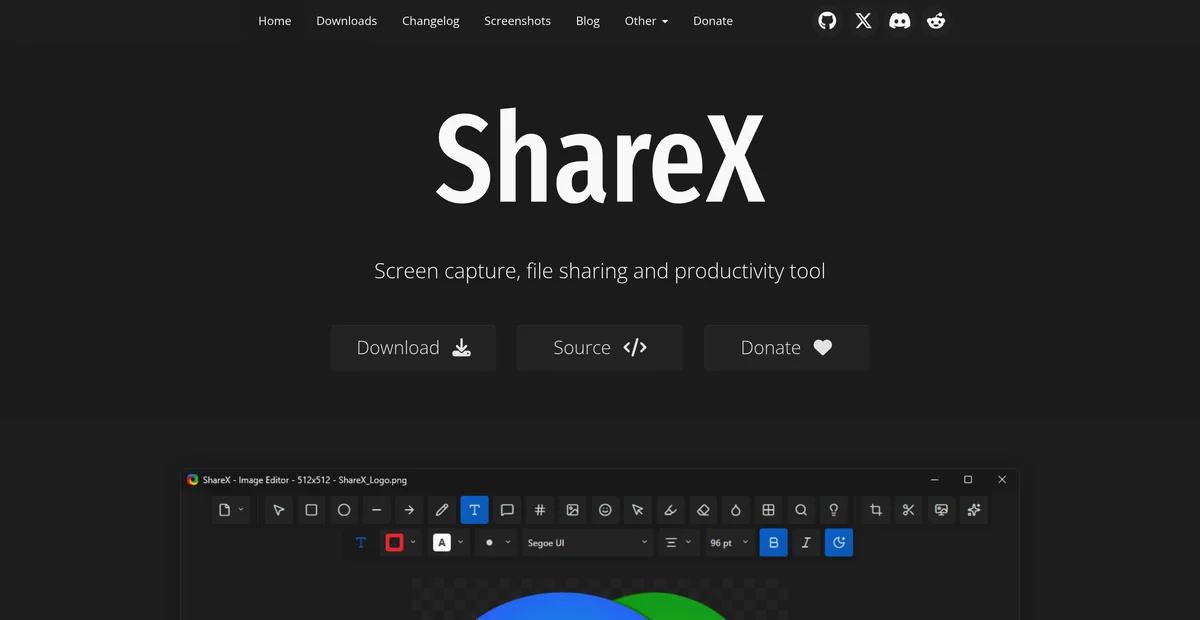
ShareX for Mac
ShareX has never run on macOS. What replaces it after a switch, and the one part that does not come back.
Read the comparison →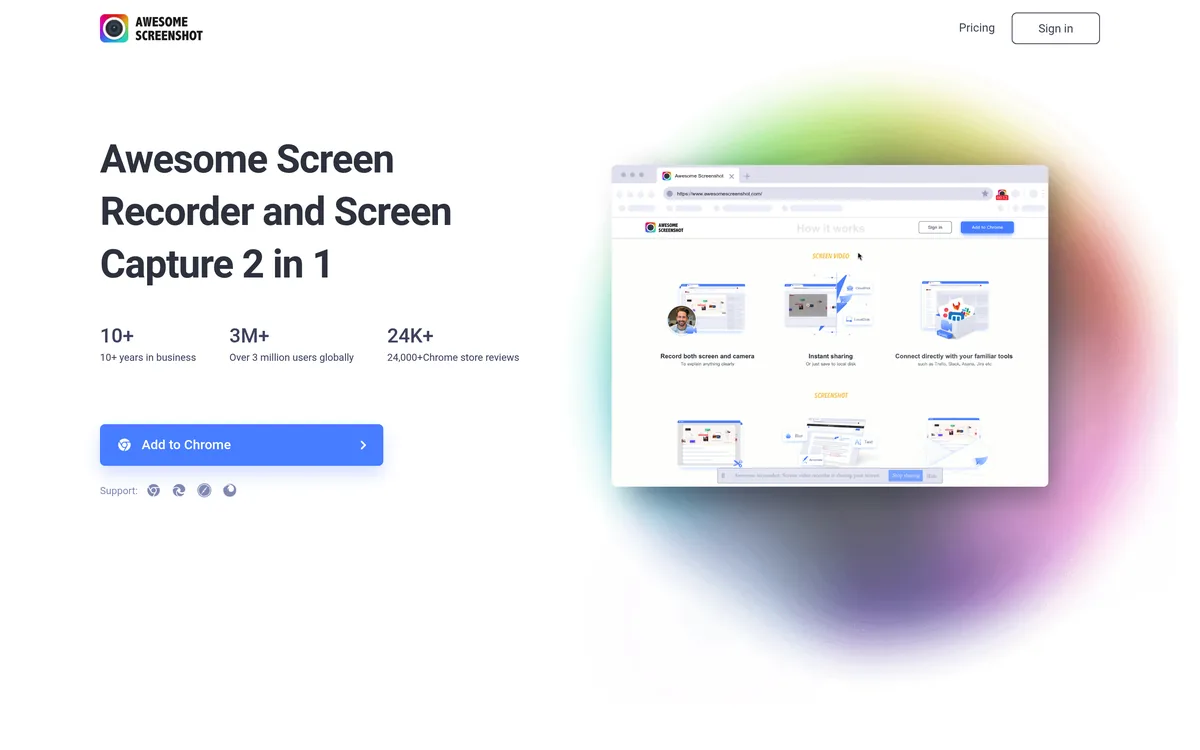
Awesome Screenshot alternatives
A browser extension and a Mac app on one subscription, and a free tier that stops at 100 screenshots. What replaces each half.
Read the comparison →
Lightshot alternatives
Why prnt.sc links are guessable, and what replaces Lightshot on Mac and on Windows.
Read the comparison →Keep Shottr. Add what it misses.
Seven days with everything unlocked, no card and no account. Solo is $19.99 once and keeps recording, cloud links, and passwords on the links you share.
Download Sowiks for Mac