ShareX for Mac: it doesn't exist
There is no macOS build, no beta, and no plan for one. ShareX has been Windows-only since 2008, and nobody searching this has a problem with the software — they changed laptops.
So this is not a page about leaving ShareX. It is about rebuilding what it did, on a machine that cannot run it, and being straight about the one part that does not come back.
Supplemented with
- Trustpilot Reviews
- getsharex.com
- Product Hunt Reviews
- ShareX
- Project docs
- Release notesOpen-source feature list
The short answer
Sowiks
Closest to the daily ShareX loop: capture, mark up, link on the clipboard. $19.99 once, and the free tier under it never expires.
CleanShot X
The broadest Mac toolkit, and the nearest thing to ShareX's feature count. $35 plus $19 a year to stay current, or $10 a month.
Shottr
The closest to ShareX on price — $0 is a supported choice. OCR, QR reading, a pixel ruler. No recording.
Keep a Windows machine
Not a joke. If the workflow is built on ShareX's custom uploader and 80-plus destinations, nothing on macOS rebuilds it.
What a Mac user actually loses
The uploader, above everything. ShareX publishes to more than eighty destinations — Imgur, Google Drive, Dropbox, OneDrive, Mega, Flickr, Pastebin, FTP, SFTP, Amazon S3 — and its custom uploader can be aimed at any endpoint at all. That layer, bound to a hotkey, is what turns a screenshot into a link without a decision in between. Nothing on macOS reproduces it. Every tool below uploads to exactly one place: its own.
The price, which was zero. Not free-with-a-ceiling, not free-for-personal-use, not free-for-a-fortnight. Free, open source, no ads, no account, no tier above it. On macOS the good screenshot tools cost money, and the only one that accepts $0 as a genuine answer is Shottr.
The extras nobody else bundles. QR code generation and reading, a URL shortener, a colour picker, OCR, and an editor with eighteen annotation tools including Smart Eraser, Magnify, Spotlight and Cut Out. Shottr kept QR reading. The rest simply is not part of what a Mac screenshot app is expected to be.
What is not lost: capture and editing. This is the good news, and it is most of the daily work. Area, window, full screen, scrolling, video and GIF, annotation, blur — every Mac tool below covers that ground, and some cover it more comfortably than ShareX did. ShareX asks for setup before it gives anything back: an error message and a wall of configuration dialogs is a normal first five minutes. None of these will do that.
I absolutely love ShareX, so when I switched to MacOS I was shocked to find out that it was Windows only. I've done research and it seems like there's no good alternatives with the features I want. 1. Custom uploaders. 2. Auto copy to clipboard.
Custom uploaders listed first, before anything about capture. Threads like this one recur in r/mac every year or two, and they almost always rank the uploader above every other feature — which is exactly the part no Mac tool replaces.
Side by side
| Tool | Price | Model | Platform | Scrolling | OCR | Recording | Share links | Link privacy | Best for |
|---|---|---|---|---|---|---|---|---|---|
| Sowiks | $0 free / $19.99 Solo | Free, or one-time | macOS 15.5+ | Yes (Solo) | Yes (Solo) | Video + GIF (Solo) | Yes (Solo) | Password + expiry | One-time price, private links |
| ShareX | Free | Free, open source | Windows only | Yes | Yes | Video + GIF | 80+ destinations | Depends on destination | The Windows power tool |
| CleanShot X | $35 one-time / $10 per month | One-time, or subscription | macOS 10.15+ | Yes, pausable | Yes | Video + GIF | Yes | Password + auto-delete on subscription | Deepest Mac toolkit |
| Shottr | Pay what you want | Name your price | macOS 10.15+ | Yes, with caveats | Yes, plus QR | None | S3, once activated | Local by default | Pixel measurement, speed |
| Awesome Screenshot | $0 free / $5–8 per month | Capped free tier, then subscription | Chrome, Edge, Firefox, macOS 11+ | Yes, inside the browser | Not listed | Video (720p free, 4K paid) | Yes | Password + revoke | Capturing web pages across browsers |
| Lightshot | Free | Free | Windows, macOS, browser | No | No | None | Public prnt.sc | Guessable URLs | Quick throwaway captures |
| Monosnap | $0 / $4.49 mo / $14.49 mo | Free, subscription, lifetime | macOS, Windows, Chrome | Extension-led | Yes | Video + GIF | Yes | Short links need a login | FTP, S3 and cloud drives |
| Snagit | $39 per user, per year | Subscription only | Windows + macOS | Yes | Yes | Video + GIF | Screencast hosting | Free hosting capped at 2 GB | Documentation, both platforms |
| macOS built-in | Free | Included | macOS | No | Live Text | Video | None | No links at all | Occasional captures |
What no Mac tool replaces
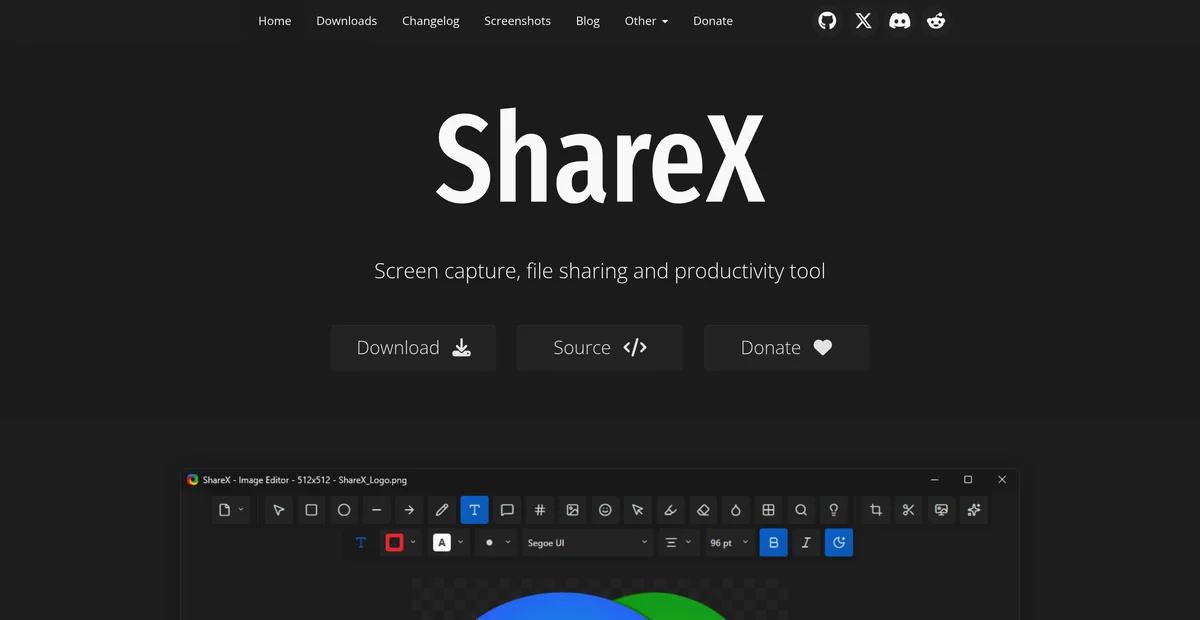
ShareX is free, open source, ad-free and account-free, and it has been shipping since 2008. Version 20.1 in May 2026 expanded the editor; version 21.0 in July 2026 added image comparison and a background remover running a local AI model. This is not a dying project someone is escaping.
Its editor carries eighteen annotation tools with keyboard shortcuts — Smart Eraser, Magnify, Spotlight, Cut Out, step markers, speech bubbles, blur, pixelate — alongside effects, watermarks, shadows and borders. That is more annotation surface than anything on this page, at a price of nothing.
And then the uploader, which is the real answer to why people miss it. Over eighty destinations plus a custom endpoint, wired into hotkey workflows, so a capture can land in a specific bucket on a specific server and return a link, without a dialog. Every Mac tool here made the opposite choice: one cloud, theirs, integrated tightly. That is a reasonable design and it is not the same design.
The honest summary is that a Mac replacement is a trade, not an upgrade. What is gained is a tool that works on the machine actually being used, and usually one that needs less setting up. What is given up is control over where the file goes.
The ShareX alternatives in 2026
Sowiks
Free, or $19.99 one-time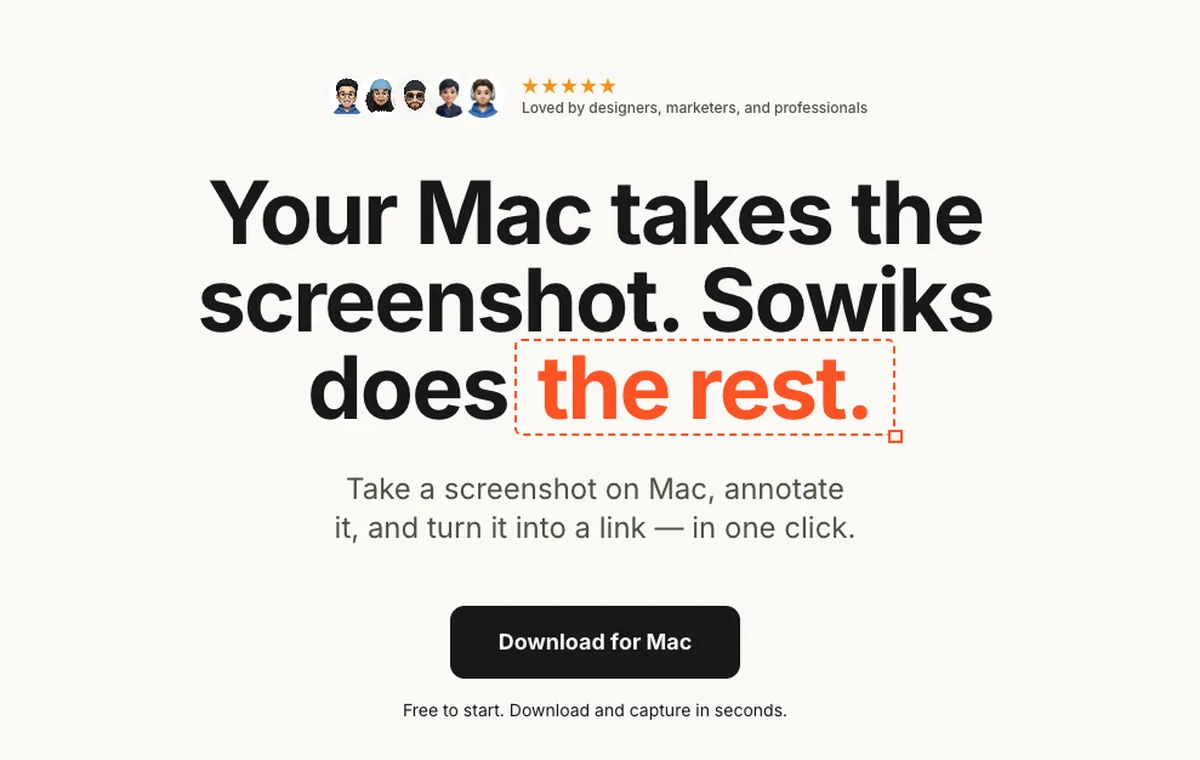
What it does
- ✓Rebuilds the part of ShareX most people actually use every day: one shortcut, capture, editor opens, link on the clipboard.
- ✓Solo is $19.99 once — every capture mode, OCR, video and GIF recording, 1 GB of cloud and permanent unbranded links, and twelve months of updates.
- ✓Seven days unlocked from the first capture with no card, account or email, then window capture and the full editor stay free forever.
- ✓Redaction in three modes, step numbers, a colour picker with a hex readout, overlays, crop and resize, an edge-aware background fill, and a clip editor.
- ✓Links can carry a password and an expiry, and it publishes straight into a paired WordPress site.
Where it stops
- —One destination, not eighty. No custom uploader, no FTP, no S3, no Imgur — captures go to Sowiks' own cloud or to a paired WordPress site.
- —No QR code generation or reading, no URL shortener. ShareX's grab bag of extras is not here.
- —Requires macOS 15.5 or later, and there is no Windows build to go back to.
Who it suits. Somebody rebuilding the ShareX habit on a Mac who used it for capturing, annotating and pasting a link — not for its destination grid.
Download Sowiks for MacCleanShot X
$35 one-time, or $10 per month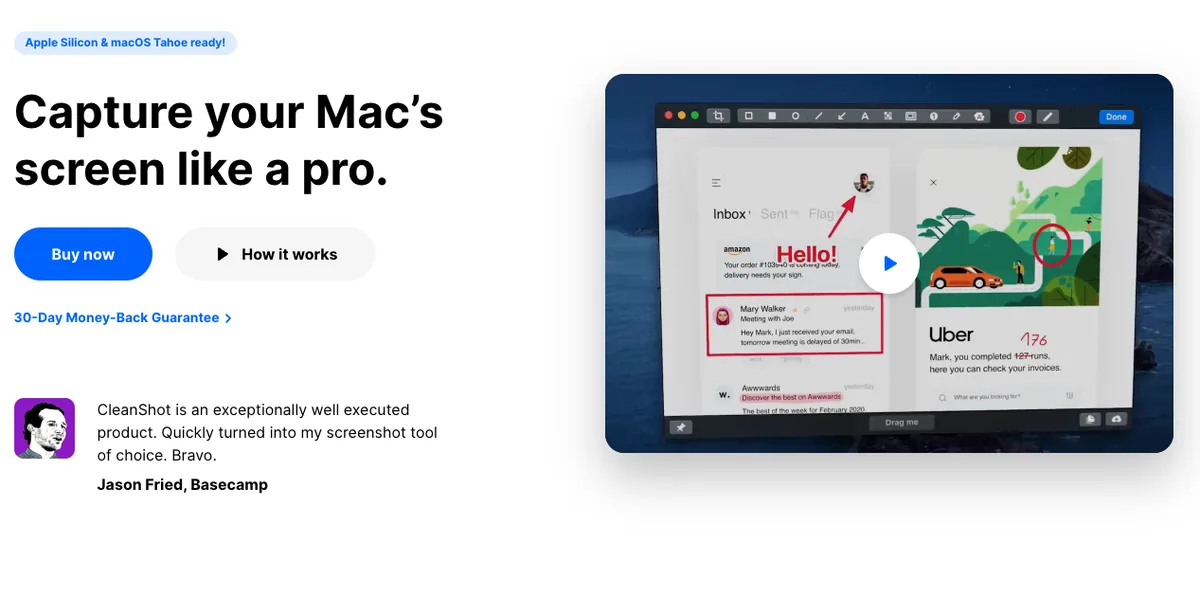
What it does
- ✓The closest thing on Mac to ShareX's feature count: scrolling capture that pauses mid-way, recording with keystroke display and click highlighting, OCR, GIF export.
- ✓An editor that gets within reach of ShareX's eighteen tools: curved arrows, a text-hugging highlighter, spotlight dimming.
- ✓Pinned screenshots, capture history, and hiding desktop icons during capture.
- ✓CleanShot Cloud with one-click links, plus password protection and auto-deletion on the subscription tier.
Where it stops
- —The $35 licence covers one Mac and one year of updates. Staying current costs $19 a year after that.
- —Password protection and auto-deletion sit on the subscription, not the one-time purchase.
- —Still one cloud, not a destination grid. No custom uploader.
Who it suits. ShareX users who valued its depth and are willing to pay Mac prices for the nearest equivalent.
Shottr
Pay what you want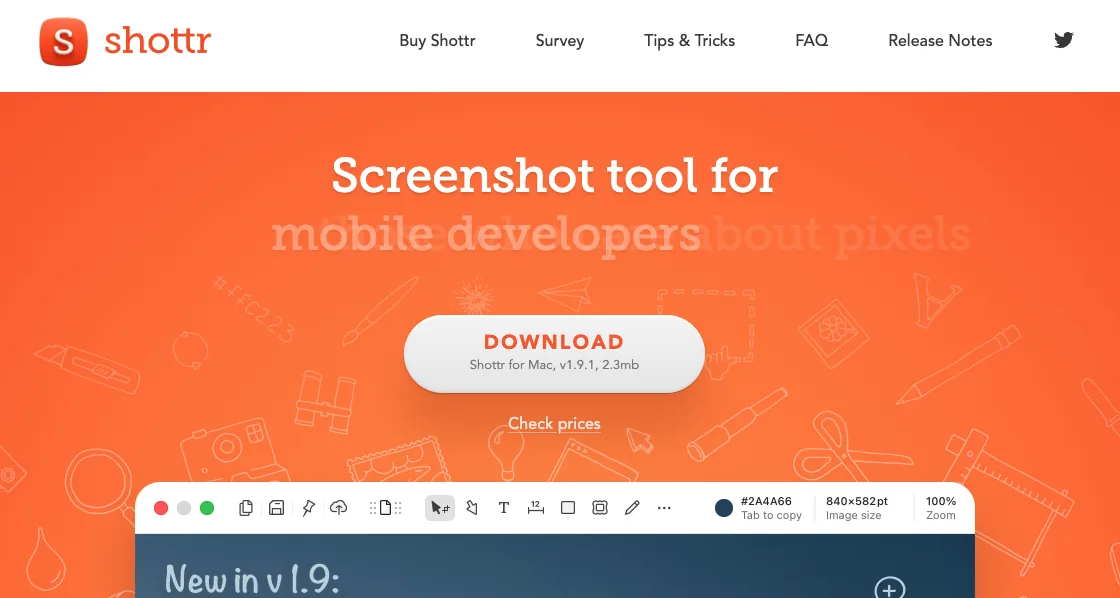
What it does
- ✓The only option here that matches ShareX on price: entering $0 is a documented, supported choice.
- ✓Area, window, full screen and scrolling capture, plus OCR and QR code reading — the one tool here that kept the QR feature.
- ✓A pixel ruler and grid overlay for measuring spacing between interface elements.
- ✓A 2.3 MB download, smaller than the ShareX installer, and capture in about 17 milliseconds.
- ✓Captures stay local unless uploading is switched on, which is how ShareX behaves by default too.
Where it stops
- —No screen recording at all. ShareX records video and GIF with audio; Shottr records nothing.
- —Scrolling capture is the unreliable part: duplicate segments and dropped content on pages that build themselves with JavaScript.
- —The pricing does not resolve: name your price on the site, $8 and $25 tiers elsewhere.
Who it suits. Anyone who used ShareX mostly for fast stills and OCR, and who is not ready to start paying for a screenshot tool.
macOS built-in
FreeWhat it does
- ✓Capture shortcuts and screen recording ship with the system.
- ✓Live Text pulls text out of images.
- ✓Markup in Preview handles basic arrows and shapes.
Where it stops
- —No scrolling capture.
- —No one-step annotation. The file saves first, then gets opened somewhere else.
- —No share links, no passwords, no expiry, no cloud, no uploader of any kind.
Who it suits. Anyone whose ShareX use was really just ⌘⇧4 with extra steps.
The rest of the field
These are not the closest replacements, but each one is the right answer to a question the tools above answer badly.
Runs on both platforms and costs nothing, which sounds like the obvious bridge until the links are examined. Uploads land on public prnt.sc addresses six characters long and close to sequential, with no password, no expiry and no access control. Anyone who set up a custom ShareX destination was solving exactly this problem.
The closest thing on macOS to ShareX's destination grid: FTP, sFTP, WebDAV and Amazon S3, plus Dropbox, Google Drive, Box and Evernote. The gap is the price and the terms — those destinations sit behind a subscription, and the free tier is licensed for non-commercial use only.
The paid, cross-platform option for anyone whose ShareX use was really documentation: Step Capture builds numbered walkthroughs on its own, and its manual scrolling capture handles cases ShareX's automatic scroll does not, including games. It costs $39 per user per year, with no one-time licence since January 2025.
What switching costs you
Every hotkey workflow built around the custom uploader has to be rebuilt or abandoned. If captures were going to a company server over SFTP or into a named S3 bucket, none of these tools will do it. The workable answer is to separate the two jobs — capture with a Mac tool, upload with a script or a folder action — which is more moving parts than ShareX needed.
The price stops being zero, unless Shottr is the pick. That is a small amount of money and a real change in category: a thing that was free becomes a thing that was bought.
QR codes and the URL shortener go. Shottr reads QR codes and nothing here generates them. If those were part of the routine, they now live in a browser tab.
What arrives in exchange is a tool that opens without a configuration session, an editor that appears the instant a capture is taken, and links that can carry a password and an expiry without configuring a destination to provide them.
Pick by what you do
Support and QA
The ShareX habit here is capture, annotate, paste a link. Sowiks Solo rebuilds it for $19.99 once, and adds a password and an expiry that ShareX would need a destination to provide.
Developers with a pipeline
If captures went to an S3 bucket or an internal endpoint through the custom uploader, be honest that nothing here does that. Either keep a Windows machine for it, or script the upload separately and use any Mac tool for the capture.
People who paid nothing and want to keep paying nothing
Shottr. It is the only tool here where $0 is a supported choice rather than a trial, and it kept OCR and QR reading. Give up recording.
Anyone who used the whole toolbox
CleanShot X gets closest on breadth, at $35 plus $19 a year. It still will not give you a URL shortener or a QR generator, because no Mac screenshot app bundles those.
Pricing breakdown
ShareX is the baseline every row below is measured against, and the baseline is zero. Moving to a Mac means deciding what the capture-to-link loop is worth, having previously paid nothing for it.
| Plan | Year 1 | Year 2 | Year 3 |
|---|---|---|---|
| LightshotFree on every platform | $0 | $0 | $0 |
| ShareXFree and open source — Windows only | $0 | $0 | $0 |
| macOS built-inIncluded with the system | $0 | $0 | $0 |
| Sowiks — free after the trialWindow capture and the full editor | $0 | $0 | $0 |
| Monosnap — free tierLicensed for non-commercial use only | $0 | $0 | $0 |
| Awesome Screenshot — free tierCapped at 100 screenshots and 20 recordings, 720p | $0 | $0 | $0 |
| Shottr — name your price$0 is supported; the app asks occasionally | $0+ | $0+ | $0+ |
| Sowiks Solo$19.99 once; updates after the first year are an optional renewal | $19.99 | $19.99 | $19.99 |
| CleanShot Basic — one-time$35, then $19 a year to stay current | $35 | $54 | $73 |
| Monosnap — lifetime$99.99 once, non-commercial only | $99.99 | $99.99 | $99.99 |
| Snagit Individual$39 per user, per year — no one-time option since 2025 | $39 | $78 | $117 |
| Monosnap — non-commercial$44.99 a year | $44.99 | $89.98 | $134.97 |
| Awesome Screenshot Professional$6 a month billed annually | $72 | $144 | $216 |
| Monosnap — commercial$85.99 a year | $85.99 | $171.98 | $257.97 |
| CleanShot Pro — subscription$10 per user a month, billed annually | $120 | $240 | $360 |
The zero rows are not all equal. ShareX is free the way open source is free, with no tier above it. Lightshot is free but pays for it in public links. Monosnap's free tier forbids commercial use. Shottr accepts $0 as a supported choice, macOS covers capture and recording on its own, and Sowiks after its trial keeps window capture and the full editor free with no restriction on work use. Only one of those six is a like-for-like swap for what was left behind on Windows.
The cheapest full replacement is $19.99, once. Sowiks Solo adds every capture mode, OCR, recording and links with a password and an expiry, and does not renew.
Breadth is the expensive option. CleanShot X reaches $73 over three years on the one-time licence with renewals, or $360 on the subscription. That buys the closest thing to ShareX's feature count — and still not its uploader.
Questions
Is there a ShareX for Mac?
Can ShareX run on a Mac through a virtual machine or a compatibility layer?
What is the closest ShareX alternative on Mac?
Is there a free ShareX alternative for Mac?
Does anything on Mac replace ShareX's custom uploader?
Is ShareX still being developed?
Keep comparing
CleanShot X alternatives
Five options compared on price, link privacy and what actually breaks when you switch.
Read the comparison →Shottr alternatives
What to use when Shottr's missing screen recording or unreliable scrolling capture becomes the problem.
Read the comparison →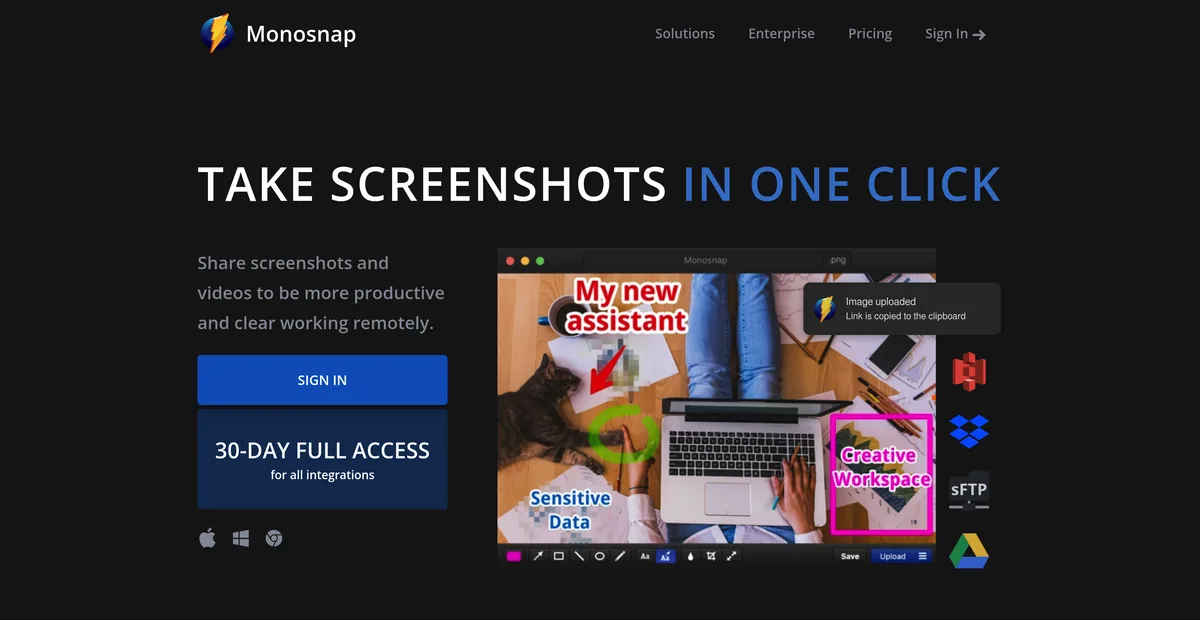
Monosnap alternatives
Monosnap's free tier is licensed for non-commercial use only. What that costs, and what to use at work instead.
Read the comparison →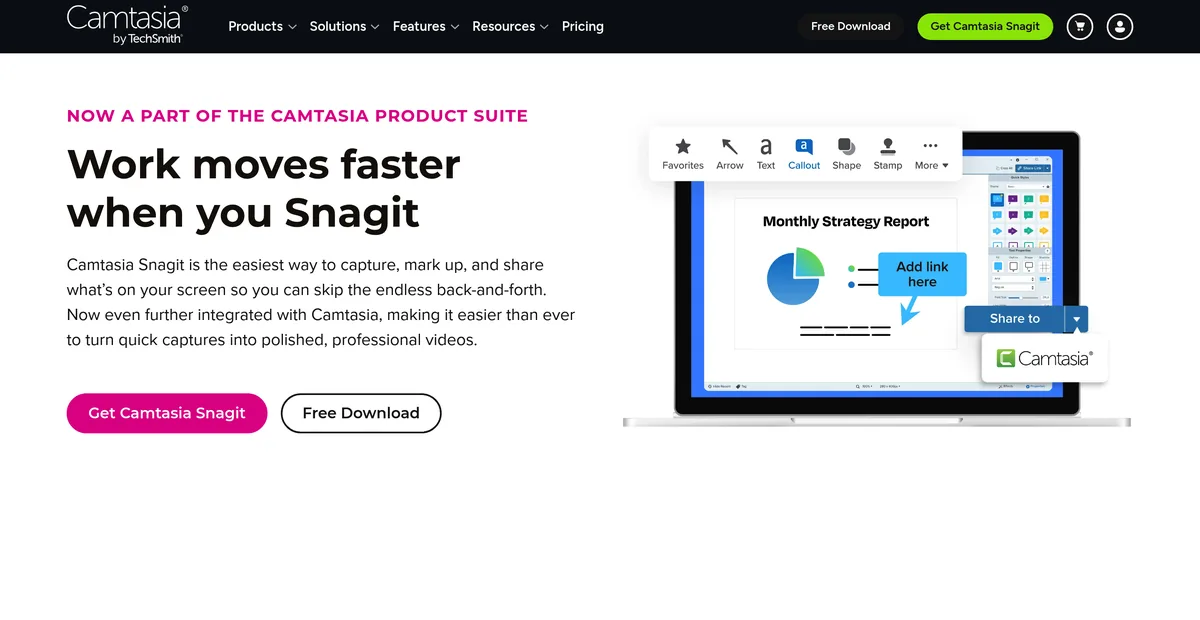
Snagit alternatives
Snagit stopped selling a one-time licence in 2025. What $39 a year adds up to, and what gets bought once instead.
Read the comparison →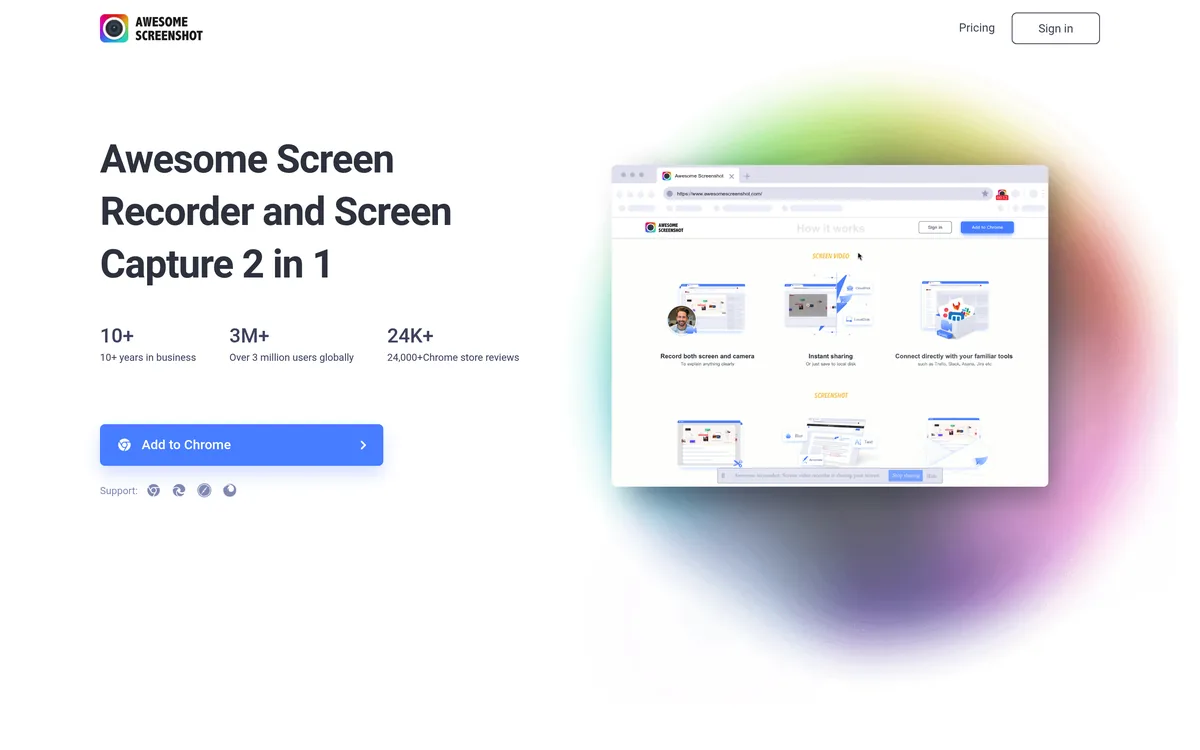
Awesome Screenshot alternatives
A browser extension and a Mac app on one subscription, and a free tier that stops at 100 screenshots. What replaces each half.
Read the comparison →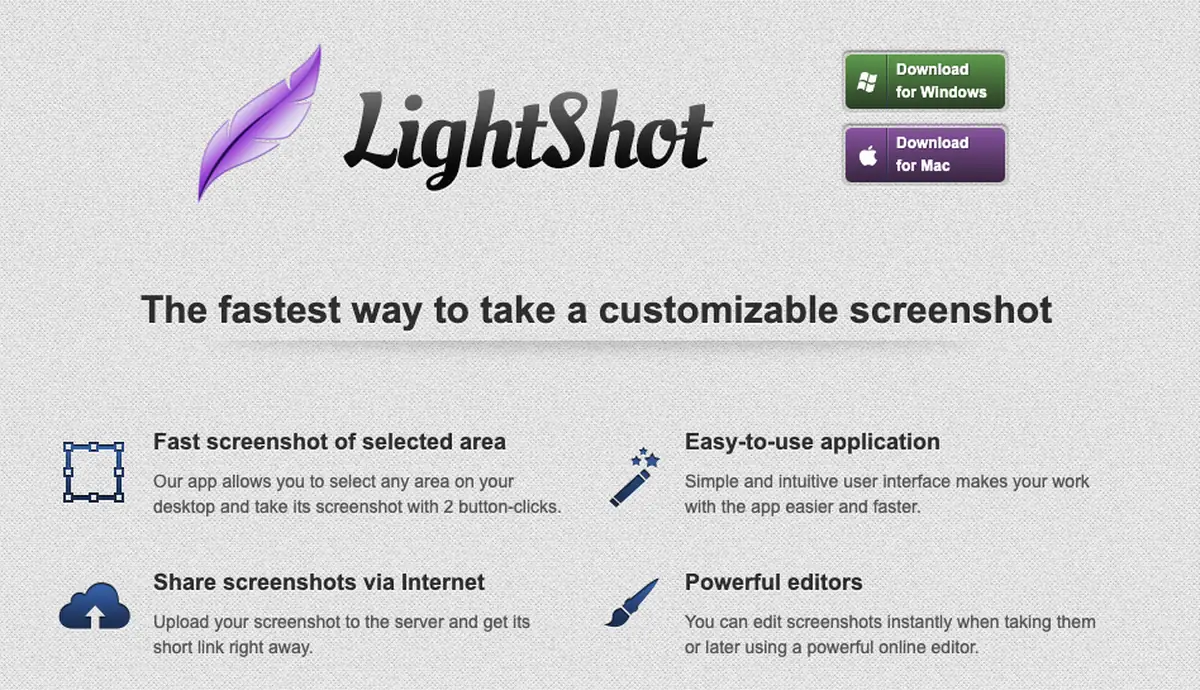
Lightshot alternatives
Why prnt.sc links are guessable, and what replaces Lightshot on Mac and on Windows.
Read the comparison →Rebuild the loop, not the whole toolbox
Seven days with everything unlocked, no card and no account. Solo is $19.99 once for every capture mode, OCR, recording and links that carry a password.
Download Sowiks for Mac