CleanShot X alternatives for Mac
CleanShot X is very good, and most people who leave it are not leaving over features. They leave over the renewal date, the one-Mac license, or a monthly bill for a tool they use for twenty seconds at a time.
This page compares six options on the things that actually decide it: what you pay over three years, whether a shared link can be locked, and what breaks when you switch.
Supplemented with
- Trustpilot Reviews
- no listing
- Product Hunt Reviews
- CleanShot
- Vendor docs
- Pricing pagesRelease notes
The short answer
Sowiks
Best for paying once. Seven days unlocked, then window capture and the editor stay free; $19.99 adds the rest, including cloud and password-protected links.
CleanShot X
Best overall toolkit. The deepest editor, the most developed cloud, and team features — on a renewal clock or a monthly bill.
Shottr
Best for measuring. A pixel ruler, fast capture, and a tiny footprint. No screen recording at all.
Lightshot
Best for throwaway captures. Free and instant, but links are public and guessable, and there is no blur tool.
macOS built-in
Best for occasional use. Already installed and records video. No scrolling capture, no links, editing happens elsewhere.
Why people look for an alternative
Updates stop after a year. The $35 one-time license includes twelve months of updates. The app keeps running afterward, but new features and fixes stop until another $19 is paid. For anyone who updates macOS the week it ships, that is the whole decision: a year-old build is the one that breaks first.
One license, one Mac. Anyone running a desktop and a laptop buys twice.
The subscription is priced for cloud. At $10 per user a month it is aimed at people who need unlimited storage and team features. If captures never leave the machine, that is $120 a year for storage nobody opens.
Too much app. Over fifty features, marketed as seven apps in one. In practice a workflow settles into three or four, and the rest becomes menu you scroll past. That is not a defect, but it is what you are paying for.
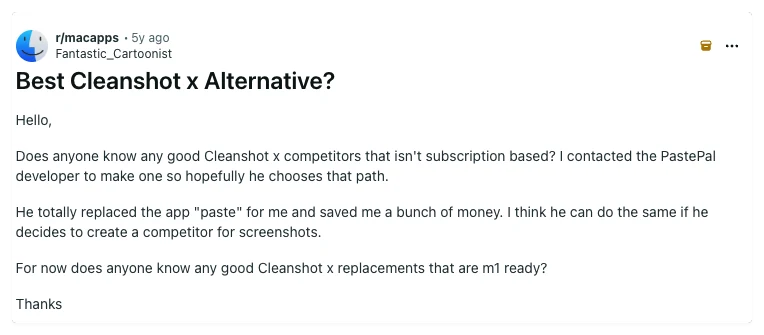
Cleanshot, no urge to renew. I like how the screenshot always pops in the bottom left corner instead of where you release the snapping window. My cleanshot version is running two years behind the current release.
This is what the renewal actually looks like in practice. The licence does not expire and the app does not stop — people simply stay on the version they paid for and drift further behind each year.
Side by side
| Tool | Price | Model | Platform | Scrolling | OCR | Recording | Share links | Link privacy | Best for |
|---|---|---|---|---|---|---|---|---|---|
| Sowiks | $0 free / $19.99 Solo | Free, or one-time | macOS 15.5+ | Yes (Solo) | Yes (Solo) | Video + GIF (Solo) | Yes (Solo) | Password + expiry | One-time price, private links |
| CleanShot X | $35 one-time / $10 per month | One-time, or subscription | macOS 10.15+ | Yes, pausable | Yes | Video + GIF | Yes | Password + auto-delete on subscription | Deepest Mac toolkit |
| Shottr | Pay what you want | Name your price | macOS 10.15+ | Yes, with caveats | Yes, plus QR | None | S3, once activated | Local by default | Pixel measurement, speed |
| Awesome Screenshot | $0 free / $5–8 per month | Capped free tier, then subscription | Chrome, Edge, Firefox, macOS 11+ | Yes, inside the browser | Not listed | Video (720p free, 4K paid) | Yes | Password + revoke | Capturing web pages across browsers |
| Lightshot | Free | Free | Windows, macOS, browser | No | No | None | Public prnt.sc | Guessable URLs | Quick throwaway captures |
| Monosnap | $0 / $4.49 mo / $14.49 mo | Free, subscription, lifetime | macOS, Windows, Chrome | Extension-led | Yes | Video + GIF | Yes | Short links need a login | FTP, S3 and cloud drives |
| Snagit | $39 per user, per year | Subscription only | Windows + macOS | Yes | Yes | Video + GIF | Screencast hosting | Free hosting capped at 2 GB | Documentation, both platforms |
| ShareX | Free | Free, open source | Windows only | Yes | Yes | Video + GIF | 80+ destinations | Depends on destination | The Windows power tool |
| macOS built-in | Free | Included | macOS | No | Live Text | Video | None | No links at all | Occasional captures |
What CleanShot X still does better
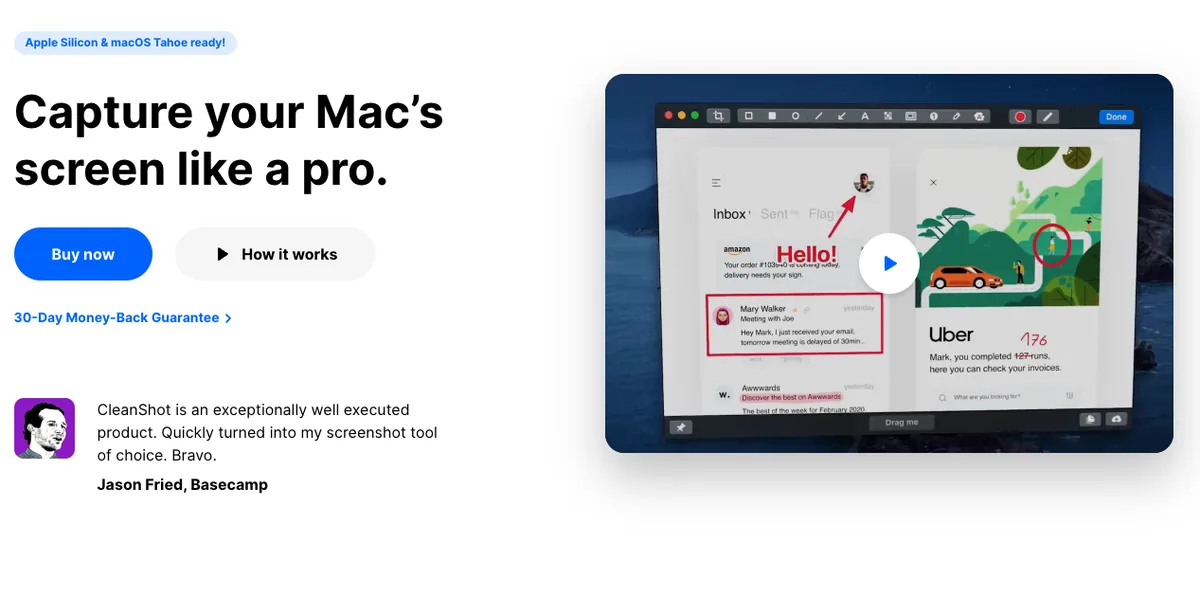
Its cloud is more developed. Capture, annotate, upload and paste a link is one continuous motion, and the subscription tier adds branded domains and team management on top.
The editor goes deeper. Curved arrows, a highlighter that snaps to the shape of the text under it, and a spotlight that darkens everything outside the selection — the three that survive contact with daily use.
Recording has more controls: keystroke display, click highlighting, a webcam overlay, and automatic hiding of notifications while recording.
And since 2026 it edits the result. Studio Mode is a video editor built into the app: trim the mistakes out of a take, resize the cursor and change what a click looks like, smooth the pointer's movement so a demo is followable, and let smart zooms generate camera moves that track the cursor on their own, motion blur included. Backgrounds, margins and shadows apply to video the way they already did to stills, and the same recording exports landscape, square or vertical. For a lot of short screen videos that removes both QuickTime and the editing app after it.
And it is simply bigger — closer to a bundle of small utilities than to a screenshot app. If a workflow needs pinned screenshots, capture history, or hidden desktop icons, CleanShot X has all three.
The CleanShot X alternatives in 2026
Sowiks
Free tier, 7-day trial, or $19.99 one-time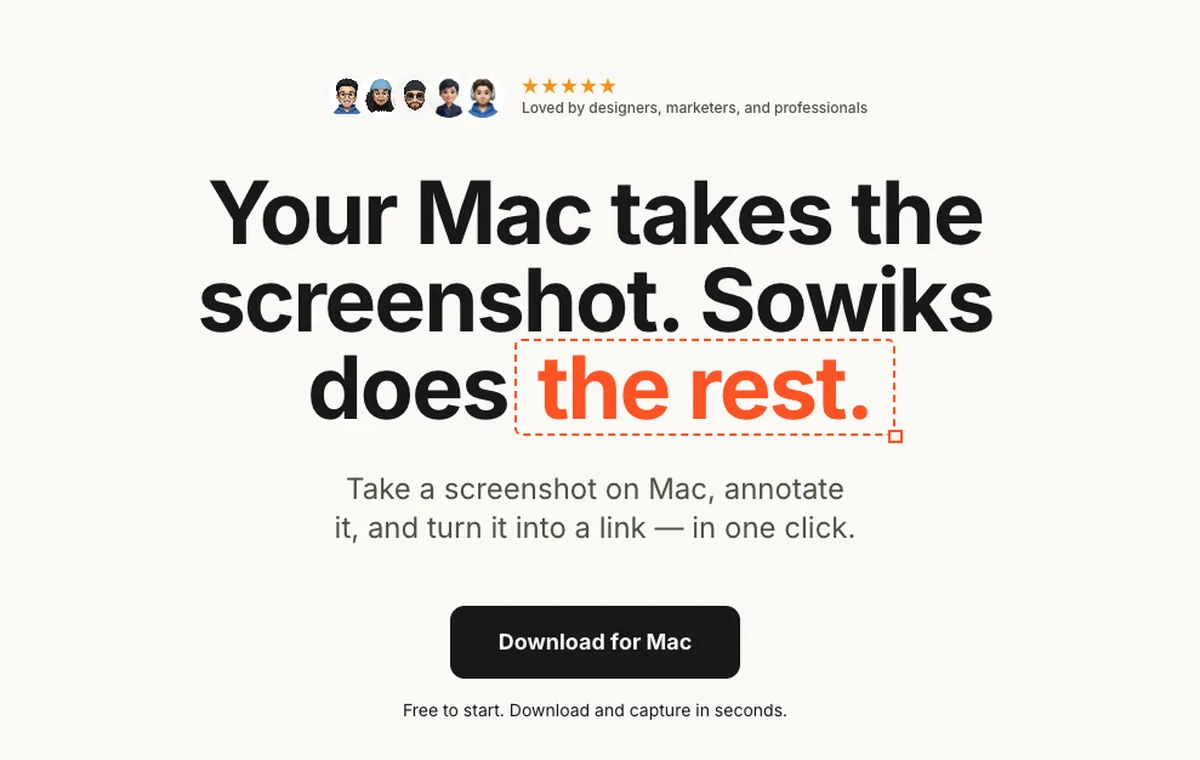
What it does
- ✓Everything is unlocked for seven days, starting from the first capture, with no account.
- ✓Solo adds 1 GB of cloud storage, permanent share links, screen recording as video or GIF, and no Sowiks branding.
- ✓Share links carry an expiration setting and optional password protection.
- ✓Scrolling capture, 13 annotation tools, blur, step numbers, color picker, overlays, resize, and backgrounds.
- ✓Combine up to 10 screenshots into one gallery with a shared link or a ZIP.
Where it stops
- —After the trial the free tier narrows to window capture and the editor. The other capture modes, OCR, cloud, links and recording are Solo.
- —No team administration, roles, or shared workspaces.
- —Mac only.
Who it suits. People who want the capture-annotate-share loop without a subscription, and who care that a shared link can be locked and given an expiry date.
Download Sowiks for MacShottr
Pay what you want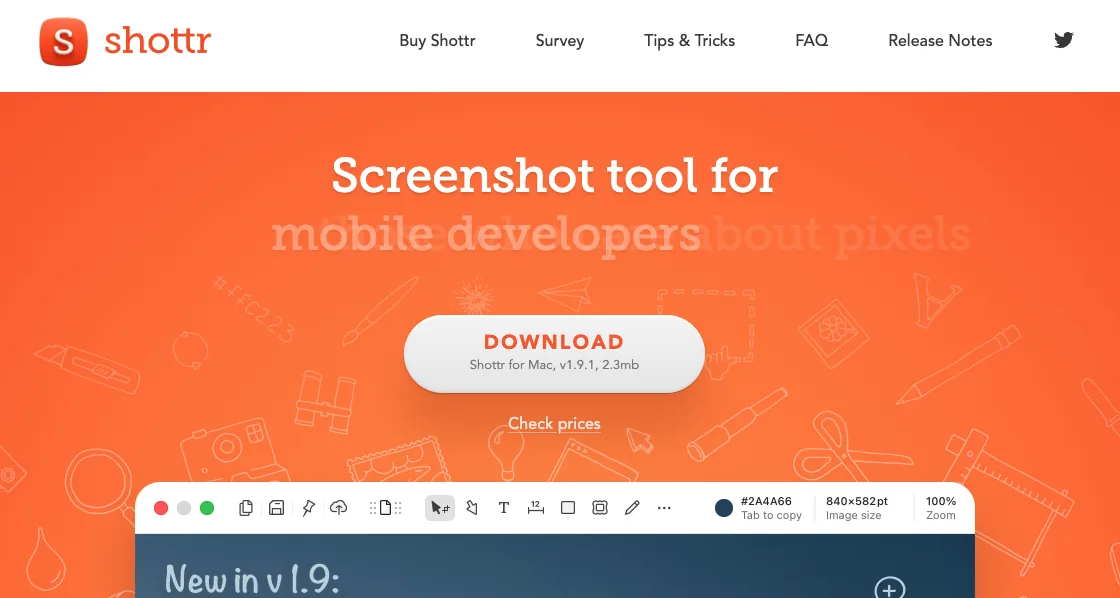
What it does
- ✓Fast capture with the editor opening straight after the shot.
- ✓Scrolling capture, OCR, and QR reading.
- ✓A pixel ruler and grid overlay for measuring spacing between interface elements.
- ✓Pixelation and object removal for redacting before sharing.
- ✓Uploading is optional. Captures stay local unless the upload is triggered.
Where it stops
- —No screen recording of any kind. This is the cleanest functional gap between Shottr and the rest.
- —Scrolling capture is the weak spot — duplicate segments and missing content on pages that load progressively through JavaScript. Static pages are fine.
- —Pricing is ambiguous: name your price on the site, $8 and $25 tiers elsewhere.
Who it suits. Designers and developers who measure things, work locally, and do not need video.
Lightshot
Free
What it does
- ✓Region capture with arrows, rectangles, marker, and text.
- ✓Upload and get a short link, which is the core of the product.
- ✓Runs on Windows and Mac, plus browser extensions.
Where it stops
- —No scrolling capture and no screen recording.
- —No blur or pixelation, so there is no way to redact a screenshot before uploading it.
- —Uploaded screenshots land on public, near-sequential prnt.sc URLs. Change a character in the address and you are looking at somebody else's screenshot. It can be automated, and it has been.
Who it suits. Quick throwaway captures where nothing sensitive is on screen.
macOS built-in
FreeWhat it does
- ✓Capture shortcuts and screen recording are already installed.
- ✓Live Text pulls text out of images.
- ✓Markup in Preview handles basic arrows and shapes.
Where it stops
- —No scrolling capture.
- —No one-step annotation. The file saves first, then gets opened somewhere else.
- —No share links.
Who it suits. Anyone who takes a screenshot now and then and does not want another menu bar icon.
Four more worth knowing about
These are not the closest replacements, but each one is the right answer to a question the tools above answer badly.
Cheaper than CleanShot X and cross-platform, with one catch the App Store listing states twice: the free tier is licensed for non-commercial purposes only. Work use starts at $14.49 a month. What it has that CleanShot X does not is destinations — FTP, sFTP, WebDAV and Amazon S3 alongside Dropbox, Google Drive, Box and Evernote.
The same bet as CleanShot X — capture, edit the recording, share a locked link — placed on the browser instead of the operating system, and paid for by the month. Its editor puts trims, text, shapes and clickable links inside a video without a second app, much as Studio Mode now does. Where they part is reach and shape of the bill: it installs on Windows, Edge and Firefox, none of which CleanShot X will ever see, and Professional runs $216 over three years against $35 once plus $19 a year.
The other end of the price range, and no longer a one-time purchase: TechSmith ended perpetual licences on 1 January 2025, leaving $39 per user per year. It buys two things CleanShot X has no answer for — Step Capture, which assembles a numbered walkthrough from a click-through, and Smart Redact, which finds sensitive data instead of waiting to be told where it is.
Free, open source, and unavailable here: ShareX is Windows-only and always has been. Relevant only if part of the team is on Windows, where it publishes to more than eighty destinations plus a custom endpoint and costs nothing at all.
What switching costs you
Team features are the real gap. CleanShot X sells shared workspaces, admin controls, and branded domains on its subscription. Sowiks has no equivalent. A team that needs central administration should stay put.
Some recording extras do not carry over. Keystroke display, click highlighting, and webcam overlay are CleanShot X features. Sowiks records video and GIF on Solo, without those additions.
Small utilities add up. Pinned screenshots, capture history, and hiding desktop icons during capture are small things that get used every day, and Sowiks has no equivalent for any of them.
Pick by what you do
Designers
Shottr fits when pixel measurement and fast markup matter more than links. CleanShot X fits when backgrounds and annotation styling drive the output.
Support teams
The job is redact, then send a link. CleanShot X's subscription is the match when team controls are required. Sowiks Solo covers the same loop at a one-time price, with password-protected links.
Developers
Scrolling capture for logs and OCR for error text carry most of the weight. Shottr is the lightest option. Sowiks adds recording and links on Solo.
Technical writers
Step numbers that renumber themselves, combined screenshots, and a repeatable share step decide it. CleanShot X has the deepest toolkit here. Sowiks covers the same pipeline without a renewal date.
Pricing breakdown
Sticker price decides very little here. What decides it is whether the price repeats. Below is the cumulative cost over three years, using the pricing and renewal terms each vendor publishes.
| Plan | Year 1 | Year 2 | Year 3 |
|---|---|---|---|
| LightshotFree on every platform | $0 | $0 | $0 |
| ShareXFree and open source — Windows only | $0 | $0 | $0 |
| macOS built-inIncluded with the system | $0 | $0 | $0 |
| Sowiks — free after the trialWindow capture and the full editor | $0 | $0 | $0 |
| Monosnap — free tierLicensed for non-commercial use only | $0 | $0 | $0 |
| Awesome Screenshot — free tierCapped at 100 screenshots and 20 recordings, 720p | $0 | $0 | $0 |
| Shottr — name your price$0 is supported; the app asks occasionally | $0+ | $0+ | $0+ |
| Sowiks Solo$19.99 once; updates after the first year are an optional renewal | $19.99 | $19.99 | $19.99 |
| CleanShot Basic — one-time$35, then $19 a year to stay current | $35 | $54 | $73 |
| Monosnap — lifetime$99.99 once, non-commercial only | $99.99 | $99.99 | $99.99 |
| Snagit Individual$39 per user, per year — no one-time option since 2025 | $39 | $78 | $117 |
| Monosnap — non-commercial$44.99 a year | $44.99 | $89.98 | $134.97 |
| Awesome Screenshot Professional$6 a month billed annually | $72 | $144 | $216 |
| Monosnap — commercial$85.99 a year | $85.99 | $171.98 | $257.97 |
| CleanShot Pro — subscription$10 per user a month, billed annually | $120 | $240 | $360 |
The subscription is the outlier. At $10 per user a month billed annually, CleanShot X costs $360 over three years. That buys unlimited cloud storage and team features. For anyone not using either, it is the most expensive way to annotate a screenshot.
The one-time license is not quite one-time. $35 covers the app and twelve months of updates. Keeping it current costs $19 a year after that, which is how $35 becomes $73 by year three. The app keeps working if the renewal is skipped, but it stops receiving fixes, and macOS does not stop changing.
Free is rarely free of tradeoffs. Lightshot costs nothing and puts screenshots on public URLs that can be guessed. Shottr asks for whatever the user thinks it is worth, and has no recording. The macOS tool is free because it stops where the work starts.
Sowiks Solo is the cheaper end of the same deal. Both include a year of updates and then ask. The free tier keeps window capture and the editor, so nothing you have already captured stops opening.
Questions
Is Sowiks free?
What does Sowiks Solo add?
Does CleanShot X still have a one-time purchase?
Is Shottr a good CleanShot X replacement?
What is the Lightshot prnt.sc privacy problem?
Can share links be locked down?
Keep comparing
Shottr alternatives
What to use when Shottr's missing screen recording or unreliable scrolling capture becomes the problem.
Read the comparison →
Monosnap alternatives
Monosnap's free tier is licensed for non-commercial use only. What that costs, and what to use at work instead.
Read the comparison →
Snagit alternatives
Snagit stopped selling a one-time licence in 2025. What $39 a year adds up to, and what gets bought once instead.
Read the comparison →
ShareX for Mac
ShareX has never run on macOS. What replaces it after a switch, and the one part that does not come back.
Read the comparison →
Awesome Screenshot alternatives
A browser extension and a Mac app on one subscription, and a free tier that stops at 100 screenshots. What replaces each half.
Read the comparison →Lightshot alternatives
Why prnt.sc links are guessable, and what replaces Lightshot on Mac and on Windows.
Read the comparison →Try it before deciding
Seven days with everything unlocked, starting when you take your first capture — no card and no account. Solo is $19.99 once, and there is no renewal date to remember.
Download Sowiks for Mac